













Lost Your Wireless Headphones at Home or Outside? Here’s How to Find Them
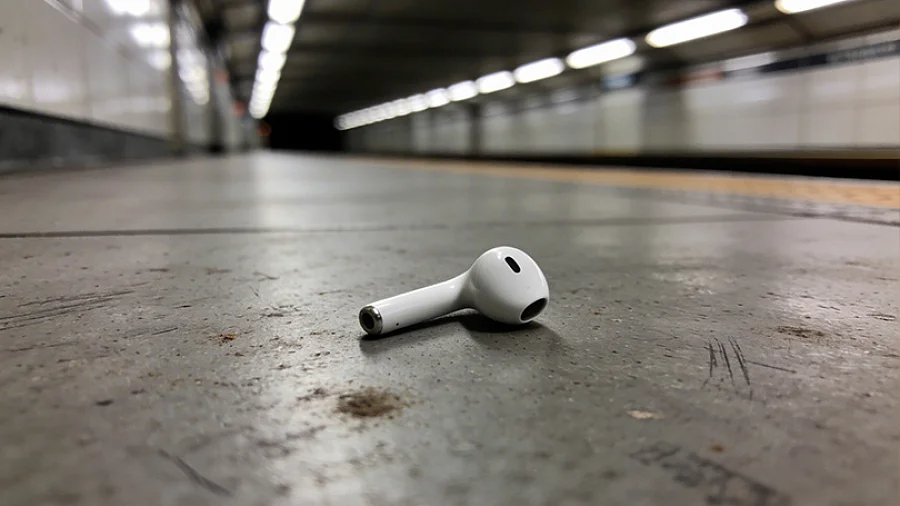
Wireless headphones are just about the easiest gadgets to lose. They are tiny, cable-free, and incredibly easy to misplace. But before you panic and order a replacement pair, there is hope. Modern smartphones, brand-specific apps, and a bit of methodical searching can usually reunite you with your lost tech.
Let’s see how to track down your missing earbuds across iPhone and Android devices, covering every possible scenario — from losing a single earbud in your couch to dropping the whole case somewhere on the street.
Contents
The First 2 Minutes: Stop and Think
Panic is your worst enemy right now. A rushed search usually leads to overlooking obvious spots. Most lost headphones are found within minutes if you just retrace your steps calmly.
- Check the Obvious: Think about the exact moment you last took them off. Check all your pockets, your bag, and the surrounding area. The case is small and easily falls to the bottom of a backpack.
- Check Bluetooth Status: Open your smartphone's Bluetooth settings. If the status says "Connected," take a deep breath — your headphones are turned on and somewhere very close by.
CRITICAL WARNING: Do not disconnect, unpair, or reset your headphones in a panic. Doing so severs the digital link, making many tracking features completely useless. Leave them connected!
Searching at Home
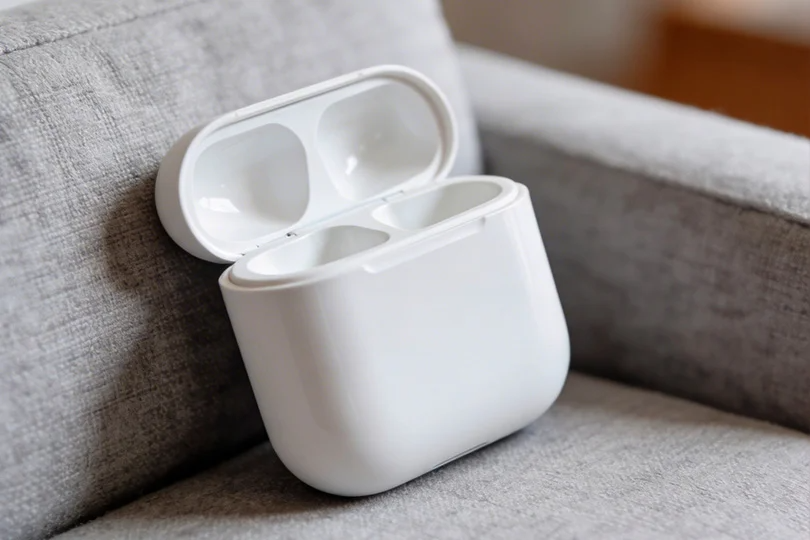
If you lost the headphones in your house or car, logic is your best tool. Start with the most obvious places and slowly expand your search radius.
- Play a Sound: If your app has a "Play Sound" feature, use it immediately. Even a faint chirp is easy to hear in a quiet room.
- Grid Search: Divide your apartment into zones (hallway, desk, sofa, bed, kitchen). Check each zone methodically. Do not move to the next room until you have completely cleared the current one.
- The Bluetooth Hot-and-Cold Game: Some brand apps show signal strength in real time. Walk slowly around your house. If the signal gets stronger, you are getting closer.
- Missing Just One Earbud? The second one is almost certainly nearby. It might have rolled under the furniture, fallen behind a cushion, or stayed in another pocket. Focus your search specifically around where you found the first one.
Note: If the earbuds are sitting inside a closed charging case, the "Play Sound" feature usually won't work, as the case muffles the audio. You will have to rely on a visual search.
Searching Outside
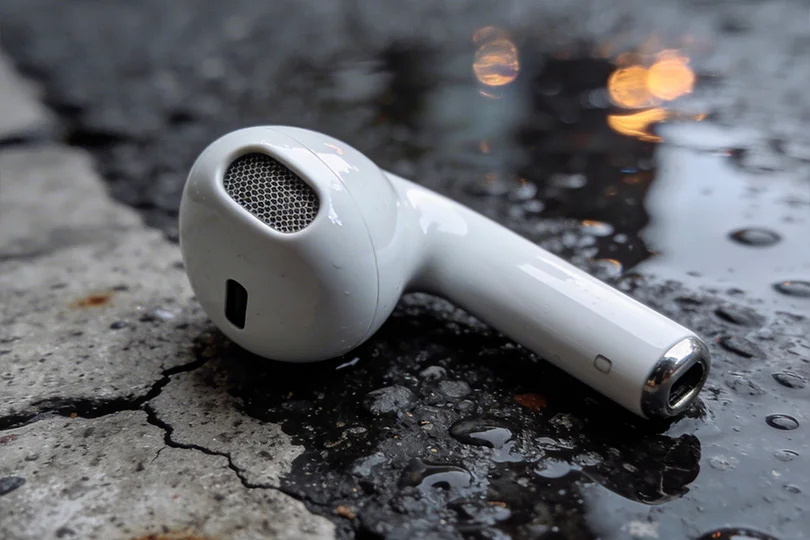
If you realized the buds are missing after leaving your house, location data becomes much more important than playing a sound.
- Check the Map: Open your tracking app immediately. The map will show the last known location where the headphones were connected to your phone. Pay close attention to the timestamp — that is your starting point.
- Account for Delay: Keep in mind that location updates can be delayed by a few minutes or even up to half an hour. If the pin is at a mall, they might not be sitting exactly on that dot right this second. Consider where you walked after that timestamp.
- Check Lost and Found: If the last location is a public place (like a cafe or gym), stay calm and don't assume the buds were stolen. Head straight to the information desk or security and ask if anyone turned them in.
For Apple Users: Finding AirPods with 'Find My'
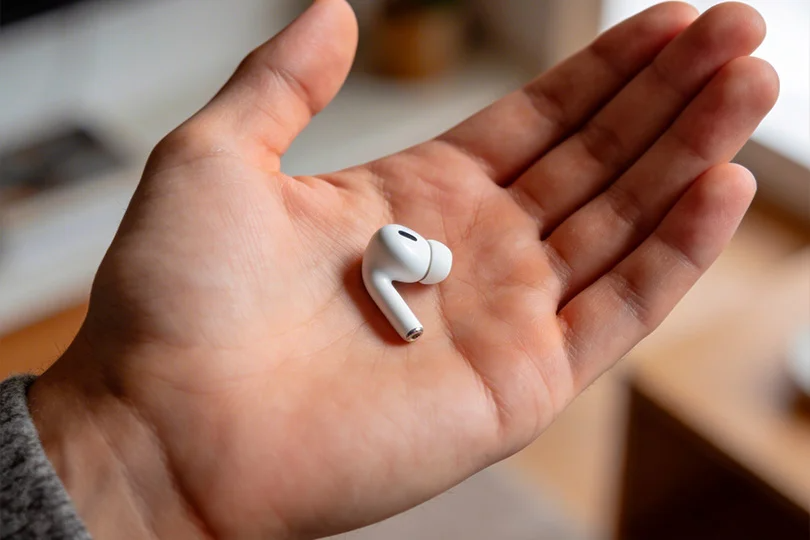
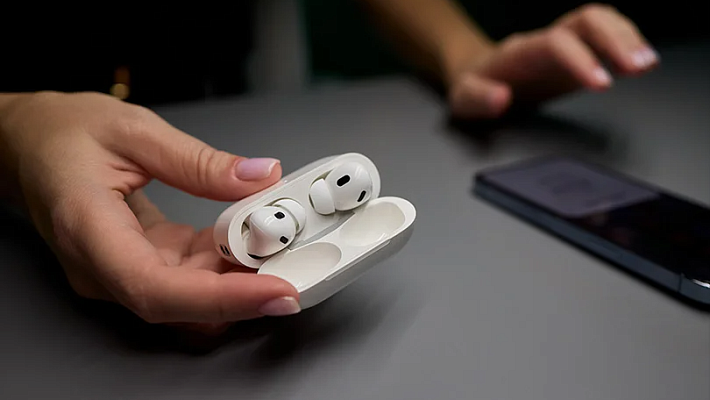
Apple’s built-in "Find My" app is incredibly powerful. It works for AirPods, AirPods Pro, and AirPods Max, provided they were linked to your Apple ID before you lost them.
- How to Use It: Open the "Find My" app on your iPhone (or log into icloud.com). Go to the "Devices" tab and select your AirPods.
- The Map: If they are on and nearby, you will see their live location. If they are dead or out of range, you will see the last known location and a timestamp. Left and right earbuds can even be tracked separately.
- Play Sound: Hit the button to make the AirPods emit a gradually louder chirp. You can choose to play it on the left, right, or both buds.
- Precision Finding: If you have an iPhone 11 or newer and AirPods Pro 2nd Gen, use "Find Nearby." Your screen will literally point an arrow at the headphones and tell you exactly how far away they are.
- Lost Mode: If you can't find them, activate "Mark as Lost." If any other Apple device in the world walks past your AirPods, you will get a notification with their updated location. You can also leave a phone number that will pop up if someone else finds them.

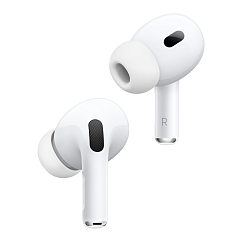


Apple AirPods Pro 2nd gen with MagSafe USB-C (2023)
Headset type: stereo
Brand: Apple
Type of wireless headphones: True Wireless


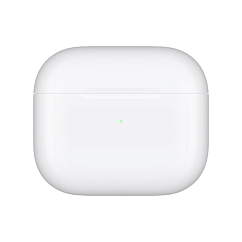
Apple AirPods 3
Brand: Apple
Type of wireless headphones: True Wireless
Bluetooth version: 5.0
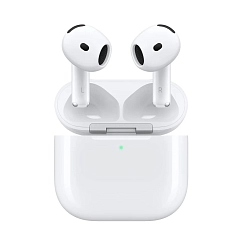
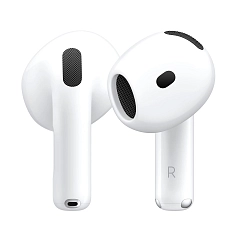

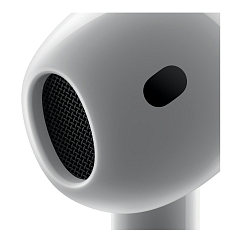

Apple AirPods 4 ANC White
Headset type: stereo
Brand: Apple
Type of wireless headphones: True Wireless
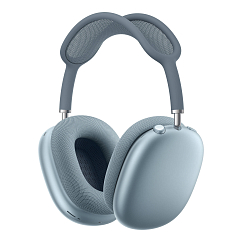
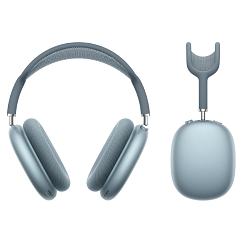
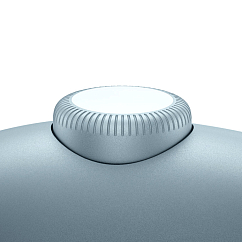
Apple AirPods Max 2 Blue
Brand: Apple
Headphone type: wireless
Bluetooth version: 5.3
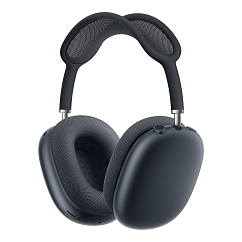
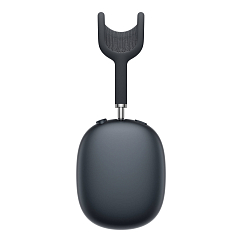
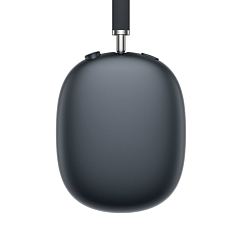
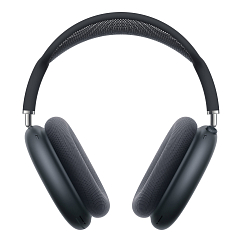
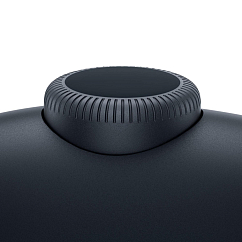
Apple AirPods Max 2 Midnight
Brand: Apple
Headphone type: wireless
Bluetooth version: 5.3
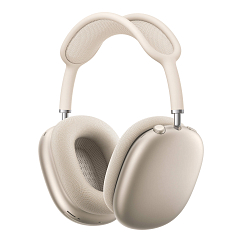
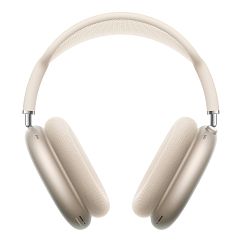
Apple AirPods Max 2 Starlight
Brand: Apple
Headphone type: wireless
Bluetooth version: 5.3
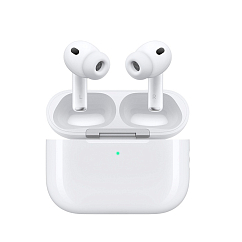
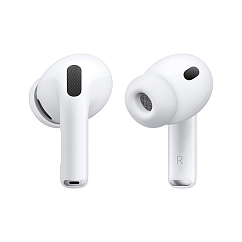
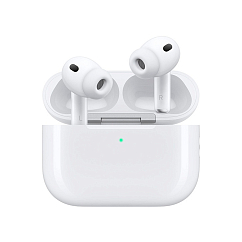
Apple AirPods Pro 3 White
Headset type: stereo
Brand: Apple
Type of wireless headphones: True Wireless
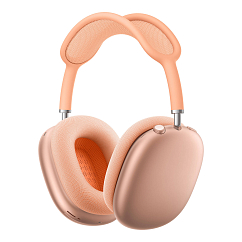
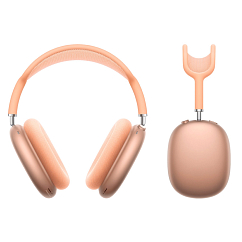
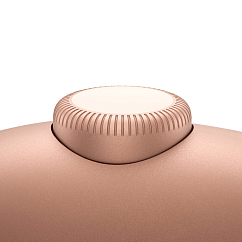
Apple AirPods Max 2 Orange
Brand: Apple
Headphone type: wireless
Bluetooth version: 5.3
For Android Users: Built-in and Brand Apps
Android doesn't have a universal tracking system for all headphones, so your tools depend on the brand.
- The Brand App is King: Apps like Galaxy Wearable (for Samsung) or AI Life (for Huawei) are your best bet. These apps log the last connected location and let you trigger a sound. Remember to always pair your headphones with their dedicated app the day you buy them, so you don’t regret ignoring it after you lose them!
- Google Find My Device: You can try android.com/find, but be aware that this service primarily tracks phones and tablets. Very few headphones (mostly Pixel Buds) will show up here.
- BLE Scanners: If you don't have a dedicated app, download a Bluetooth Low Energy (BLE) scanner like LightBlue or BLE Scanner. These apps act like metal detectors, showing you the raw signal strength of active Bluetooth devices nearby. It won't give you a map, but it’s great for playing "hot and cold" inside your apartment.
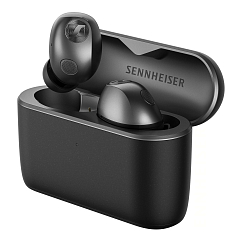
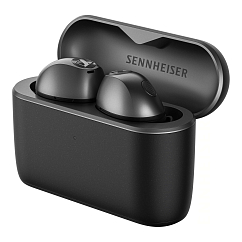
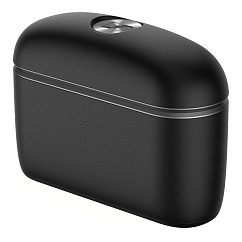
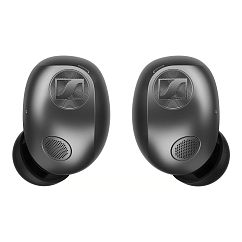
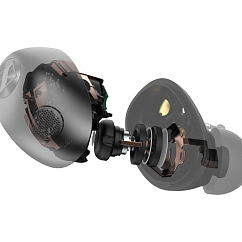
Sennheiser Momentum True Wireless 5 Graphite
Headset type: stereo
Brand: Sennheiser
Type of wireless headphones: True Wireless
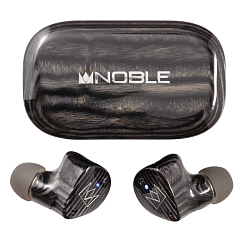
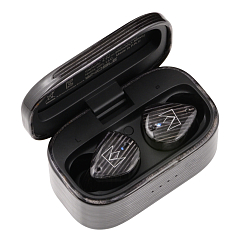
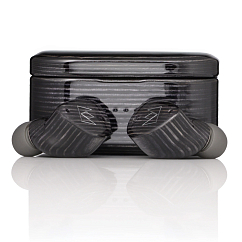
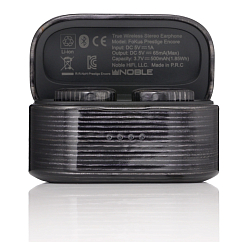
Noble Audio Fokus Prestige Encore Black Edition
Headset type: stereo
Brand: Noble Audio
Type of wireless headphones: True Wireless
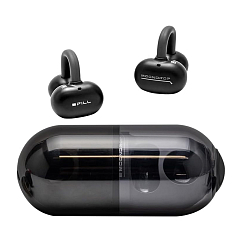
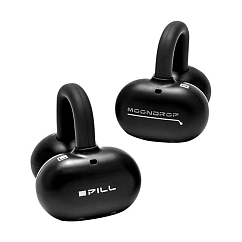
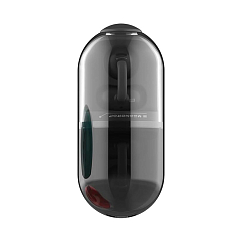
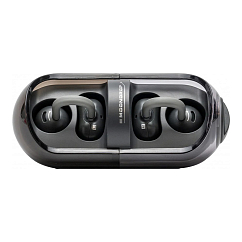
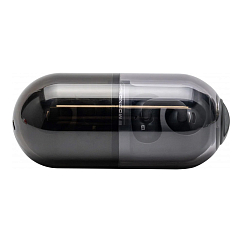
MoonDrop Pill Black
In-Ear headphone type: true wireless
Multipoint: yes
Brand: MoonDrop


MoonDrop Space Travel 2 Ultra Grey
Brand: MoonDrop
Type of wireless headphones: True Wireless
Bluetooth version: 6.0
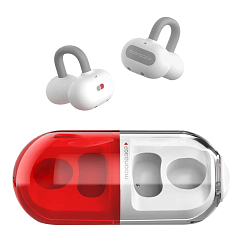
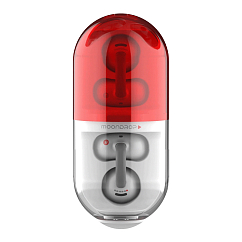
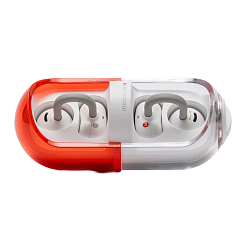
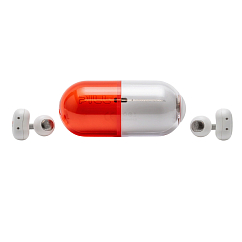
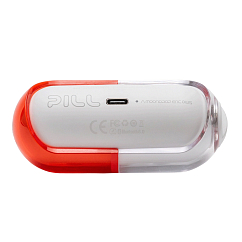
MoonDrop Pill Red
In-Ear headphone type: true wireless
Multipoint: yes
Brand: MoonDrop
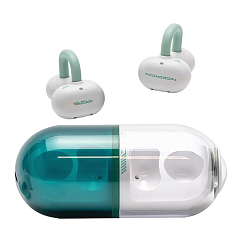
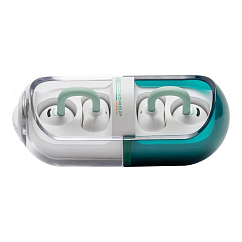

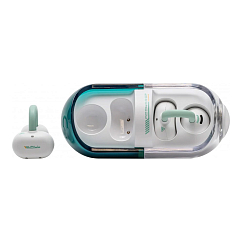
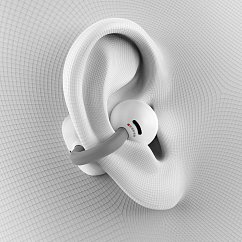
MoonDrop Pill Green
In-Ear headphone type: true wireless
Multipoint: yes
Brand: MoonDrop


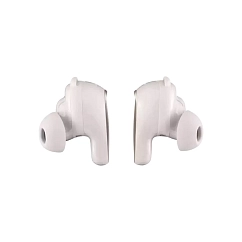

Bose QuietComfort Ultra Earbuds White
Headset type: stereo
Brand: Bose
Type of wireless headphones: True Wireless


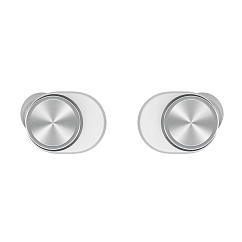

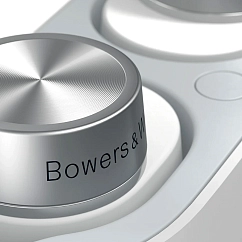
Bowers & Wilkins Pi5 S2 Cloud Grey
Headset type: stereo
Brand: Bowers & Wilkins
Type of wireless headphones: True Wireless
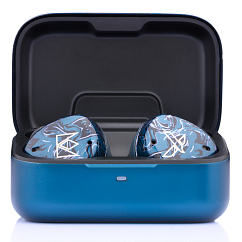
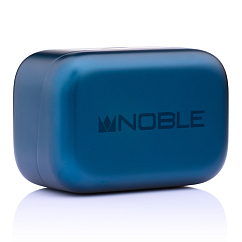
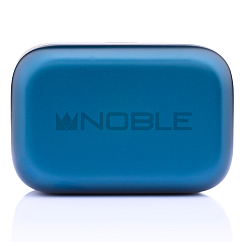
Noble Audio Osprey Blue
Headset type: stereo
Brand: Noble Audio
Type of wireless headphones: True Wireless
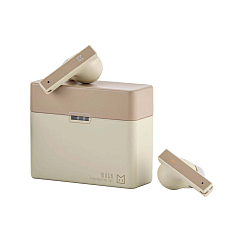
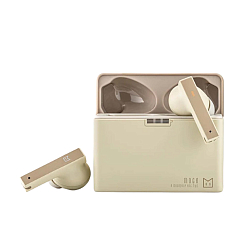
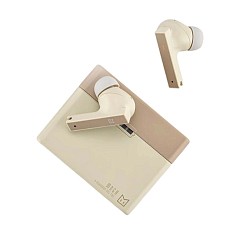
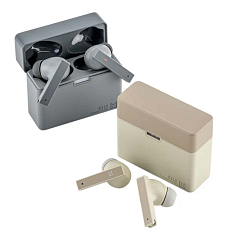
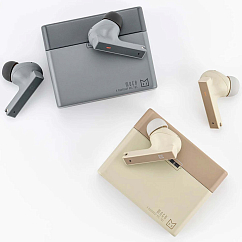
MoonDrop Moca Coffee
Brand: MoonDrop
Type of wireless headphones: True Wireless
Bluetooth version: 5.4


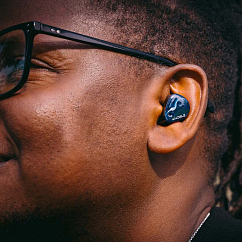

Noble Audio FoKus Mystique Blue Black
Headset type: stereo
Brand: Noble Audio
Type of wireless headphones: True Wireless

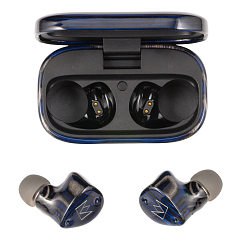


Noble Audio Fokus Prestige Encore Black Blue
Headset type: stereo
Brand: Noble Audio
Type of wireless headphones: True Wireless
The Nightmare Scenario: Dead Battery or Closed Case
This is the hardest situation. If the battery is dead, the headphones stop broadcasting a signal. "Play Sound" and live tracking are now useless.
- Retrace Your Steps: You have to rely entirely on the "last known location" timestamp in your app. Where were you at that exact time?
- Manual Search: Physically retrace your entire route: home, car, bag, desk, cafe, gym. Check every pocket of the clothes you wore that day. Look under car seats and between couch cushions.
- The Waiting Game: If someone finds your case and plugs it in to charge, the headphones might turn on and ping their location. Ensure "Lost Mode" is active so you get notified if this happens.
What to Do if Someone Else Found Them
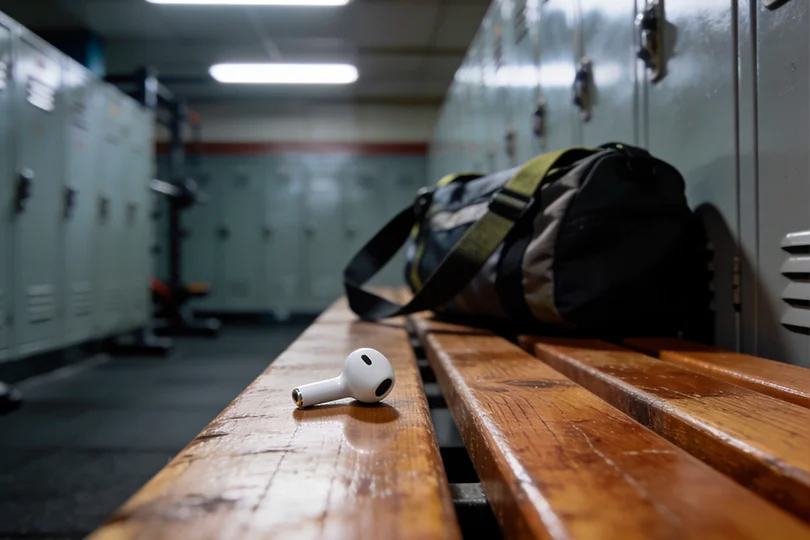
If the app shows your headphones sitting in an unfamiliar apartment building, someone likely picked them up.
- Public Places: Again, check with the local Lost and Found or security desk first. Most people mean well and turn them in.
- Private Addresses: Do NOT go knocking on a stranger's door demanding your tech back. It isn't safe. Go to the local police, file a report, and provide them with the geolocation data.
- Pro Tip for the Future: Rename your headphones in your Bluetooth settings from "AirPods Pro" to your actual first name and phone number. If an honest person finds them and opens their Bluetooth menu, they will immediately know how to contact you.
FAQ
- Can I find the buds if they were never linked to an account? Partially. You can still use a BLE scanner or trigger a sound if they are currently connected to your phone's Bluetooth. However, map tracking and "Lost Mode" will not work.
- Does Airplane Mode mess up the search? Yes. Airplane Mode disables Bluetooth, cutting off the connection to the headphones. Always ensure Bluetooth is active while searching.
- Can I track them from a computer? Yes! Apple users can log into icloud.com/find. Android users can check android.com/find (though this only works for select headphone models, so keep that in mind).