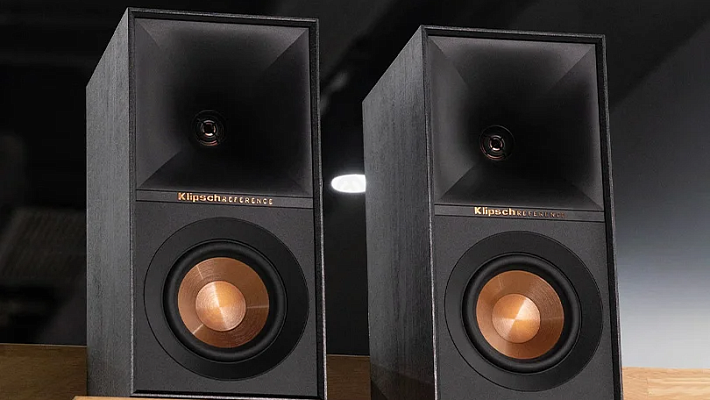














How to Choose the Perfect PC Headphones: The Ultimate Guide

Your PC does it all: whether you are grinding through spreadsheets, losing yourself in a massive RPG world, or just zoning out to your favorite Spotify playlists, it’s your ultimate command center. But your experience with said PC is only as good as the audio pumping into your ears.
So, how do you pick the absolute best PC headphones? How do you get crystal-clear vocals on your Zoom calls, bone-rattling bass in your music, or pinpoint directional audio to hear enemy footsteps in games?
In this guide, we are going to cut through the marketing jargon, break down the different types of headphones, explain the specs that actually matter, and help you find the exact model that fits your daily grind.
Contents
Step 1: Pick Your Form Factor
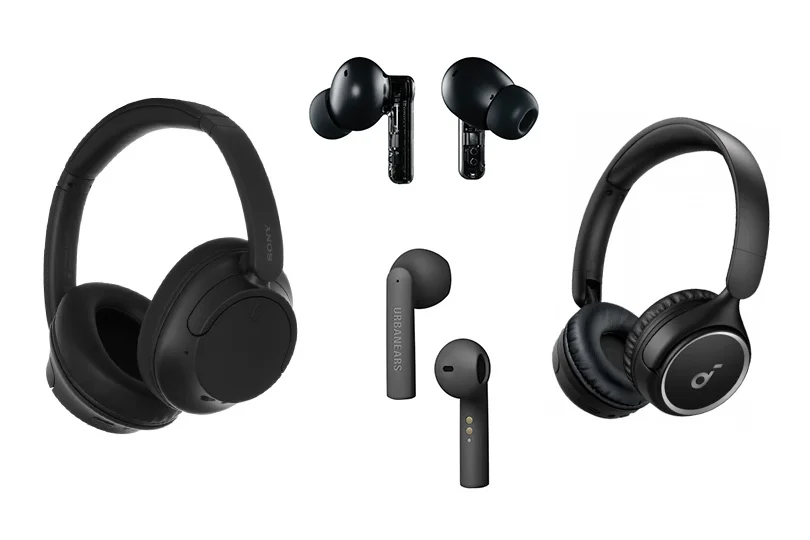
Before we look at internal specs, we need to talk about physical design. The shape of the headphone dictates how comfortable it is, how well it blocks out your noisy background, and how the sound physically hits your ears.
- Over-Ear: These are the big boys. They completely swallow your ears, resting on your head. Because the acoustic waves hit your entire ear (and even the bones in your skull!), they deliver an incredibly deep, rich, and immersive soundstage. They also offer the best passive noise isolation and weight distribution for long sessions. The only downside is that they are bulky and not very travel-friendly.
- On-Ear: These sit directly on your ears rather than surrounding them. They are lighter and much more compact than over-ears, making them great for office work or casual listening. However, they don't block out background noise quite as well, and if the clamping force is too tight, they can pinch your ears after a few hours of use.
- In-Ear Monitors: These fellas plunge right into your ear canal, using a silicone or foam tip to create an airtight seal. Your ear canal basically acts as a natural acoustic resonator. They offer insane noise isolation and are incredibly portable. But some people hate the "plugged up" feeling, and wearing them for 8 hours straight can cause ear fatigue.
- Earbuds: For these, think classic Apple AirPods — they sit loosely in the outer bowl of your ear without sealing the canal. They are super comfortable if you hate ear pressure, but you sacrifice almost all bass response and noise isolation. Compared to the IEMs, use these only if you want to hear what is happening around you.
Step 2: Choose the Connection Type
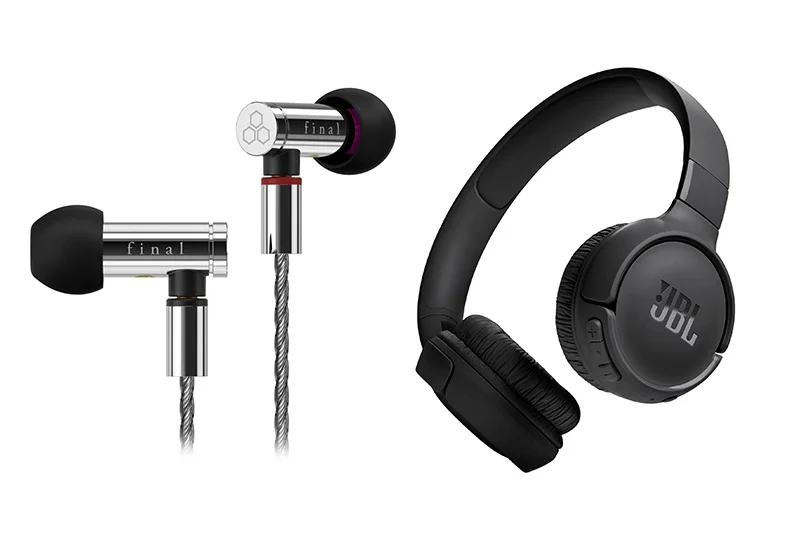
Your connection method dictates your audio quality and your freedom to move around to grab a coffee while still on a Discord or Zoom call.
- Wired: The undisputed king of audio quality and reliability. A wired connection guarantees zero audio lag and uncompressed, lossless sound, so it is an absolute must for competitive gamers and studio pros. Also, you never have to charge them — just plug in, and you’re good to go. Just one more note about the cord: look for a 1.5 to 2.8-meter cable for maximum desk comfort.
- Wireless: Ultimate freedom. You can pace around your room while listening to a podcast. However, Bluetooth inherently compresses audio, introduces slight audio lag, and requires you to remember to charge the battery. But it’s the convenience you need on the go.
- Hybrid: The best of both worlds. Many premium gaming headsets use a dedicated USB dongle that creates a highly stable, lag-free wireless connection, which is much faster than standard Bluetooth. They also often have built-in Digital Signal Processors (DSPs) to artificially enhance surround sound.
Step 3: Decode the Spec Sheet
Don't let the numbers scare you. If you want great sound, here are the only three specs you actually need to care about:
- Frequency Response: This is the range of sound the headphones can produce. Human hearing naturally spans from 20 Hz (deep bass) to 20 kHz (piercing highs). So why do some premium headphones boast 5 Hz to 50 kHz? Despite the popular belief, it’s not just a gimmick. A wider range ensures that the frequencies you can hear remain perfectly flat and distortion-free, without rolling off at the extreme edges.
- Sensitivity: This tells you how loud the headphones will get with a given amount of power. The sweet spot is 90–120 dB, as this ensures they will sound loud and punchy just plugged straight into your laptop, without needing extra amplification.
- Impedance: This is often overlooked but crucial! If you are plugging straight into a standard PC motherboard or laptop, look for an impedance of 16 to 32 Ohms. If you buy high-end audiophile headphones with 250+ Ohms, your PC's weak internal sound card won't have the juice to push them. They will sound quiet and lifeless unless you buy a dedicated external headphone amplifier.
Step 4: Stay Comfortable
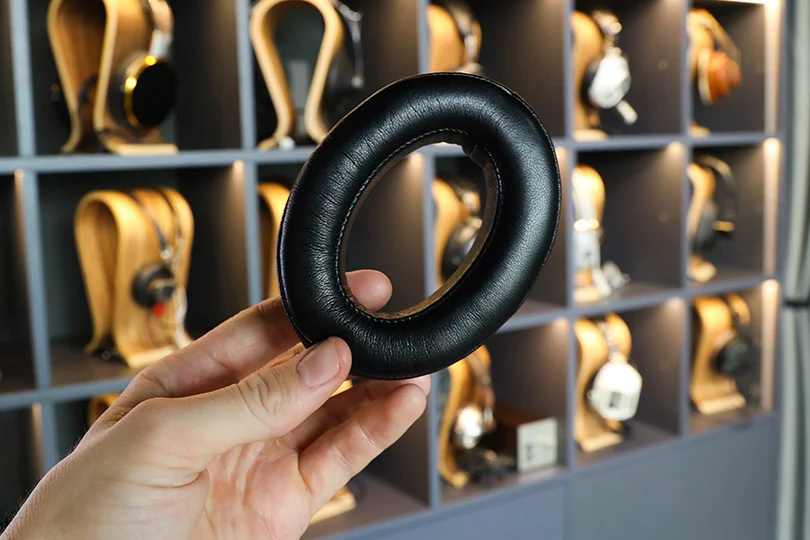
If you are gaming or working for 6–8 hours straight, bad padding will ruin your day — and the day after that, and so on. Pay attention to the earpads:
- Genuine/Faux Leather: Creates an amazing acoustic seal, locking in the bass and blocking out the world. But be warned: they do not breathe, meaning sweaty ears during summer sessions.
- Velour: Incredibly soft and breathable. You can wear them all day. The trade-off is that they "leak" sound, meaning you lose some bass impact and background noise isolation.
- Alcantara / Micro-suede: The holy grail. It combines the premium feel and durability of leather with the breathability of velour. It’s mostly found on high-end models.
- Memory Foam Tips (for In-Ears): These expand inside your ear canal to create a custom, physically perfect seal. They sound amazing but need to be replaced every few months as the foam breaks down.
Step 5: Select Extra Features
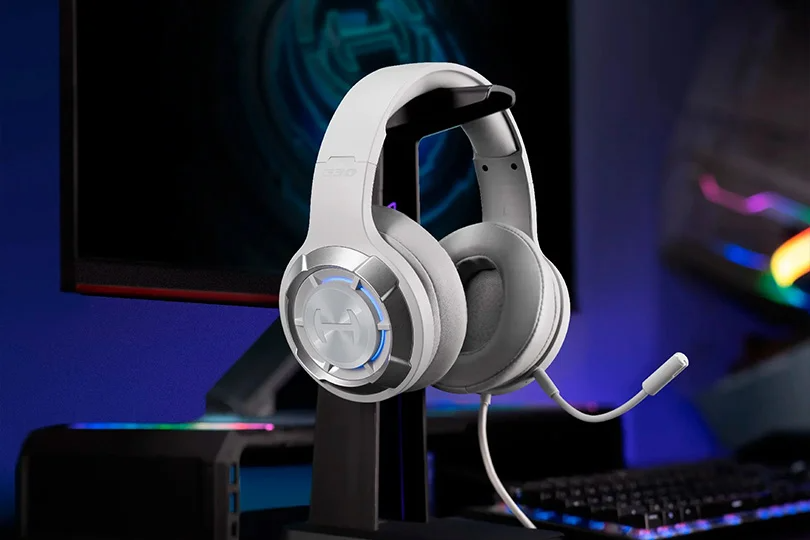
- The Microphone: A headphone with a mic is technically called a "headset." If you are gaming or working remotely, look for a boom mic with built-in noise cancellation so your team doesn't hear your mechanical keyboard clacking away in the background.
- Active Noise Cancellation: Not to be confused with passive isolation. ANC uses external mics to listen to the room, then generates an inverted sound wave to digitally cancel out background noise. It is pure magic for noisy open-plan offices.
- Low-Latency Codecs: If you are buying Bluetooth headphones for a PC, make sure they support aptX Low Latency or LHDC. Standard Bluetooth has a delay that will make lip-syncing in movies look weird and ruin your reaction time in games.
- Virtual Surround Sound: Digital software that tricks your brain into thinking sound is coming from behind or above you. It is a massive tactical advantage for gamers trying to locate enemies, but it won’t be of any use for those who just need their headphones for Zoom calls.
Long Story Short: Match Your Headphones to Your User Archetype
Still not sure what to buy? Let’s narrow it down by your lifestyle:
- The Gamer: You need a wide soundstage to hear spatial cues, virtual 7.1 surround sound, a crisp boom microphone, and zero latency. Go for a Wired or dedicated USB-Dongle Wireless headset.
- The Remote Worker: You need to block out distractions and sound professional on Zoom. Look for Over-ear or In-ear models with strong ANC, a solid mic, and all-day comfort.
- The Music & Movie Buff: You want audio fidelity. Look for a wide frequency response, support for high-res codecs (like LDAC or aptX HD), and plush leather or Alcantara pads to lock in the bass.
- The Audio Professional: If you mix audio or edit video, you need "Studio Monitors." You want a totally flat, uncolored frequency response (so the music sounds exactly as it was recorded) and a wired connection for zero data loss.
At the end of the day, choose what fits your head and your specific daily routine — don't just chase the highest or lowest price tag. And if you are still stuck staring at spec sheets, drop by a Dr.Head showroom in Dubai. Our experts will gladly let you test-drive the best PC headphones on the market so you can find your perfect match.