












5 Steps to Choosing Your New Wireless Headphones
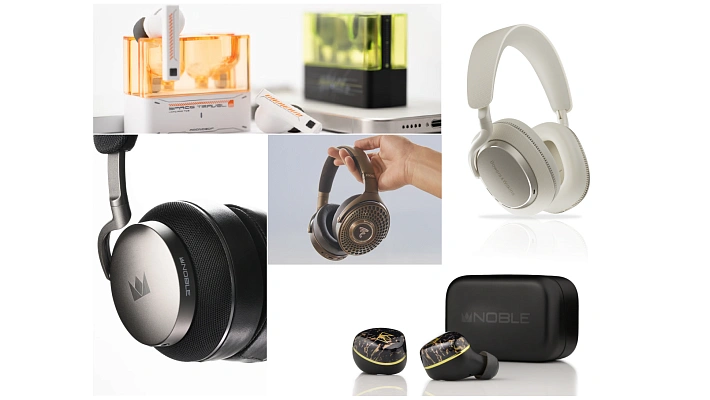
Free from tangled cords, wireless headphones let you blast your favorite playlists, binge podcasts on your commute, command voice assistants, take work calls, and crush your gym goals without missing a beat. With insanely good noise cancellation and spatial audio tech, they literally create a barrier between you and the chaotic city noise, letting you focus on what actually matters.
But the market is absolutely flooded right now. What kind of model actually fits your lifestyle? What specs should you care about? Let's break down exactly how to pick your perfect pair of wireless headphones without losing your mind.
Contents
Step 1: Understand the Wireless Magic
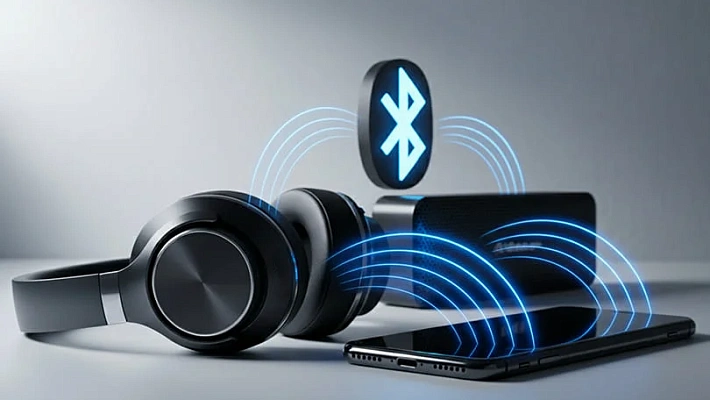
When we say "wireless," we mean Bluetooth. It is the digital bridge that packs your audio into a signal, shoots it through the air, and unpacks it inside your headphones. The version of Bluetooth dictates your connection stability, range, and battery drain, so if you have the budget, always aim for the highest Bluetooth version possible.
The Codec Crash Course
Codecs are the software algorithms that compress and decompress your audio. Here is what you need to know:
- SBC (Subband Codec): This is the absolute basic standard. Every Bluetooth device supports it. It provides average audio quality (up to 328 kbps). The problem? It can sometimes chop off the high frequencies, making the music sound a bit muddy or veiled compared to modern codecs.
- aptX (also, aptX HD & aptX Adaptive): Developed for Android devices, this is a massive step up. It offers better compression and a higher bitrate (up to 576 kbps for HD). It delivers much cleaner sound and significantly lowers audio lag (down to 50–120 ms), which is crucial if you watch a lot of YouTube or play mobile games.
- LDAC: Built by Sony, this is the reigning king of wireless audio. It pushes a massive bitrate of up to 990 kbps, allowing you to stream Hi-Res Audio almost losslessly over the air. It sounds incredibly detailed and expressive. However, it does have a slight delay (around 200 ms), which makes it phenomenal for music but totally unfit for fast-paced gaming.
Step 2: Pick Your Form Factor
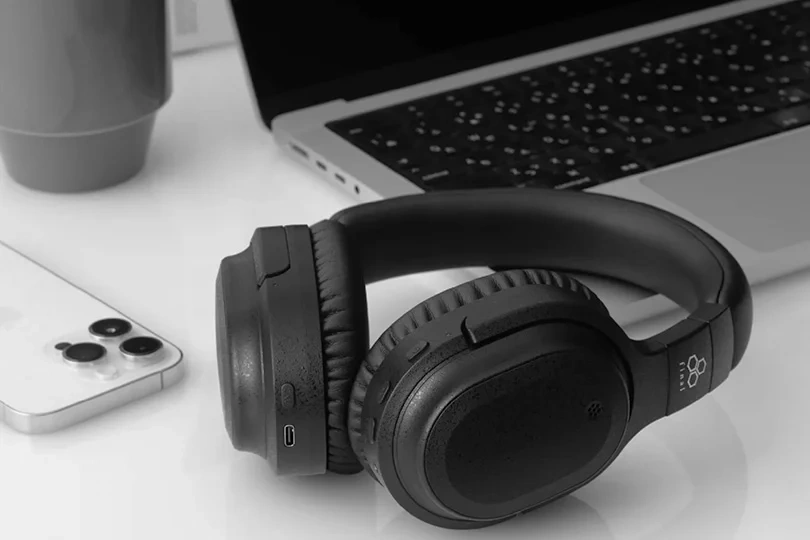
Over-Ear & On-Ear Headphones
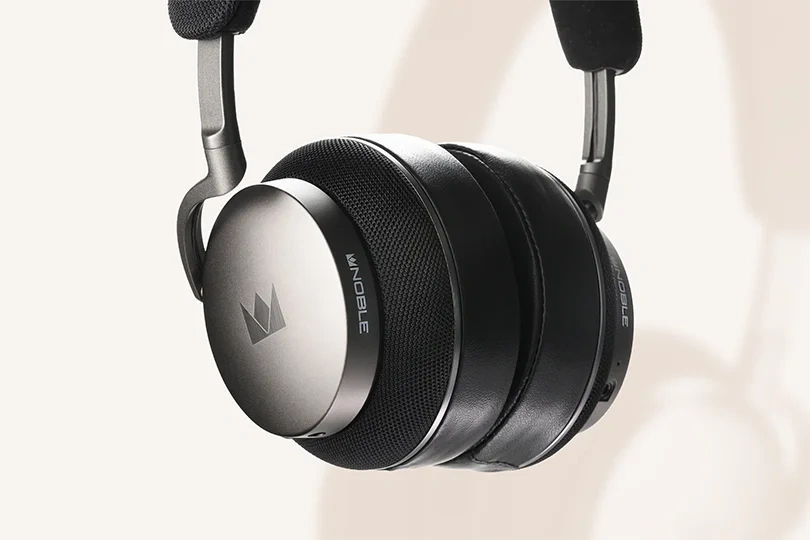
These are the big boys with the headband. They either sit on your ears (on-ear) or completely swallow them inside massive ear cups (over-ear). Because they are huge, they pack massive 40mm drivers. The cups act as physical acoustic chambers, delivering bone-rattling bass and a massive soundstage that tiny earbuds physically cannot match.
The large chassis also means they can fit massive batteries (hey, 40-hour battery life!), advanced processors, and powerful microphones. Over-ear cups naturally physically block out noise, acting like acoustic isolation tanks. Add Active Noise Cancellation to that, and you are living in total silence.
The downside? They are bulky. They can get hot during the summer, they ruin your hairstyle, and they are usually terrible for intense workouts.
True Wireless Stereo Earbuds
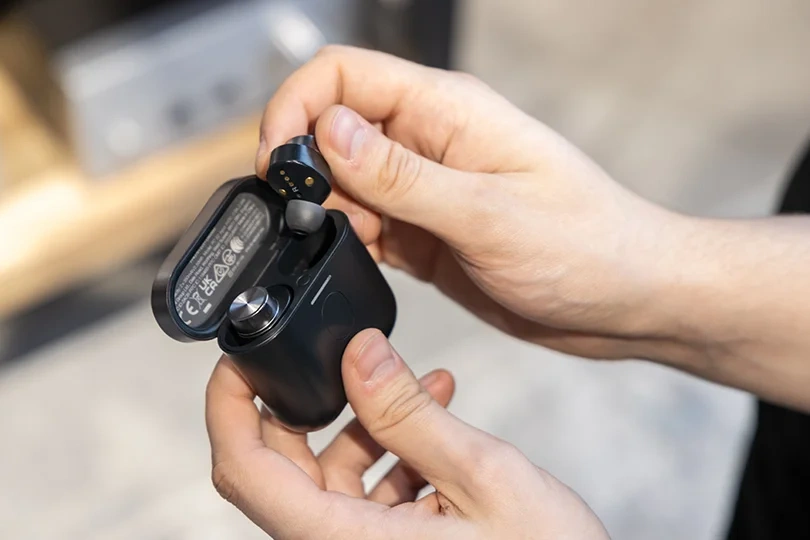
These are the tiny, completely wire-free buds. They come in two flavors: standard "buds" that sit in the outer ear, and "in-ear" monitors (IEMs) that use silicone tips to seal your ear canal. The in-ear style is way more common because the silicone seal instantly boosts bass and blocks outside noise.
The biggest advantage here is ultimate convenience. They weigh nothing, fit under a winter beanie, and easily slide into your pocket. While their tiny internal batteries only hold about 5 to 8 hours of juice, the included charging case usually bumps that up to a very respectable 24+ hours.
Earbuds with Ear Hooks
These are the ultimate gym companions. The flexible hook wraps around the back of your ear, ensuring the bud absolutely will not fall out — even if you are sprinting or doing burpees. You couldn't lose these on an airplane if you tried.
Step 3: Choose Your Noise Cancellation
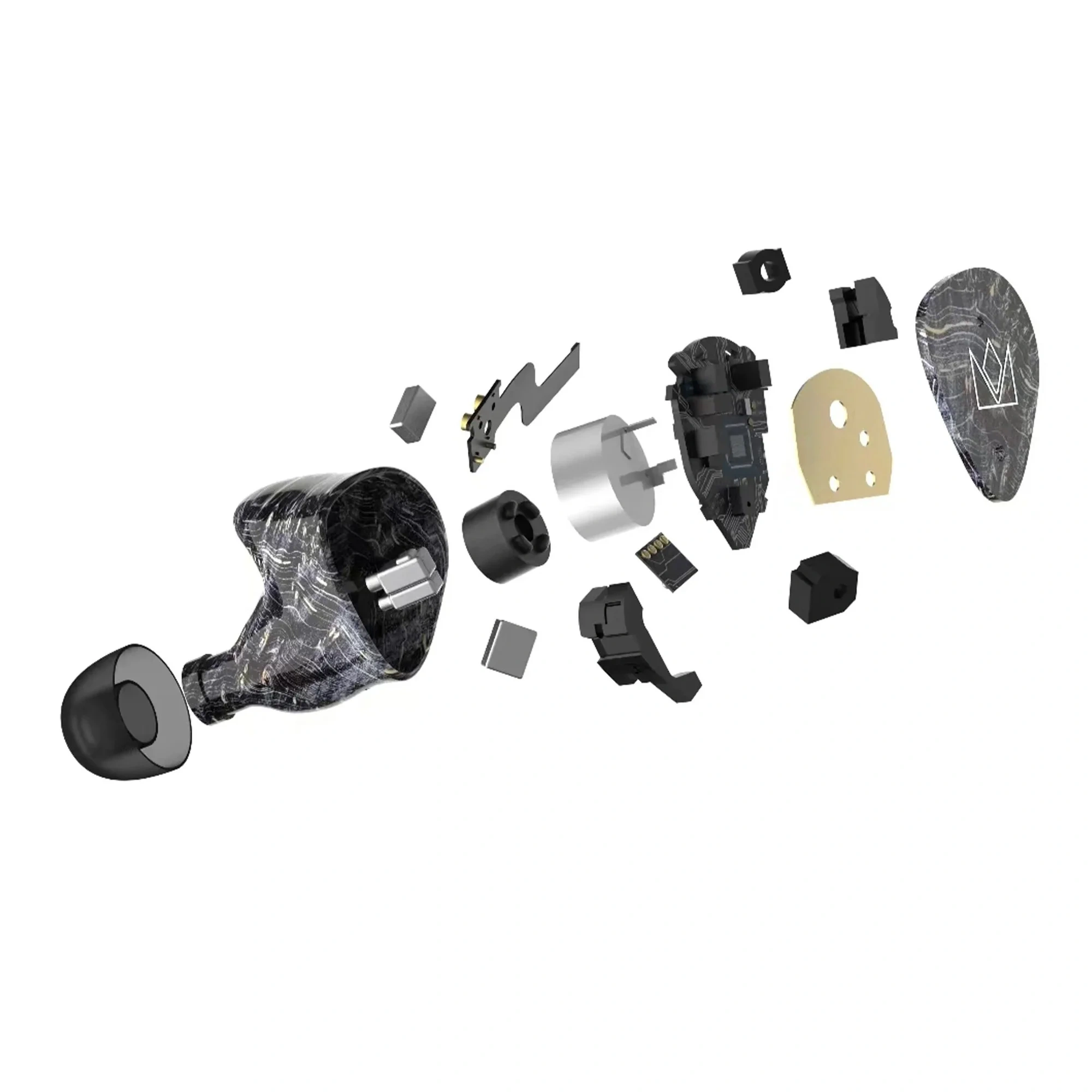
Noise cancellation comes in two forms: passive and active.
- Passive Isolation: This is just physical blockage. It’s the tight seal of a silicone ear tip or the thick clamping force of an over-ear cup. It is great for blocking out consistent, low-frequency rumbles.
- Active Noise Cancellation (ANC): This is pure digital witchcraft. External microphones listen to the chaotic noise around you (like a jet engine or a crying baby). The internal processor then generates the exact opposite sound wave — an "anti-noise" — and blasts it into your ear. The two waves collide and instantly destroy each other, leaving you in total silence. Good ANC is a lifesaver for commuters and frequent flyers.
Step 4: Check the Controls
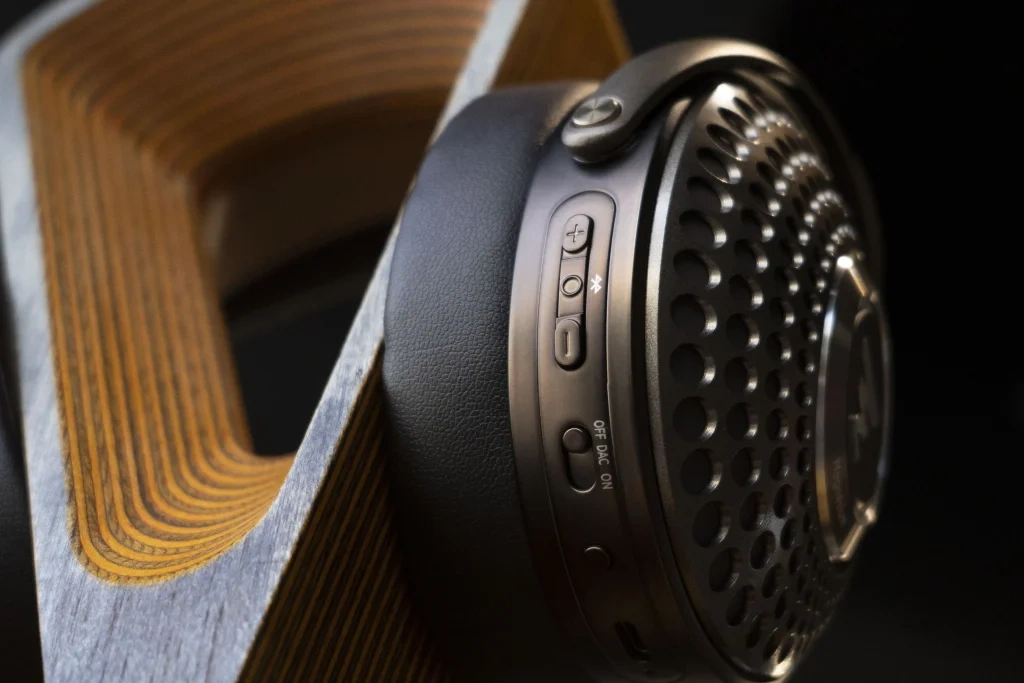
You don't want to constantly pull your phone out of your pocket to skip a track.
- Touch Controls: Sleek and modern. You just tap or swipe the side of the headphone to change volume or answer calls. It looks cool, but it can be annoying if you accidentally brush your ear or if you are wearing winter gloves.
- Physical Buttons: Old school, but reliable. You get a satisfying click, and you never accidentally hang up on your boss while fixing your hair.
- Companion Apps: Almost every good headphone comes with a dedicated smartphone app. These let you tweak the EQ, customize the ANC levels, and remap the touch controls.
Step 5: Match the Gear to Your Lifestyle
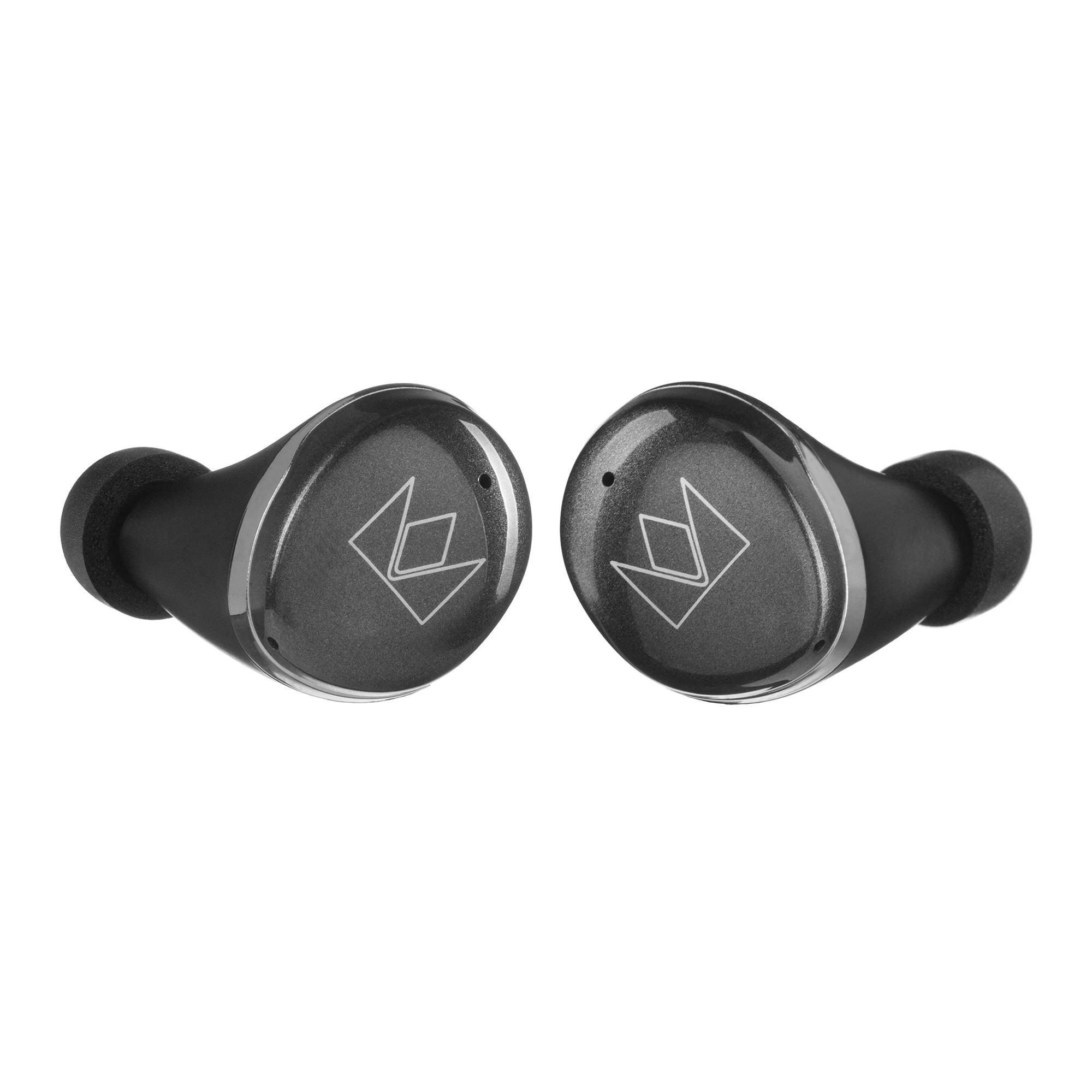
Be honest with yourself about how you are going to use these. Are you an audiophile wanting to melt into a jazz album on the couch? Get premium over-ears with LDAC support. Are you a marathon runner? Get sweat-proof TWS buds with ear hooks. Are you an office worker trying to survive an open-plan workspace? Get anything with top-tier ANC.
Whatever your vibe is, the experts at Dr.Head are always here to help you narrow it down. Drop by our showroom in Dubai, grab a coffee, and physically test as many headphones as you want before making your final choice.