






















How to Choose a Cable: A Detailed Guide
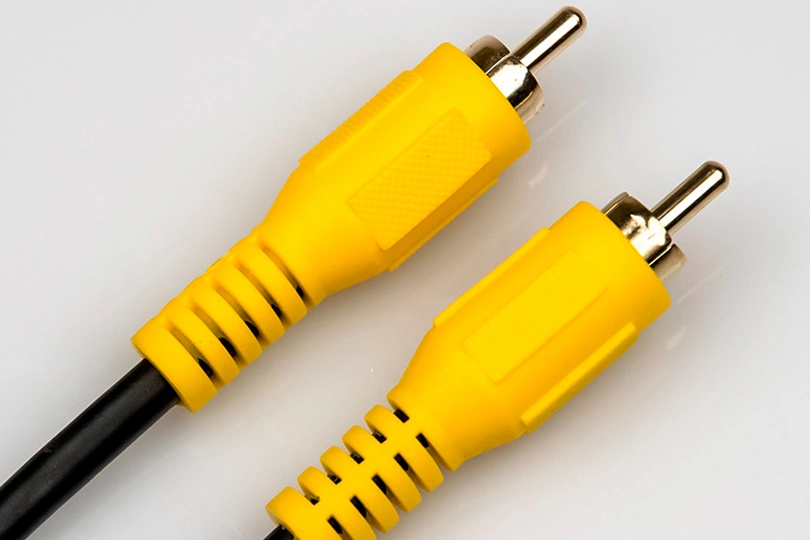
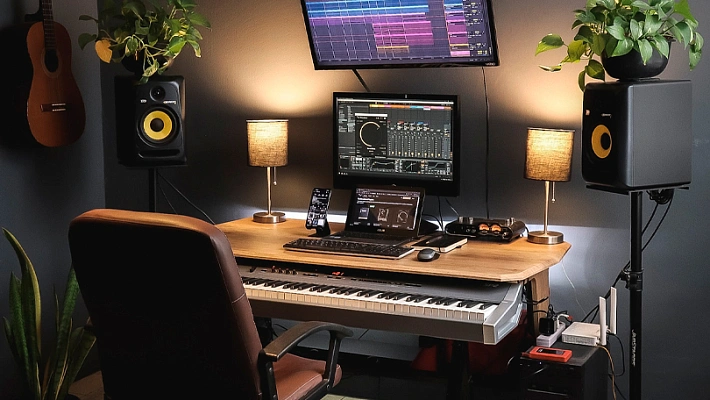
High-quality cables are one of the essential elements in unlocking the full potential of your audio system. A mediocre or low-grade cable can become a “bottleneck,” reducing the overall quality of your music playback. And no one wants their favorite songs spoiled by poor wiring, right?
With the sheer variety of cables and connectors available, it’s easy to get overwhelmed. That’s why we’ve created this simple, practical guide to help you make sense of it all. Even better — you can now use our custom Cable Builder Tool on the Dr. Head website, where you can select the type, connectors, length, material, and color, and automatically get a list of suitable options.
Let’s break down the key factors you should consider when choosing an audio cable.
Cable Type
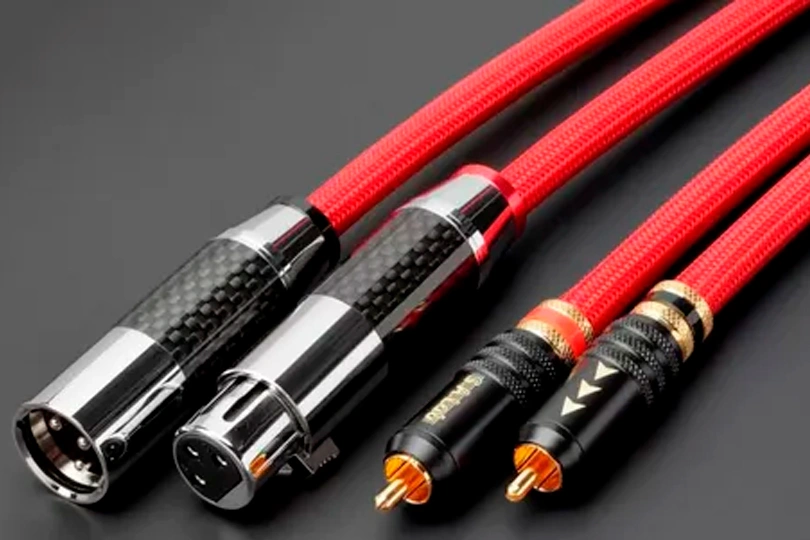
Start by determining what you need the cable for. We’ve divided all cables into eight main categories:

Braid material: PVC
Cable length, m: 0.35
Connector (left): RCA male, USB-C
Braid material: PVC
Brand: ddHiFi
Cable length, m: 0.5
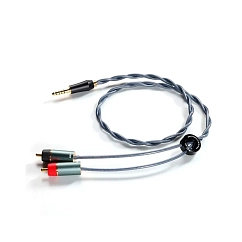

Braid material: PVC
Cable length, m: 0.65
Cable type: straight
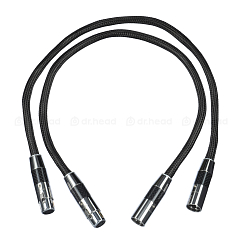
Braid material: ceramic fiber, fabric
Brand: HeadMade
Cable length, m: 0.65
- Speaker Cables — Used to transmit amplified signal from a power amplifier to passive speakers.
- Analog Interconnects — Unbalanced or balanced cables for linking audio components and transmitting analog signals. These are ideal for connecting a turntable to an amplifier or sending audio from a laptop to active speakers.
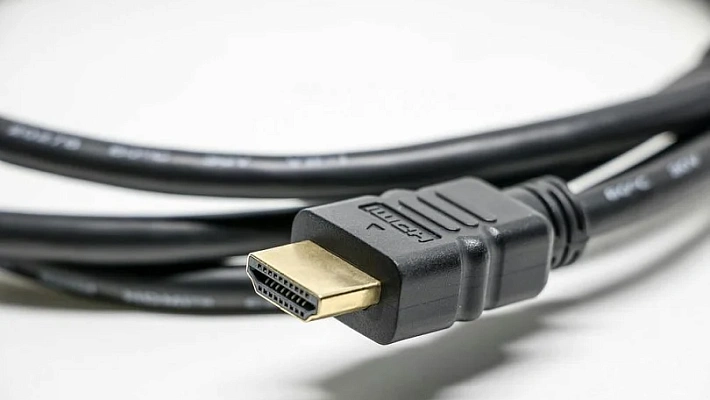
- Digital Cables — Similar in function to analog interconnects but designed to transmit digital signals. Examples include cables for connecting a music player to a DAC or an optical cable from a TV to a soundbar.
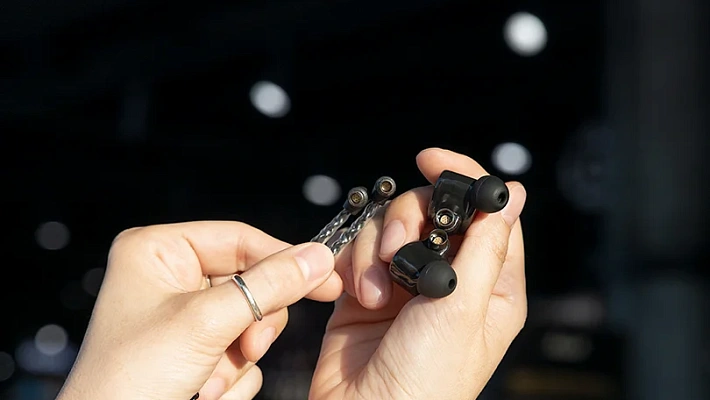
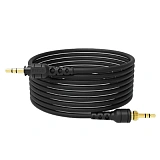
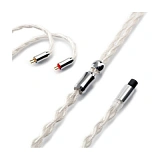
- Headphone Cables — Whether you’re replacing a broken cable or upgrading to enhance sound signature, these are purpose-built for headphones.
- Instrument Cables — Designed for connecting musical instruments to amps and mixers.
- MIDI Cables — Used to connect MIDI devices such as keyboards, controllers, and audio interfaces.
- Adapters — All sorts of audio adapters and converters between connector types.
- Power Cables — Power cords that deliver electricity to your devices.
Connector Types
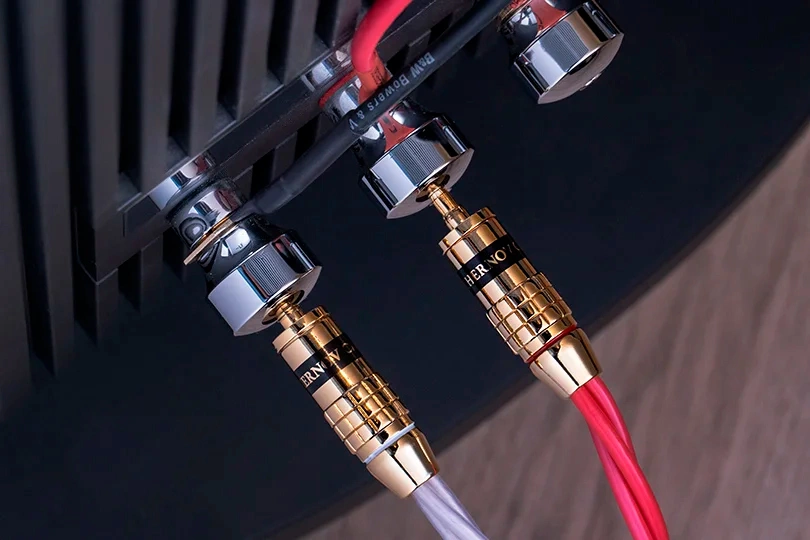
Identify the correct connectors — they must match the input and output jacks of your devices. Check the user manual of your gear to determine which connectors are required. Also note whether you need a male (plug) or female (socket) connector.

Conductor material: copper
Connector (left): USB-C, 4.4mm jack male
Connector (right): USB-C, 4.4mm jack male


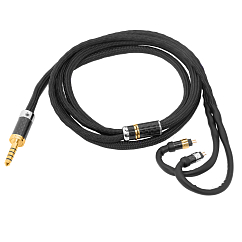
Model: HeadMade IEM
Balanced cable: yes
Braid material: fabric

Cable type: straight
Connector (left): USB-C, 4.4mm jack male
Connector (right): USB-C, 4.4mm jack male
Here’s a breakdown by cable type:
- Speaker Cables: Typically use banana plugs, spades, or bare wire (inline) connected to binding posts. Available in ready-made versions or sold by the meter for custom builds — you can also have our specialists attach connectors.
- Analog Cables: Common connectors include RCA (aka tulips), 3.5 mm jack, and XLR.
- Digital Cables: These include a wide variety of connectors — HDMI, USB, coaxial RCA, Toslink (optical), AES/EBU (digital XLR), RJ/E (Ethernet), and Lightning.
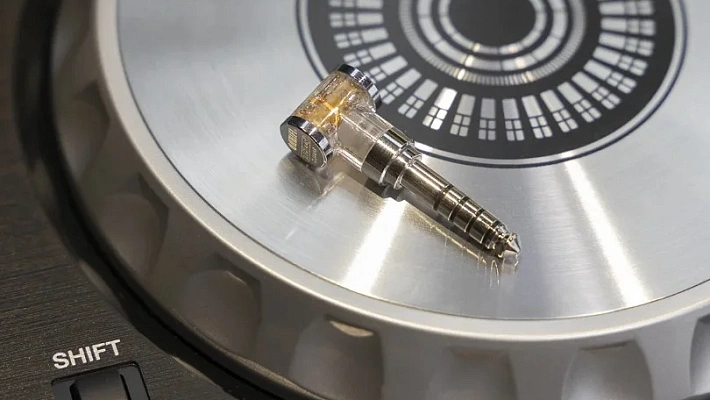
- Headphone Cables: On the headphone end you’ll often find 3.5 mm, mini-XLR, 2-pin, 4-pin, or MMCX connectors. The source end could be 3.5 mm / 6.3 mm jack, 2.5 mm / 4.4 mm balanced, or XLR / mini-XLR for symmetrical connections (more on this below).
- Instrument Cables: Typically use 1/4" jack or XLR.
- MIDI Cables: Use 5-pin MIDI DIN connectors.
- Adapters: Feature various combinations of connectors to bridge between incompatible ports.
- Power Cables: Usually come with Euro or Schuko plugs on one end, and IEC connectors on the other.
To make this easier, our new Cable Builder Tool includes a "Connector Types" section with visual guides and descriptions.
Cable Length
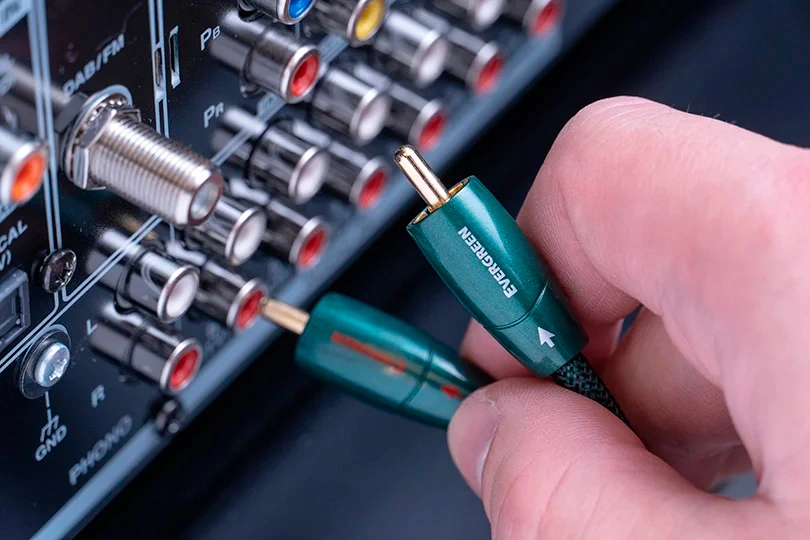
Measure the required length — allow for a bit of slack but avoid excessive length, which can negatively affect signal transmission. Cables should lay loosely and not be stretched tight.
Simply adjust the desired length using the slider on our Cable Builder Tool.
In pro audio environments, balanced connections (e.g., XLR) were developed to counteract the effects of long cable runs on signal quality. Today, balanced connections are also common in headphone cables (e.g., 2.5 mm or 4.4 mm), offering not only noise resistance but also enhanced stereo imaging and better instrument separation.
Cable Material
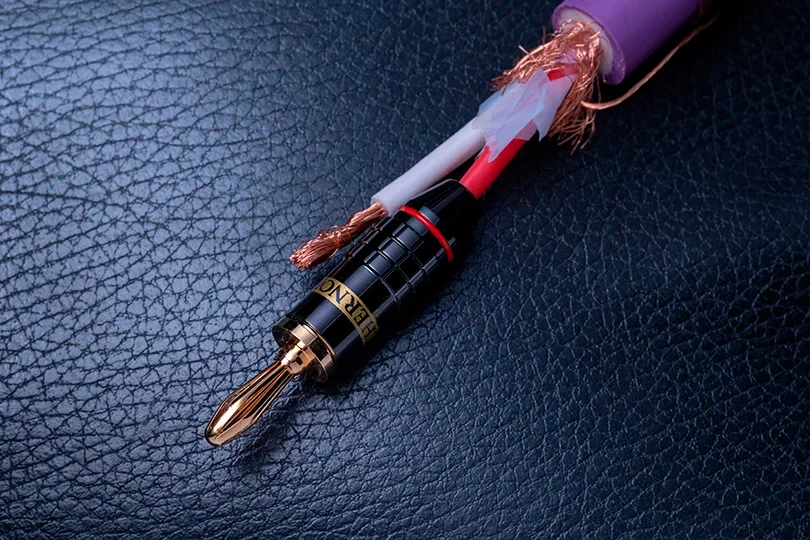
Choose from the available conductor materials.
Most cables use oxygen-free copper (OFC) of varying purities. A more advanced option is monocrystalline copper (OCC). Some cables may incorporate or be fully made of silver, which can add brightness and emphasize high frequencies. In optical cables, polymer fiber conductors are used instead of metal.
By following these basic guidelines, you’ll be able to quickly find the right cable for your audio setup. And if you have any questions or want to order a custom-built cable, simply reach out to us through the form on the Cable Builder page.
At Dr. Head, you can order a premium custom cable of any length and configuration — perfectly tailored to your system and style.
Cables:

Brand: Furutech
: 32
Conductor material: copper


Conductor material: copper
Connector (left): RJ45
Connector (right): RJ45