How to Charge Your Bluetooth Speaker So It Actually Lasts
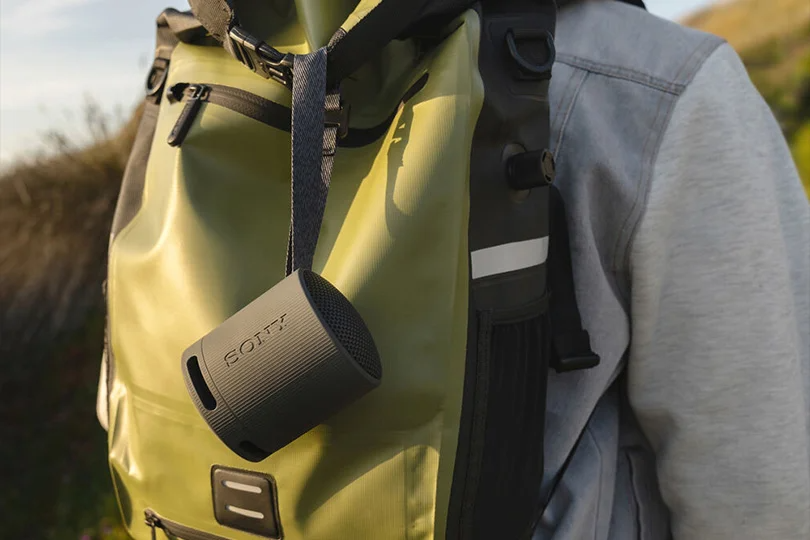
Wireless speakers have become our ultimate companions for home workouts, beach days, and road trips. They deliver massive sound without the hassle of cables. But they all share one major vulnerability: the battery.
Charge it wrong, and you will significantly slash its lifespan within a year. Most people charge their gear whenever and however they want — leaving it plugged in overnight, using random gas-station cables, or waiting until the speaker completely dies. The result? A speaker that promises 15 hours of playback but dies after two.
Let’s break down exactly how to charge your wireless speaker properly so the battery stays healthy and the music keeps playing for years to come.
Contents
The Right Ways to Juice It Up
Modern speakers give you a few options to get power. Here is what you need to know about each.
Classic USB Cable
This is the standard. Most modern speakers rock a USB-C port, which is fantastic because it handles more power and charges much faster. Older or budget models might still use Micro-USB. The golden rule here: always use the cable that came in the box if possible.
Wall Adapter
If you have a beefy speaker, don't plug it into your laptop. Use a dedicated wall adapter that pushes out at least 2 to 3 Amps: it will cut your charging time in half. Just check the tiny print near the speaker's charging port to make sure the adapter’s output matches what the speaker can handle.
Alternative Power
Stuck in the wild? A power bank or laptop USB port will totally work in a pinch. Just keep in mind that these outputs usually push out around 1 Amp, so it’s going to be one slow drip.
The Crucial "First Charge" Rule
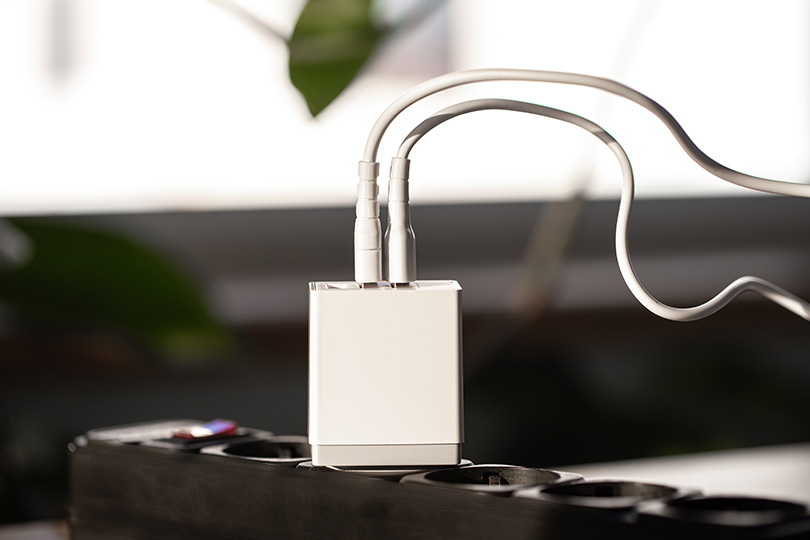
When you unbox a brand-new speaker, how you treat it on day one matters. New lithium-ion batteries usually ship with a 30–50% charge. Don't just turn it on and blast it until it dies.
Instead, plug it in immediately while it is still turned off. Let it charge for 2 to 4 solid hours until the battery indicator says it's 100% full. This essentially "calibrates" the internal power management system, ensuring your speaker accurately reads its own battery level for the rest of its life.
How Long Should It Take?
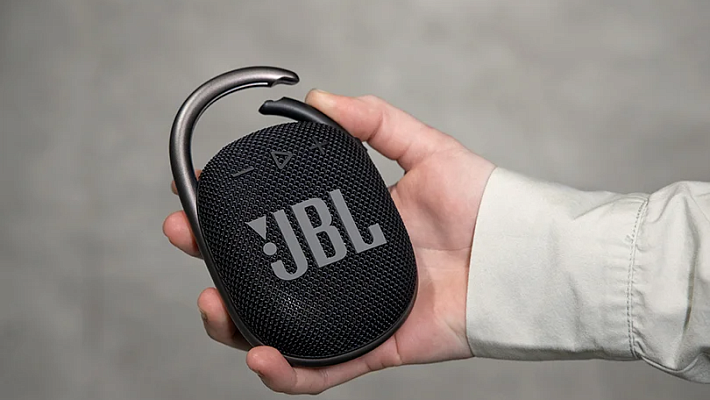
It entirely depends on the size of the battery. A tiny JBL Go takes about 2.5 hours, while a massive party speaker could take 5 to 6 hours.
The easiest way to know? Trust the LED indicator. Usually, a blinking red light means it is thirsty, and a solid green or white light means it is full.
Pro Tip: Do not leave your speaker plugged in 24/7. While modern tech has overcharge protection, leaving lithium-ion batteries constantly "stuffed" at 100% generates heat and slowly kills their long-term capacity — so make sure to unplug it when it's done.
Troubleshooting: When Things Go Wrong
Sometimes, the tech fights back. Here is how to fix the most common charging headaches.
- It’s completely dead and won’t light up: If you haven't used the speaker in months, the battery might be in deep discharge. Plug it into a strong wall adapter and wait at least 15–20 minutes. It often takes a while for the charging lights to even wake up.
- It charges insanely slowly: Ditch the laptop port. You are likely using an underpowered 1-Amp charger for a speaker that demands 3 Amps, so upgrade your wall brick.
- The speaker gets super hot: Stop charging immediately! Never charge a speaker sitting in direct sunlight or right next to a heater. If it gets dangerously hot sitting in a cool room, the battery is likely failing, and you need to get it checked.
Best Practices for a Long Battery Life
.jpg
)
Want your speaker to survive for years? Follow these simple commandments:
- The 20-80 Rule: Lithium-ion batteries hate extremes. Try not to let the speaker drop below 20%, and unplug it when it hits 80–90%. This simple habit doubles the battery's lifespan!
- Use Good Cables: Cheap, gas-station cables deliver unstable currents that can fry the delicate charging port over time.
- Storage Rules: Going on vacation and leaving the speaker behind? Charge it to around 50% before putting it in a drawer. Storing a battery at 0% for months will cause it to permanently degrade.
- Watch the Temperature: If you just brought your speaker in from a freezing car, let it sit at room temperature for an hour before plugging it in to prevent condensation.
Can You Play Music While Charging?
Yes, absolutely. If the party is going and the battery hits the red zone, plug it in and keep playing.
Just keep two things in mind:
- The speaker will charge much slower because the power is simultaneously being used to push the drivers.
- Pushing heavy bass at max volume while plugged in creates extra heat, which isn't great for the battery. If possible, drop the volume to 70% while it juices up.
The Verdict
Your wireless speaker is an investment in good times. Treat the battery right — use the right chargers, avoid extreme heat, and don't drain it to zero — and it will reward you with years of flawless playback.
If your speaker is already dying after 30 minutes or simply refuses to charge, the battery might already be done for. Bring it into the Dr.Head showroom in Dubai so our experts can run a diagnostic to see if it can be repaired, or help you upgrade to a fresh model that fits your lifestyle.

Bluetooth version: 5.3
Brand: Klipsch
Charging connector: USB-C
Battery charge indicator: yes
Bluetooth version: 5.0
Brand: Bose


Bluetooth version: 5.0
Brand: Marshall
Charging connector: DC-IN


Battery charge indicator: yes
Bluetooth version: 5.1
Brand: Marshall

Bluetooth version: 5.0
Brand: Marshall
Cable included: yes

Bluetooth version: 5.1
Brand: Marshall
Cable included: yes

Battery capacity, mAh: 7500
Battery charge indicator: yes
Bluetooth version: 5.1
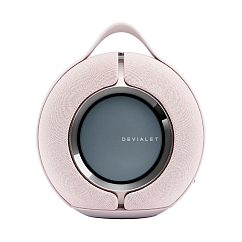
AirPlay support: yes
Battery capacity, mAh: 3200
Bluetooth version: 5.0
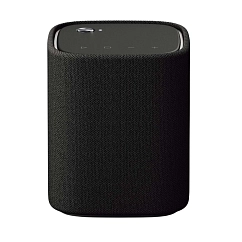
Battery capacity, mAh: 1800
Battery charge indicator: yes
Bluetooth version: 5.0