How Do Bluetooth Headphones Work?

You press play on your favorite song, and the music fills your ears — but there are no wires. You can walk around the room, make a coffee, and your phone can be across the table. Back in the day, it must have felt like magic, but this clever tech has long become part of our daily routine. But have you ever stopped to wonder how Bluetooth headphones actually work?
How does the sound get from your phone into your ears without a physical connection? How are they powered? And what’s the difference between "wireless" and "true wireless"?
This guide will demystify the technology behind your wireless headphones and earbuds. We'll break down the entire process, from the signal leaving your phone to the sound waves hitting your eardrum, and cover some practical tips to help you get the best possible wireless audio experience.
Contents
How Do Wireless and Bluetooth Headphones Work?
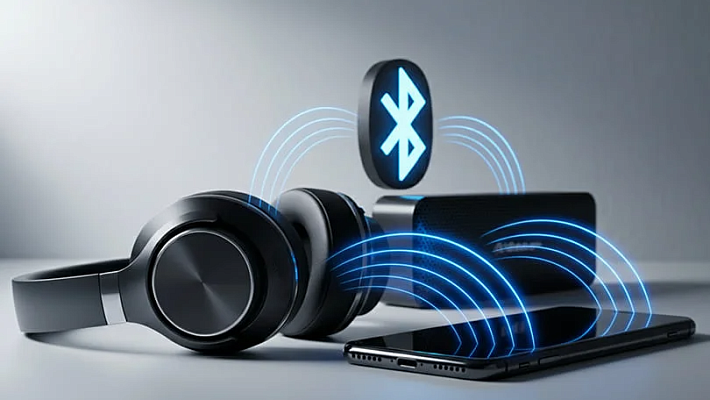
At its core, all wireless audio works by transmitting sound as a radio signal. Think of it like a tiny, personal radio station inside your phone or laptop. This station broadcasts the audio information, and your wireless headphone acts as a receiver, tuning into that specific station to play the music.
While there are a few different kinds of wireless technology, the vast majority of headphones today use a specific standard called Bluetooth. Bluetooth is a technology designed for sending information over a short range using low-power radio waves. It creates a direct, secure connection between two devices, allowing them to communicate without needing an internet connection like Wi-Fi. The process starts with a digital handshake called "pairing," where your source device (like a phone) and your headphone agree to connect to each other. Once that trust is established, the audio can flow.
How Do Wireless Earbuds Work?
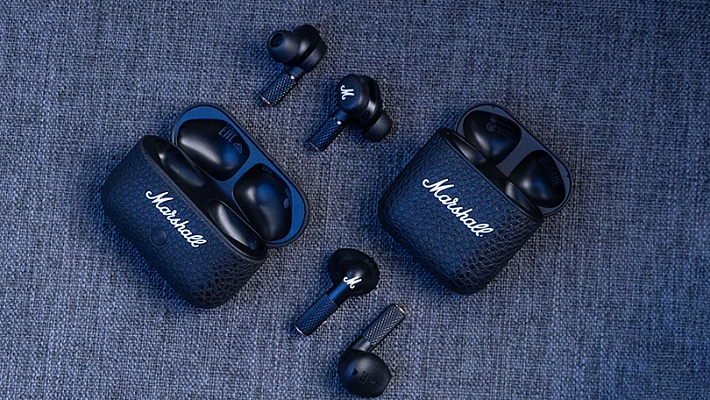
Wireless earbuds follow the same basic Bluetooth principle, but they have an extra layer of complexity: they also need to talk to each other. In many traditional wireless earbuds, one earbud acts as the "primary" or "master" device. It receives the full stereo audio signal from your phone. It then plays the audio for its side (e.g., the right channel) and forwards the other channel's audio signal to the "secondary" earbud.
More modern true wireless earbuds have improved on this. Many now allow each earbud to connect to the phone independently. This creates a more stable connection, reduces latency (delay), and allows you to use either the left or right earbud on its own, which is a very convenient feature.
How Are Wireless Headphones Powered?
Since there’s no wire to draw power from your phone, every wireless headphone or earbud has a built-in rechargeable battery. These are typically small, efficient lithium-ion (Li-ion) batteries.
- On-ear and over-ear headphones are charged directly, usually via a USB-C or Micro-USB port on one of the earcups.
- Wireless earbuds are charged via their carrying case. The case itself has a larger battery inside. When you place the earbuds in the case, they automatically start to charge. You then recharge the case itself every few days. This brilliant system is what makes all-day listening with tiny earbuds possible.
Wireless vs. True Wireless Earbuds
These terms can be confusing, but the difference is simple.
- Wireless Earbuds: This term can describe any earbud that doesn't plug into your phone's headphone jack. This includes models that are connected to each other by a wire or a solid neckband. The neckband style is popular for sports, as you can let them hang around your neck when not in use. They are wireless in relation to the phone, but not to each other.
- True Wireless Earbuds: This refers to models where each earbud is a completely separate, individual unit. There are zero wires involved. This design offers the ultimate freedom and portability, but also means they are easier to lose if you’re not careful!
Types of Wireless Headphones
Just like their wired counterparts, wireless headphones come in three main form factors, each offering a different balance of comfort, portability, and sound.
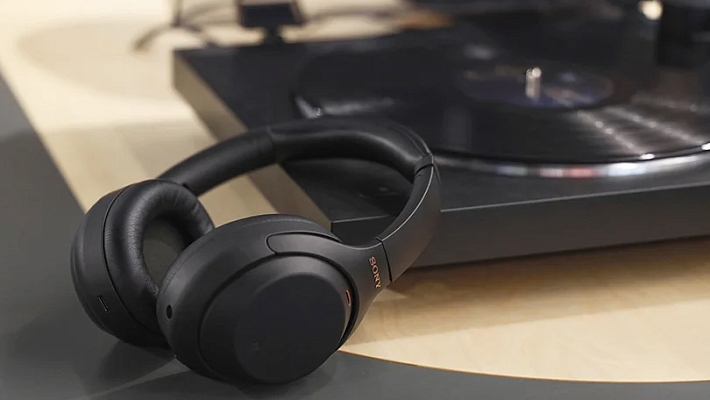
- Over-Ear: These have large earcups that completely surround your ears. They offer the best comfort for long sessions and provide excellent passive noise isolation.
- On-Ear: These are lighter and have smaller earcups that rest directly on your ears. They are more compact than over-ear models but can be less comfortable for some users over long periods.
- In-Ear: This is the category that includes all types of earbuds. They are designed to be placed inside the ear, offering the best portability and a secure fit for active use.
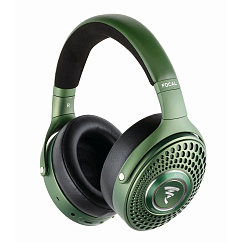
Multipoint: yes
Brand: Focal
Headphone type: wireless
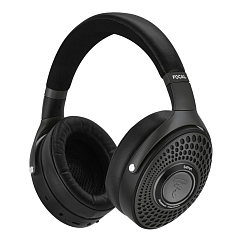

Multipoint: yes
Brand: Sennheiser
Headphone type: wireless, wired
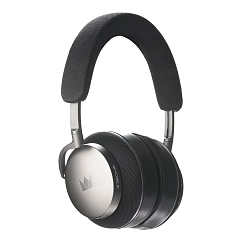
Detachable microphone: yes
Multipoint: yes
Headset type: stereo

Brand: Focal
Headphone type: wireless
The lowest frequency, Hz: 15
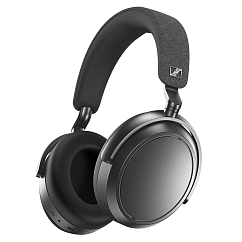
Brand: Sennheiser
Headphone type: wireless
The lowest frequency, Hz: 6
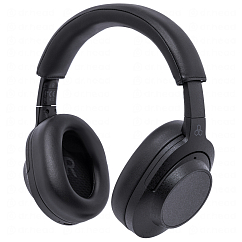
Brand: Final Audio
Headphone type: wireless
The lowest frequency, Hz: 20

Brand: Sony
Headphone type: wireless
The lowest frequency, Hz: 4
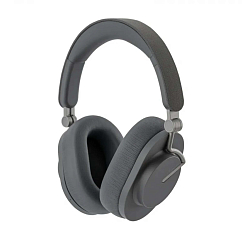
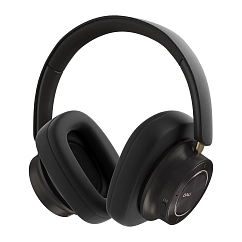

Brand: Sony
Headphone type: wireless
The lowest frequency, Hz: 4
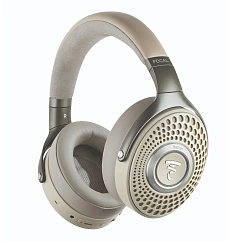
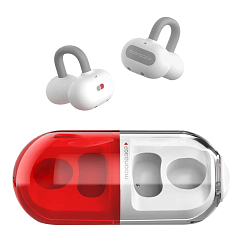
In-Ear headphone type: true wireless
Multipoint: yes
Brand: MoonDrop
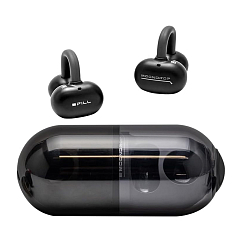
In-Ear headphone type: true wireless
Multipoint: yes
Brand: MoonDrop
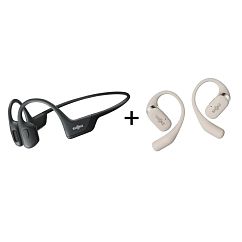
Brand: AfterShokz
Headphone type: wireless
The lowest frequency, Hz: 20

Brand: Shokz
Headphone type: wireless
The lowest frequency, Hz: 20

Brand: Shokz
Headphone type: wireless
The lowest frequency, Hz: 20
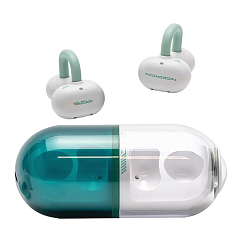
In-Ear headphone type: true wireless
Multipoint: yes
Brand: MoonDrop

In-Ear headphone type: true wireless
Brand: Shokz
Headphone type: wireless
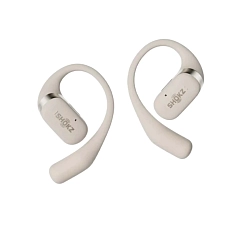
Brand: Shokz
Headphone type: wireless
The lowest frequency, Hz: 50

Brand: Shokz
Headphone type: wireless
The lowest frequency, Hz: 20

In-Ear headphone type: true wireless
Brand: Shokz
Headphone type: wireless
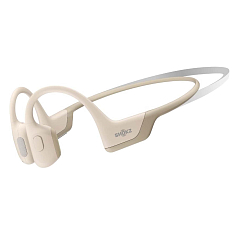
Brand: Shokz
Headphone type: wireless
The lowest frequency, Hz: 20

Brand: Shokz
Headphone type: wireless
The lowest frequency, Hz: 20
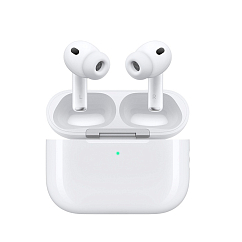
Headset type: stereo
Brand: Apple
Type of wireless headphones: True Wireless
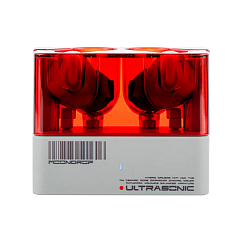
Brand: MoonDrop
Type of wireless headphones: True Wireless
Bluetooth version: 5.3
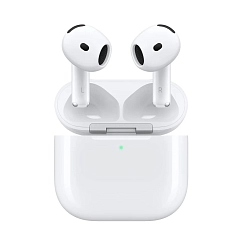
Headset type: stereo
Brand: Apple
Type of wireless headphones: True Wireless

Headset type: stereo
Brand: Bose
Type of wireless headphones: True Wireless

Headset type: stereo
Brand: Noble Audio
Type of wireless headphones: True Wireless
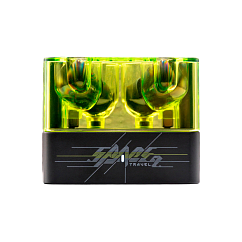
Brand: MoonDrop
Type of wireless headphones: True Wireless
Bluetooth version: 6.0
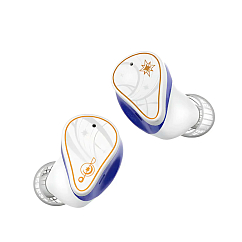
Brand: MoonDrop
Type of wireless headphones: True Wireless
Bluetooth version: 5.4

Headset type: stereo
Brand: Apple
Type of wireless headphones: True Wireless

Headset type: stereo
Brand: MoonDrop
Type of wireless headphones: True Wireless
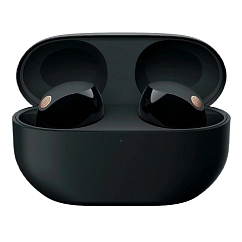
Headset type: stereo
Brand: Sony
Type of wireless headphones: True Wireless

Headset type: stereo
Brand: Noble Audio
Type of wireless headphones: True Wireless

Headset type: stereo
Brand: Noble Audio
Type of wireless headphones: True Wireless
The Technology Behind Wireless Headphones
Let's dive a little deeper. For Bluetooth to work, your audio has to be compressed into a smaller package to be sent efficiently over the air. This is done using a "codec." Think of a codec as a specific language for encoding and decoding audio. Your phone and headphones must speak the same language to communicate.
- SBC (Subband Codec): This is the basic, mandatory codec for all stereo Bluetooth audio. It’s universal but doesn’t offer the highest quality.
- AAC (Advanced Audio Coding): The standard used by Apple devices. It offers better sound quality than SBC at similar data rates.
- aptX: A family of more advanced codecs developed by Qualcomm. There are several versions, including aptX HD for high-resolution audio and aptX Low Latency to keep audio and video in perfect sync, which is great for watching movies or gaming.
Your devices will automatically negotiate and use the best codec they both support.
Practical Considerations for Users
When using any Bluetooth headphone, there are a few real-world things to keep in mind.
- Range: Bluetooth is a short-range technology. The standard range is about 10 meters. Walls and other obstacles can reduce this distance, so it's best to keep your source device relatively close.
- Battery Life: Always check the rated battery life. For headphones, this is the single-charge playback time. For earbuds, it's the playback time plus the additional charges you get from the case.
- Interference: Because Bluetooth uses radio waves, it can sometimes experience interference from other devices that use similar frequencies, like Wi-Fi routers, microwaves, or even other Bluetooth devices. If your audio is stuttering, try moving away from potential sources of interference.
Troubleshooting Tips
If your wireless headphones aren't working properly, don't panic. The fix is usually very simple.
- Connection Issues: The classic first step for any tech problem applies here: turn it off and on again. Turn off the Bluetooth on your phone and on your headphones, then turn them back on.
- Pairing Problems: If a device won't connect, go into your phone's Bluetooth settings, find the headphone in the list of devices, and choose to "Forget This Device." Then, put your headphones back into pairing mode and start the pairing process from scratch.
- Poor Sound Quality: Check the battery. When the battery gets very low, some headphones will reduce performance to save power. Also, ensure you are within a good range of your audio source device without major obstacles in the way.
Now you know the magic behind how your favorite wireless headphone works. It’s a brilliant combination of radio technology, audio compression, and clever power management. And if you're ready to find your next pair, we invite you to our Dubai showroom to explore the latest in Bluetooth audio technology and find the perfect product for your needs and wants.