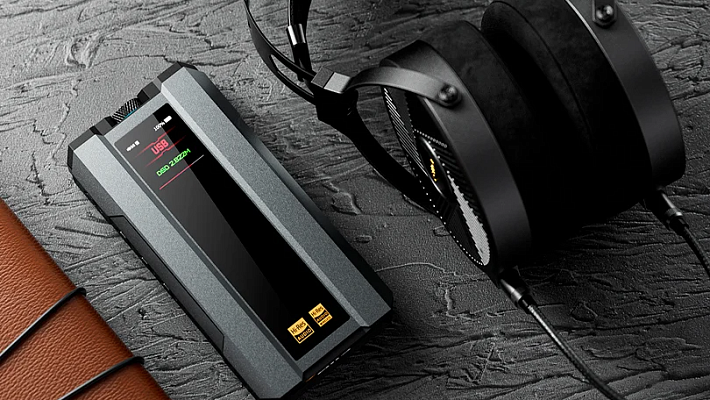














Cranking Up the Bass in Your Headphones
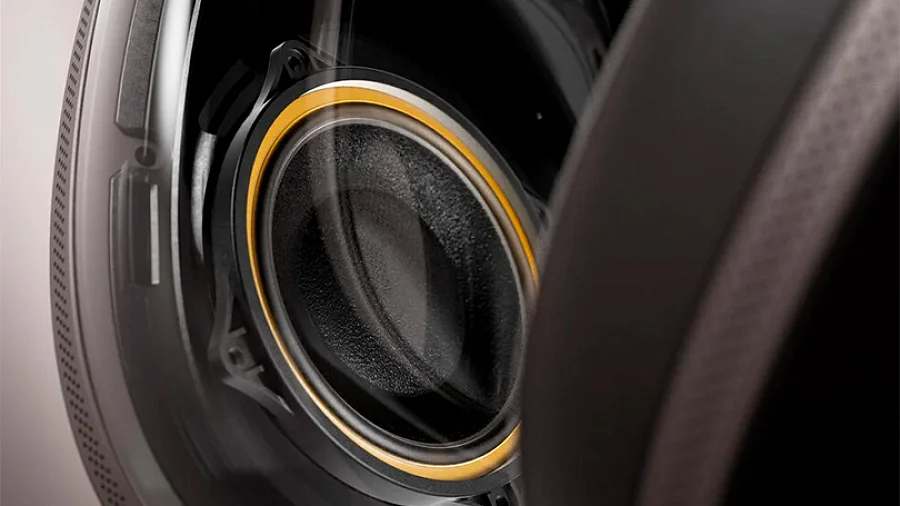
Many headphone users eventually run into the same frustrating issue: weak bass. Even expensive models can sometimes sound surprisingly flat. This is rarely a sign of bad equipment. Instead, it is usually a combination of factors, including the physical design, driver size, acoustic seal, and your audio source. Understanding these elements will help you unlock those deep low frequencies without having to buy a new pair of headphones.
Contents
Why’s the Bass Not Bassing?
The physical quality and design of your headphones play a massive role in low-frequency reproduction. Cheap models with drivers smaller than 30mm simply cannot move enough air to create deep bass. Furthermore, open-back headphones will always naturally lack the low-end punch of closed-back models due to their lack of acoustic isolation.
Physical wear and tear also degrade sound. A damaged driver membrane, stiff earpads, or a loose fit will create sound leaks, immediately killing the bass. If you have a premium pair of headphones that suddenly sound weak, test them on another device to rule out a hardware defect.
If the headphones are fine, the culprit is likely your audio source. The low output voltage of a smartphone is the most common reason for anemic bass. Built-in phone amplifiers often lack the power to drive high-impedance headphones properly. The result is a sound that lacks depth and dynamics, feeling entirely lifeless even at maximum volume (by the way, do not use your headphones at maximum volume, anyway!).
Your file bitrate and Bluetooth codec matter just as much. A high-quality FLAC file or a 320 kbps stream contains significantly more low-frequency data than a heavily compressed 128 kbps MP3. If the data itself is missing from the file, no equalizer can bring it back. For wireless users, dive into your smartphone settings and switch from the standard SBC codec to aptX HD or LDAC, which transfer much more data and preserve the low-end perfectly.
Boosting Bass Through Software
Software adjustments are the easiest and most accessible way to improve your sound without spending money. Proper equalization can yield incredible results.
Tweaking the EQ
The 60–250 Hz frequency range is responsible for the core bass in your music. 60–80 Hz provides that rumbling depth, 80–120 Hz delivers the main punch and thickness, and 120–250 Hz handles the attack and clarity.
When adjusting the EQ, raise these frequencies smoothly. Start with a modest 3–5 dB boost. Avoid massive, jagged spikes, as they will instantly make the sound muddy and bloated. It is crucial that you do not over-boost the midrange (500–2000 Hz), or you will completely drown out the vocals and finer details. Apps like Poweramp, Wavelet, or the built-in Realtek HD Audio in Windows offer excellent starting presets.
Enhancement Software
Modern spatial and enhancement technologies can significantly boost your perception of bass without physically overloading the drivers. Features like Dolby Atmos offer spatial sound with a cinematic low-end focus, while DTS Headphone:X creates excellent virtual volume. Test a few different modes on your favorite tracks, as there is no universal preset that works for every genre.
Hardware Upgrades for Better Bass
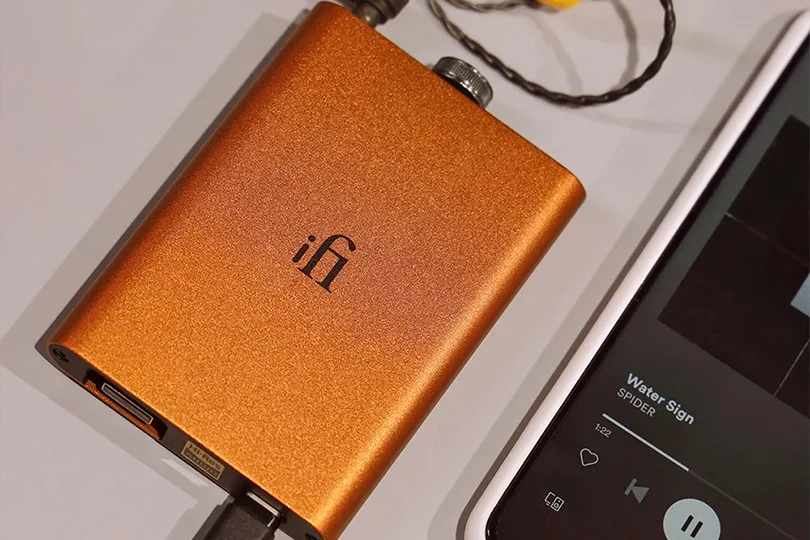
While requiring more effort, physical improvements deliver a more stable, natural result than software tweaks.
Amplifiers & External DACs
Portable amplifiers help your headphones reach their true potential. More power equals vastly better control over the bass drivers, especially at high volumes.
These devices drastically improve the low-end even on budget headphones. They bypass the weak amplifier in your phone and provide a massive power reserve. DACs with a hardware-level Bass Boost function alter the low frequencies via analog circuitry, which is far superior to digital EQ tweaks that can introduce processing artifacts. If your headphones are rated above 150 Ohms, a dedicated amplifier is mandatory. You can always explore the exact amp you need at the Dr.Head showroom in Dubai.
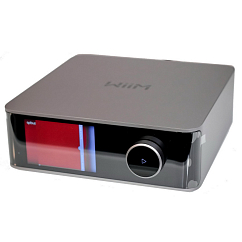
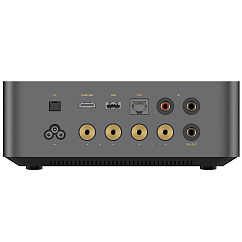
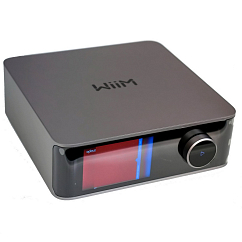
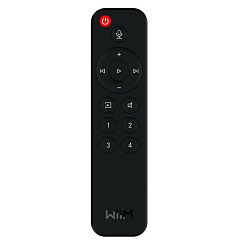
WiiM Amp Ultra Space Grey
AirPlay support: yes
Connection method: wifi, rj45
Internet radio: yes

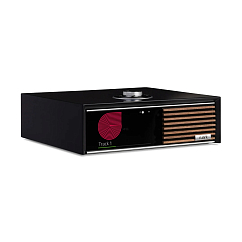


Ruark R610 Charcoal
AirPlay support: yes
Connection method: rca, rj45, hdmi, bluetooth, wifi, toslink
HDMI: 2.0


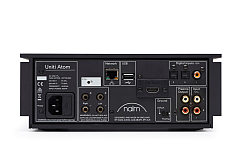
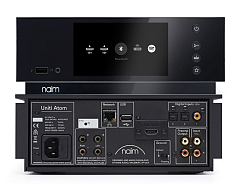
Naim Uniti Atom HDMI
Brand: Naim
Power per channel at 8 Ohm, W: 40
Internal DAC: yes

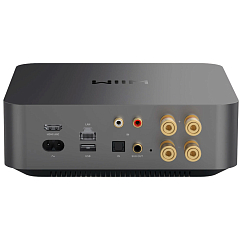
WiiM Amp Pro Space Grey
AirPlay support: yes
Connection method: rj45, bluetooth, wifi, coaxial, optical, usb-a, rca
Internet radio: yes
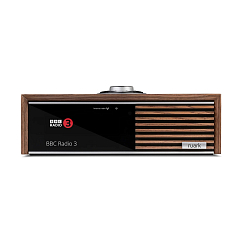
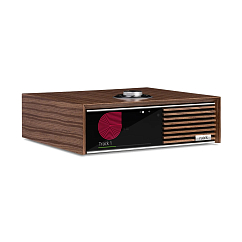
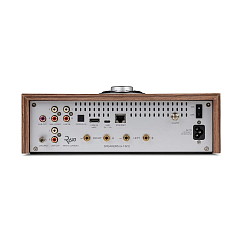
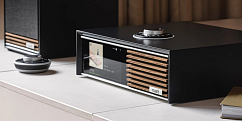

Ruark R610 Fused Walnut
AirPlay support: yes
Connection method: rca, rj45, hdmi, bluetooth, wifi, toslink
HDMI: 2.0
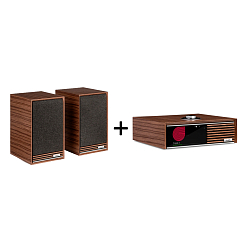
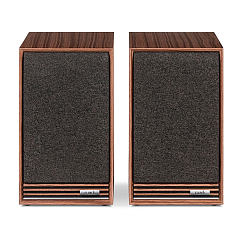
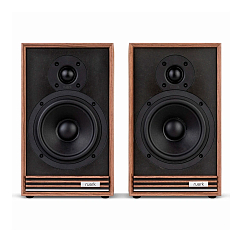
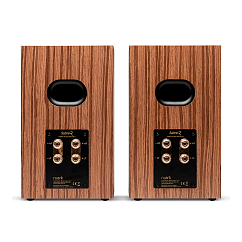

Ruark R610 Fused Walnut and Ruark Sabre-R Speakers Fused Walnut
Brand: Ruark
Internal DAC: yes
Input connectors: HDMI, Optical, RJ45, RCA
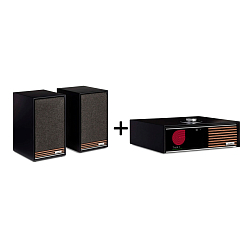
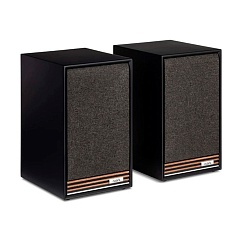
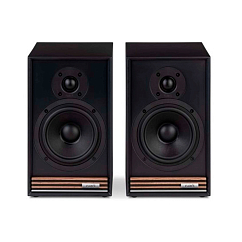
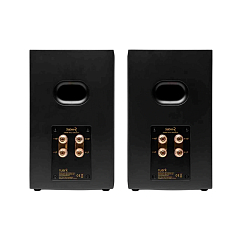
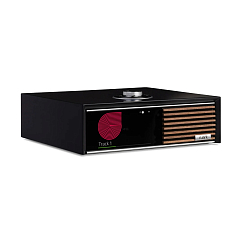
Ruark R610 Charcoal and Ruark Sabre-R Speakers Charcoal
Brand: Ruark
Internal DAC: yes
Input connectors: HDMI, Optical, RJ45, RCA

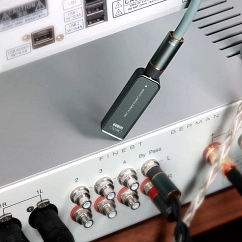
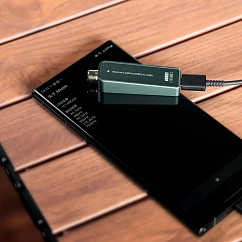

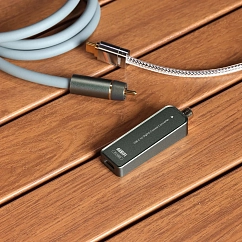
ddHiFi TC100S
Connector (left): USB-C
Connector (right): RCA female
Brand: ddHiFi


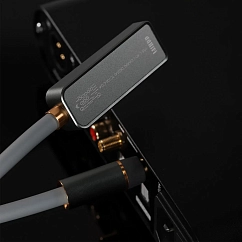
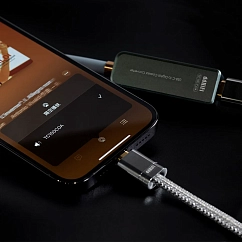
ddHiFi TC100-COA USB-C to Digital Coaxial Converter 0.35m
Braid material: PVC
Cable length, m: 0.35
Connector (left): RCA male, USB-C
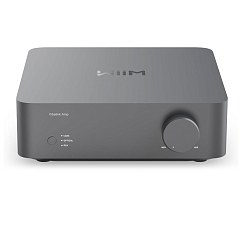

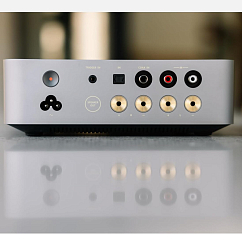
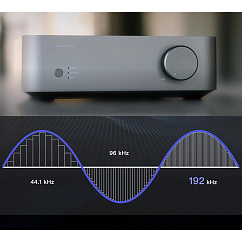
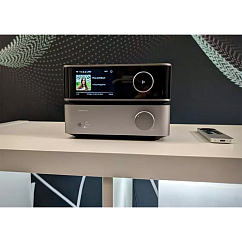
WiiM Vibelink Amp Grey
Brand: WiiM
Power per channel at 4 ohms, W: 200
Power per channel at 8 Ohm, W: 100


Pro-Ject MAIA S3 (UK PLUG) Black
Brand: Pro-Ject
Power per channel at 4 ohms, W: 40
Power per channel at 8 Ohm, W: 23

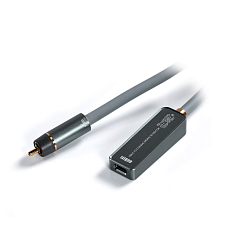

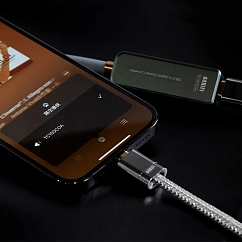

ddHiFi TC100-COA USB-C to Digital Coaxial 0.65m
Braid material: PVC
Cable length, m: 0.65
Cable type: straight
Earpads & Care
The material of your earpads heavily dictates your sound signature. Genuine or synthetic leather pads provide a perfect acoustic seal, trapping the air and delivering significantly deeper bass than breathable velour or fabric pads. Memory foam inserts are ideal because they adapt to the shape of your head, closing any microscopic gaps that might let the bass leak out.
Worn, stiff, or cracked earpads lose their elasticity and ruin that seal. If your bass has slowly disappeared over the last year, replacing the pads will likely fix the issue instantly.
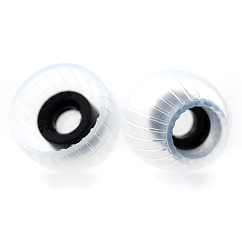
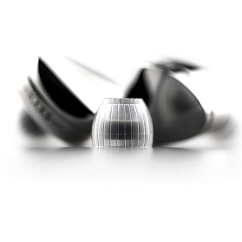
MoonDrop Spring Tips L transparent
Brand: MoonDrop
Type: earpads
Material: silicone


Dekoni Audio Elite Fenestrated Sheepskin Pads Abyss Diana Black
Brand: Dekoni Audio
Type: earpads
Material: leather
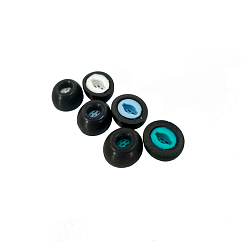


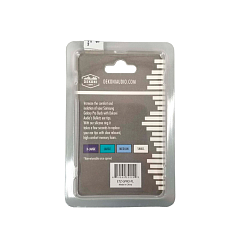
Dekoni Audio Bulletz for Samsung Galaxy Pro Sample Pack
Sound bore, mm: 3.8
Brand: Dekoni Audio
: 46


Dekoni Audio Elite Hybrid Ear Pad Set for Sennheiser HD820
Brand: Dekoni Audio
: 46
Compatible headphone model: Sennheiser HD 820
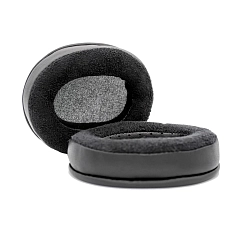
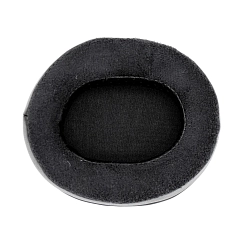


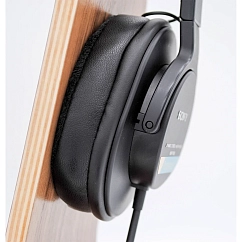
Dekoni Audio Ear Pad Set for ATH-M series, Sony
Brand: Dekoni Audio
Type: earpads
Material: leather
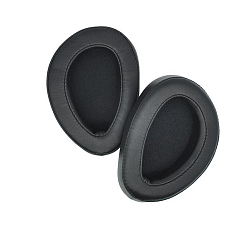
Dan Clark Audio AEON Perforated Ear Pads Black
Brand: Dan Clark Audio
Type: earpads
Material: synthetic leather
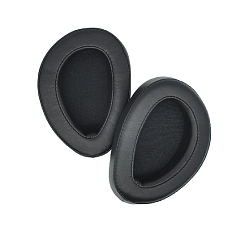
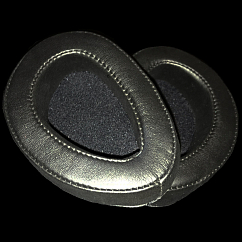
Dan Clark Audio AEON Standard Ear Pads Black
Brand: Dan Clark Audio
Type: earpads
Material: synthetic leather


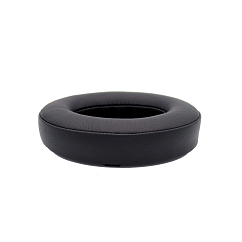
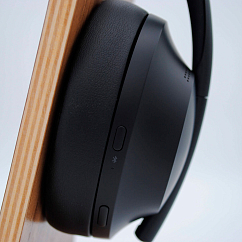
Dekoni Audio Midnight Series for Bose 700
Brand: Dekoni Audio
Type: earpads
Material: synthetic leather

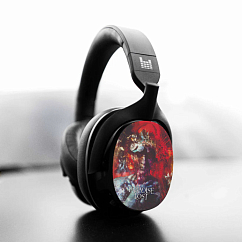

Heavys Paradise Lost - Draconian Times Shells
Brand: Heavys
Type: earpads
Material: plastic


Heavys Metal East Records Shells Black
Brand: Heavys
Type: earpads
Material: plastic


Are Psychoacoustics to Blame?
Sometimes, the lack of bass is entirely in your head. Your brain needs time to adapt to different sound signatures. If you switch from heavily bass-boosted headphones to a neutral, audiophile pair, the new ones will sound incredibly boring. Give your brain 10–15 minutes of continuous listening to adjust.
Because of this adaptation period, you should never constantly switch between different EQ presets. Pick one setting and listen to it for at least a week before making a final judgment on the bass quality.
How to (Not) Ruin Your Sound
Pushing the bass too hard will destroy your overall audio quality. When you boost the low frequencies too far, the driver begins to distort, resulting in a rattling, dirty sound that masks all other instruments.
A safe limit is a gradual 3–5 dB boost, maxing out at 6–8 dB. If you hear distortion at these moderate levels, the problem lies in your source power or the physical limits of the headphones.
Remember the golden rule: bass should complement the track, not dominate it.
Your Step-by-Step Bass Improvement Plan
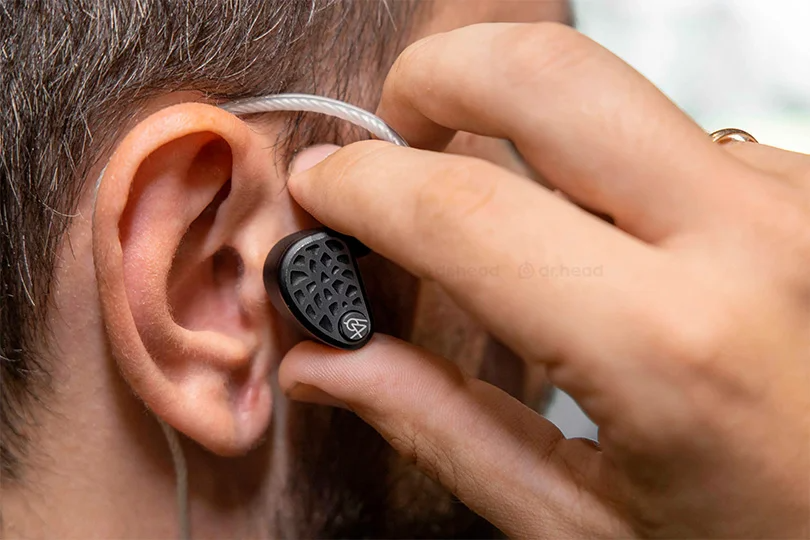
Follow this simple checklist to get the best possible sound out of your gear.
Step 1: Check the Fit and Earpads
Press the earcups slightly firmer against your head while music is playing. If the bass gets instantly better, you are losing your acoustic seal. Adjust your headband or buy new, thicker leather pads.
Step 2: Adjust the EQ
Start with familiar tracks that feature well-defined bass lines, whether that is the deep electronic subs of Massive Attack or the punchy, driving low-end of Disturbed and Linkin Park. Slowly boost the 60–120 Hz range by +3 dB.
Step 3: Check the Source
Ditch heavily compressed files for high-res formats. Ensure your Bluetooth is using LDAC or aptX HD. If you are using a wired connection with high-impedance headphones, look into a portable external DAC.
Step 4: Evaluate
Listen to your new setup for a full week. Good bass is felt and heard, but it never drowns out the vocals.
By ensuring a tight seal, tweaking your EQ responsibly, and feeding your headphones a high-quality signal, achieving great bass is incredibly straightforward.