Click, Clack, Win: The Ultimate Guide to Gaming Keyboards & Switches
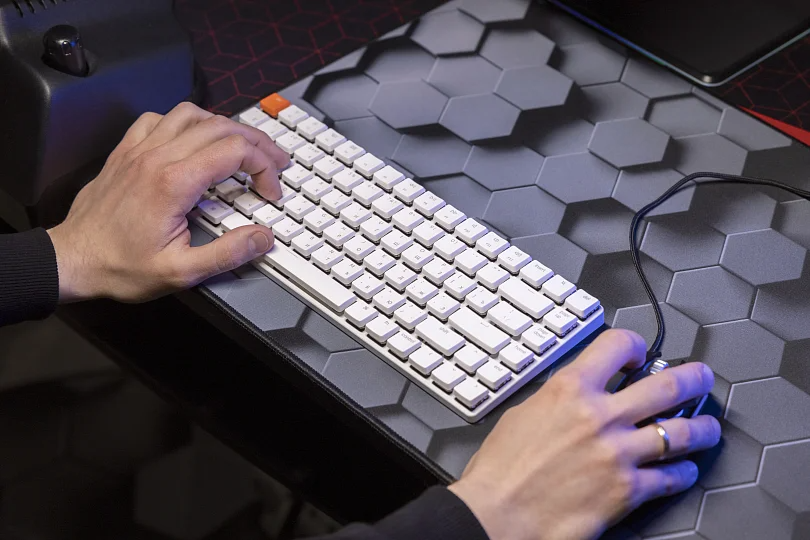
You wouldn't run a marathon in flip-flops. So why are you trying to climb the ranked ladder in Counter-Strike or Valorant using a spongy office keyboard?
A gaming keyboard isn't just about RGB lights that sync with your wallpaper. It’s about speed, precision, and control. It’s the difference between strafing back into cover instantly and getting caught in the open because your key didn't register fast enough.
But the world of keyboards is a rabbit hole. Red switches? Blue switches? Magnetic? 60% layout? It can get confusing fast.
Let’s strip away the jargon and help you find the weapon that fits your hands — and your playstyle.
Contents
Membrane vs. Mechanical: The Big Divide
Before we talk about switches, we need to talk about the technology under the hood.
Membrane Keyboards (The Office Standard)
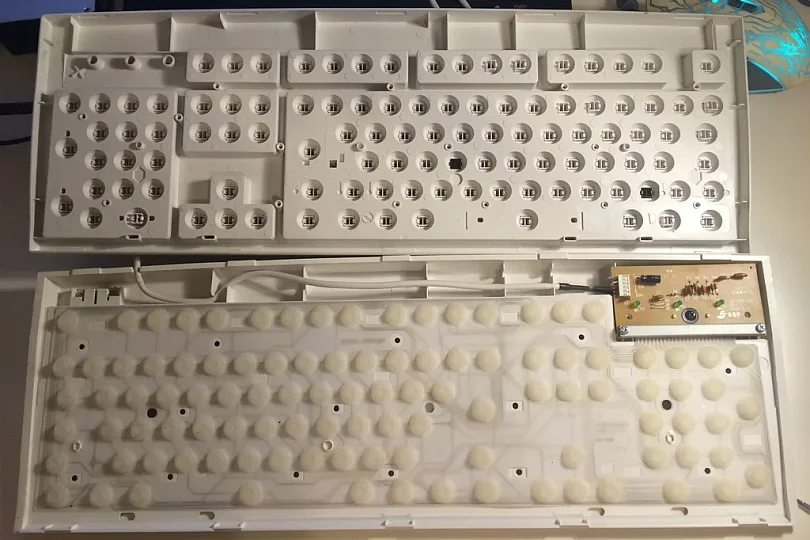
This is likely what you have on your laptop or cheap office keyboard.
- How it works: Under the keys, there is a rubber sheet. You press a key, squish the rubber dome, and it touches a circuit board.
- The Feel: Mushy. Soft. Inconsistent.
- The Verdict: Great for silence and saving money. Terrible for gaming. You have to press the key all the way down to register a command, which slows you down.
Mechanical Keyboards (The Gamer’s Choice)
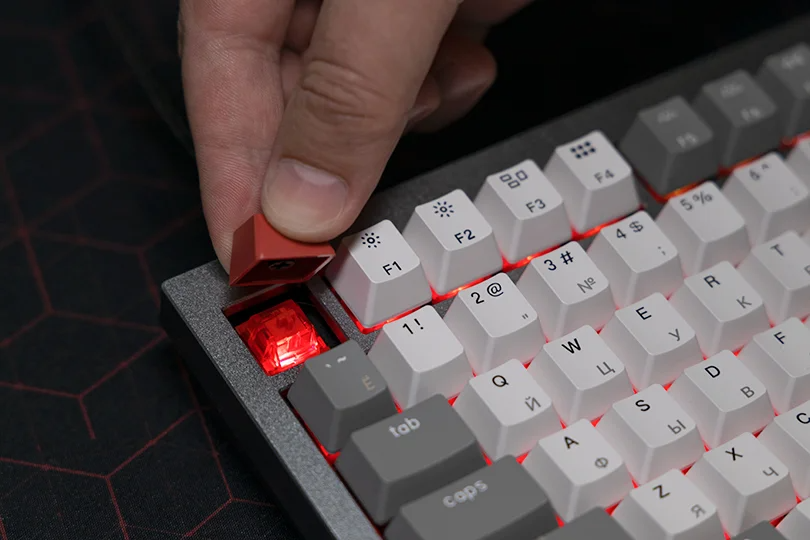
- How it works: Under every single key is an individual mechanical switch with a spring and a stem.
- The Feel: Crisp. Responsive. Consistent.
- The Verdict: The gold standard. They register clicks faster — often halfway down the press — last for years (think 50–100 million clicks), and allow you to customize exactly how your movement feels.
Decoding the Switches: Red, Blue, or Brown?
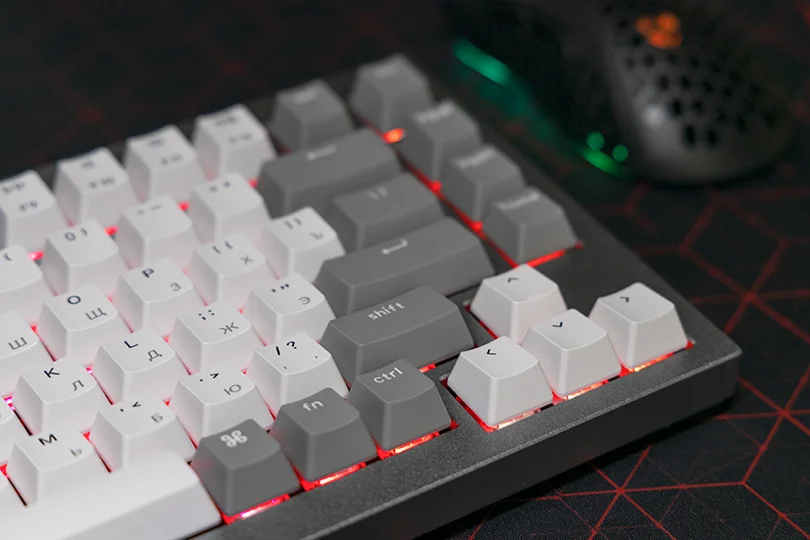
This is the most personal choice you’ll make. Mechanical switches are usually categorized by the color of their "stem," which indicates how they feel and sound.
Linear Switches (Red)
- The Feel: Smooth and straight down. No bump, no click.
- Sound: Quiet.
- Best For: Fast-paced Gaming (FPS/MOBA). Because there is no resistance, you can double-tap keys incredibly fast. If you play Apex Legends or Call of Duty, this is your switch.
Clicky Switches (Blue)
- The Feel: A distinct "bump" you can feel, followed by a loud "CLICK" sound. Like a vintage typewriter.
- Sound: Loud. Very loud.
- Best For: Typing. It’s very satisfying for writing essays, but many gamers find the release point too slow for rapid movements. Also, your roommates might hate you.
Tactile Switches (Brown)
- The Feel: The middle ground. You feel a gentle "bump" when the key activates, but there is no loud click.
- Sound: Moderate.
- Best For: Hybrids. If you use the same PC for work and gaming, this is the safest bet. You get feedback without the noise.
The New Meta: Magnetic & Optical Switches
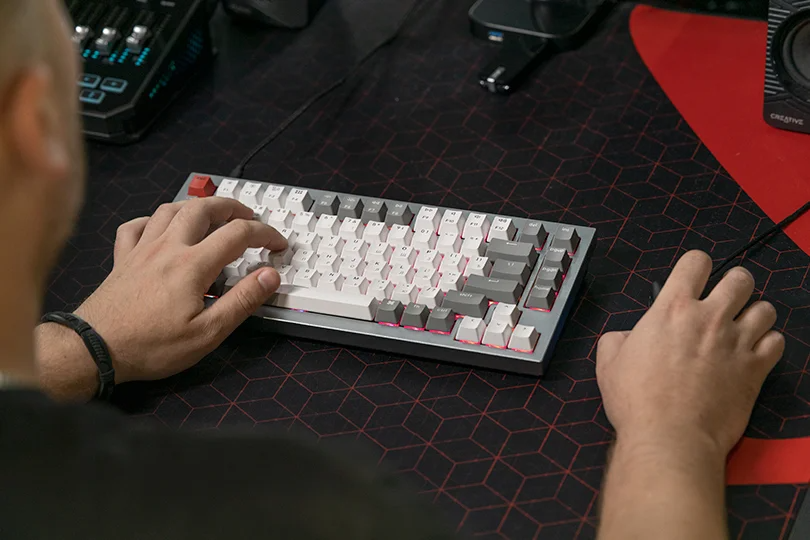
If you want the absolute cutting edge, those standard mechanics we just discussed are already "old school." There are new kings of the genre now — let’s get a quick overview of them.
Optical Switches
Used by brands like Razer. Instead of metal touching metal, the stem breaks a beam of light.
- Benefit: Speed of light response and zero physical wear and tear.
Magnetic (Hall Effect) Switches
The current king of esports (Wooting, SteelSeries, etc.), they use magnets to detect key depth.
- The Killer Feature: Rapid Trigger. The key resets the moment you lift your finger, even a millimeter. This makes "counter-strafing" in shooters instantaneous. It’s almost like cheating, but legal.
Size Matters: Full-Size, TKL, or 60%?
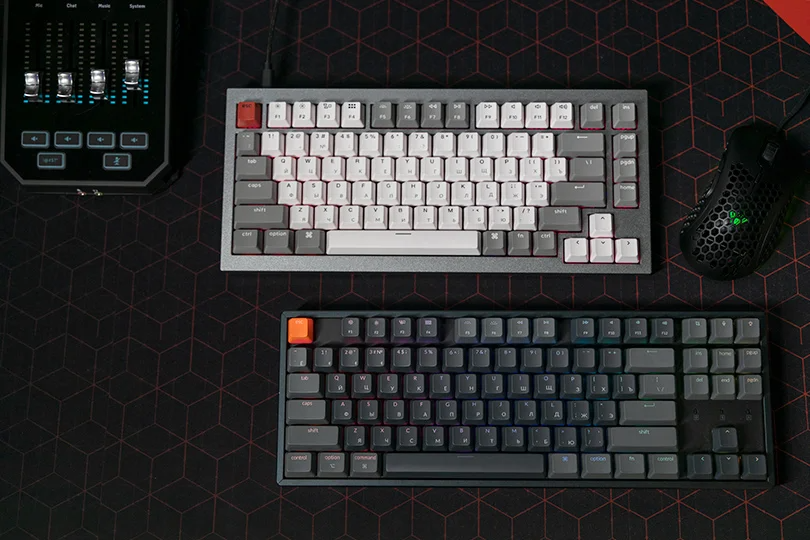
Ask yourself: Do you really need a numpad? Because if you don’t and still have it, you’re missing out on that sweet, sweet mouse space.
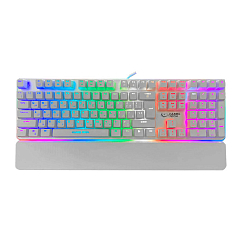
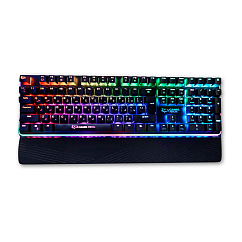
- Full-Size (100%): Has everything, numpad included. Good for data entry, bad for mouse space.
- TKL (Tenkeyless): Chops off the numpad. The standard for most gamers, as it gives you much more room to swing your mouse.
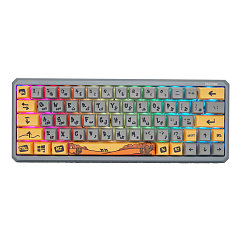
- 60% / 75%: Compact. Removes the F-row and arrows. Loved by pros for portability and maximum mouse space, but takes time to get used to.
Wired vs. Wireless: Is Lag Still a Thing?
Short answer: No. Modern 2.4GHz wireless tech (like Logitech Lightspeed or Razer HyperSpeed) is indistinguishable from a cable.
Pro Tip: Don't game on Bluetooth — it still has a delay. Use the USB dongle (2.4GHz) for gaming and save Bluetooth for typing emails.
The Verdict
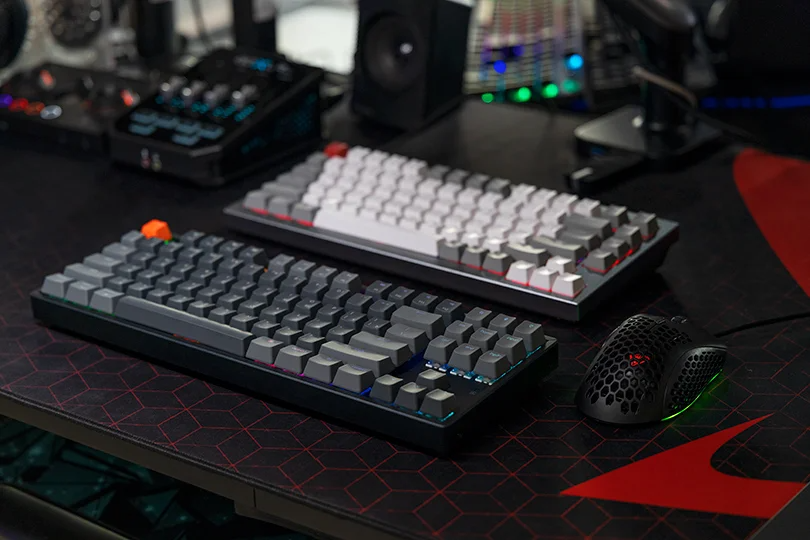
Your keyboard is your primary interface with the digital world.
- For pure typing: Get Blue or Brown switches.
- For competitive shooters: Get Red or Magnetic switches in a TKL format.
- For late-night gaming: Get Silent Red switches so you don't wake the house.
The best way to choose? You have to feel it. Reading about "tactile bumps" is one thing; feeling them is another.
Come visit the Dr.Head showroom in Dubai. We have a wall of keyboards with different switches set up for you to test. Come click, clack, and find your perfect match.