Why Are My Headphones Not Charging? A Quick Troubleshooting Guide
You place your headphones in their case or plug them in, expecting them to be fully charged for your commute — only to find them completely dead.
This is a frustratingly common scenario for TWS and over-ear Bluetooth headphone owners. Often, the issue is incredibly simple and can be fixed in a minute. Other times, it requires professional repair.
Here is a step-by-step guide to diagnose and fix headphones that refuse to charge.
Contents
Most Common Reasons Your Headphones Won’t Charge
Understanding the root cause is half the battle. Here are the usual suspects:
- Improper Seating (TWS):It sounds silly, but a millimeter of displacement inside the case means the metal pins aren't making contact. No contact = no charging.
- Dirty Contacts: Sweat, earwax, and pocket lint can coat the charging pins, creating an invisible barrier that blocks electricity.
- Dead or Faulty Case: Your earbuds cannot charge if the case itself has no power.
- Damaged Cable or Adapter: The cable might look fine on the outside, but have a broken wire inside, usually near the connector.
- Software Glitches: Modern headphones are tiny computers. Sometimes, a software crash prevents them from recognizing a power source.
- Extreme Temperatures: Leaving your headphones in a hot car or a damp environment can trigger safety sensors that block charging.
- Battery Degradation: Lithium-ion batteries degrade over time. After 2–3 years of heavy use, they may simply refuse to hold a charge.
How to Fix TWS Earbuds
Before you panic and take your TWS earbuds for a pricey check-up or just outright replace them, try these safe, at-home fixes.
Note: If your earbuds were recently dropped in water or physically crushed, skip these steps and head straight to a service center.
Step 1: Reseat the Earbuds
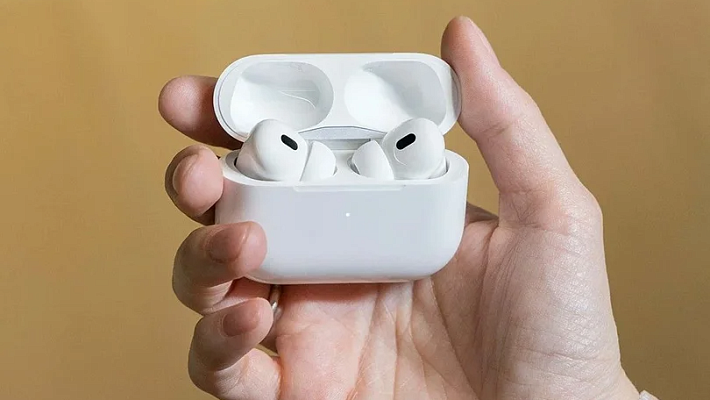
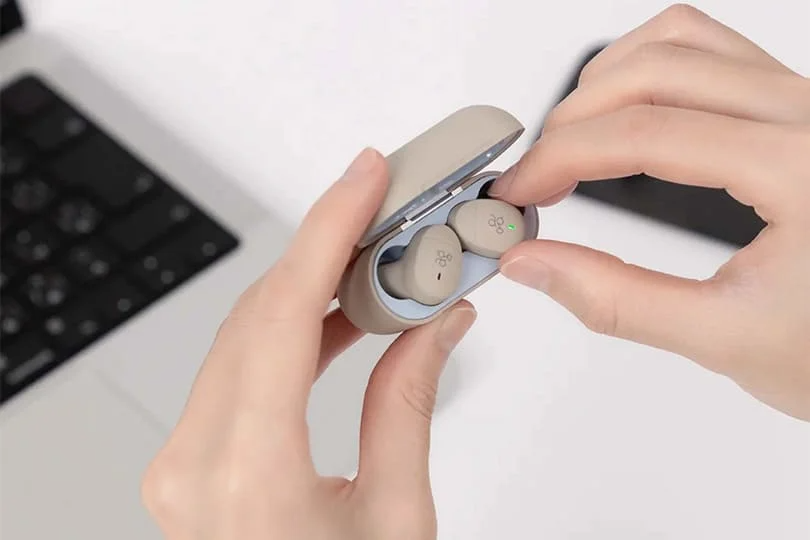
Take them out and put them back in. Ensure they sit flush inside the case. You should feel a magnetic pull or hear a click. Give them a gentle wiggle to ensure solid contact.
Step 2: Charge the Case Separately
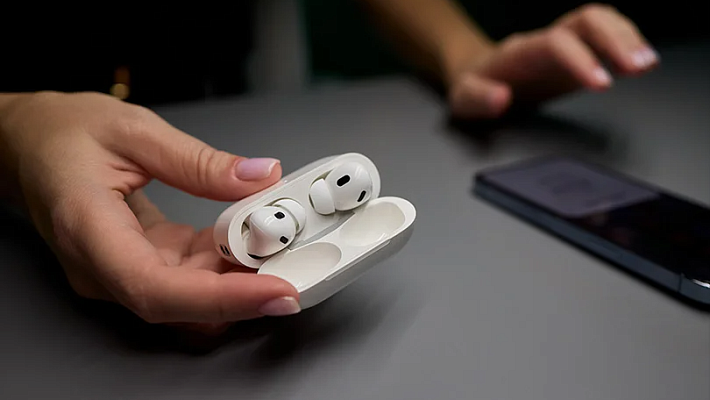
Plug the empty case into the wall for 15–20 minutes. If the LED light does not turn on, the problem is with the case, the cable, or the wall adapter.
Step 3: Clean the Contacts
This fixes 80% of charging issues. Take a dry cotton swab and gently wipe the metal pins inside the case and the metal rings on the earbuds. For stubborn grime, lightly dampen the swab with isopropyl alcohol, clean the contacts, and let them dry completely before trying again.
Step 4: Try a Different Cable
Swap out your USB-C or Lightning cable and the power brick. Remember: always use high-quality cables that match the required voltage.
Step 5: The Hard Reset
Check your manual for the factory reset procedure. Usually, this involves placing the earbuds in the case, keeping the lid open, and holding the button on the back for 10–15 seconds until the light flashes.
How to Fix Over-Ear Headphones
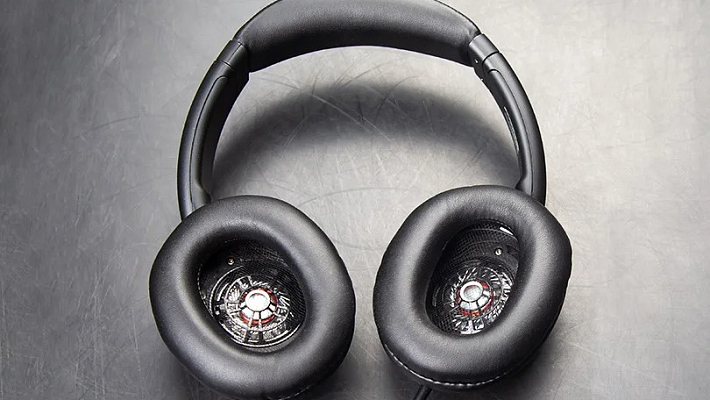
Full-size headphones have different failure points.
Step 1: Check the Port
Look inside the USB charging port with a flashlight. Is it packed with lint? If so, use a wooden toothpick (never metal!) or compressed air to gently remove any debris.
Step 2: Check the LED Indicator
When you plug them in, a light should activate. If it stays dark even with a new cable, the internal power management board might be fried.
Step 3: Software Reset and Update
Many over-ear models can be reset by holding the Power and Volume Down buttons simultaneously. If they turn on but won't charge properly, connect them to your phone and check their companion app for firmware updates.
When to Visit a Service Center
If you have tried the steps above and your headphones are still unresponsive, it is time to call in the professionals.
Main Red Flags:
- The case or headphones do not react to any charger.
- Only one earbud charges.
- The battery says 100%, but dies in 10 minutes.
- There’s visible physical damage to the charging port.
Tip: If your budget earbuds are over three years old and need a battery replacement, it might be more cost-effective to upgrade to a new pair from our fine selection.
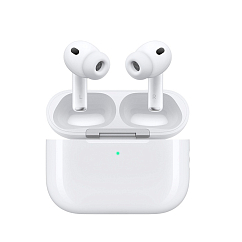
Headset type: stereo
Brand: Apple
Type of wireless headphones: True Wireless
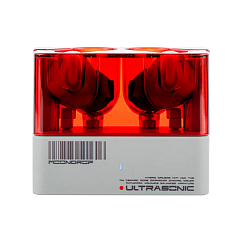
Brand: MoonDrop
Type of wireless headphones: True Wireless
Bluetooth version: 5.3

Headset type: stereo
Brand: Noble Audio
Type of wireless headphones: True Wireless
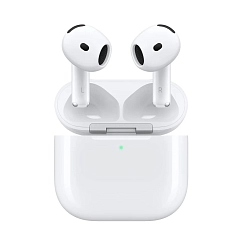
Headset type: stereo
Brand: Apple
Type of wireless headphones: True Wireless

Headset type: stereo
Brand: Bose
Type of wireless headphones: True Wireless
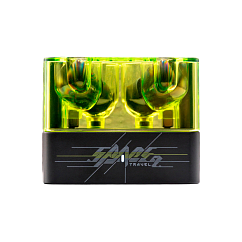
Brand: MoonDrop
Type of wireless headphones: True Wireless
Bluetooth version: 6.0
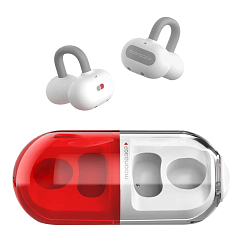
In-Ear headphone type: true wireless
Multipoint: yes
Brand: MoonDrop

Headset type: stereo
Brand: MoonDrop
Type of wireless headphones: True Wireless

Headset type: stereo
Brand: Apple
Type of wireless headphones: True Wireless
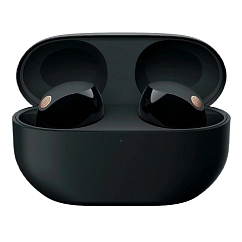
Headset type: stereo
Brand: Sony
Type of wireless headphones: True Wireless
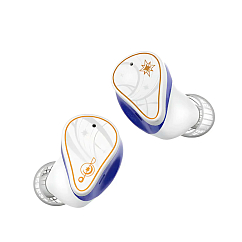
Brand: MoonDrop
Type of wireless headphones: True Wireless
Bluetooth version: 5.4

Headset type: stereo
Brand: Noble Audio
Type of wireless headphones: True Wireless
Overall, don't rush to throw away your "dead" headphones. Most charging issues are caused by dirty contacts, a bad cable, or a software glitch. Take a few minutes to clean them and perform a reset — chances are, you will have your music back in no time. And when in doubt, you're welcome to visit our showroom in Dubai: our experts will help you identify and resolve the issue.