What Is a MIDI Keyboard and Why Do You Need One?
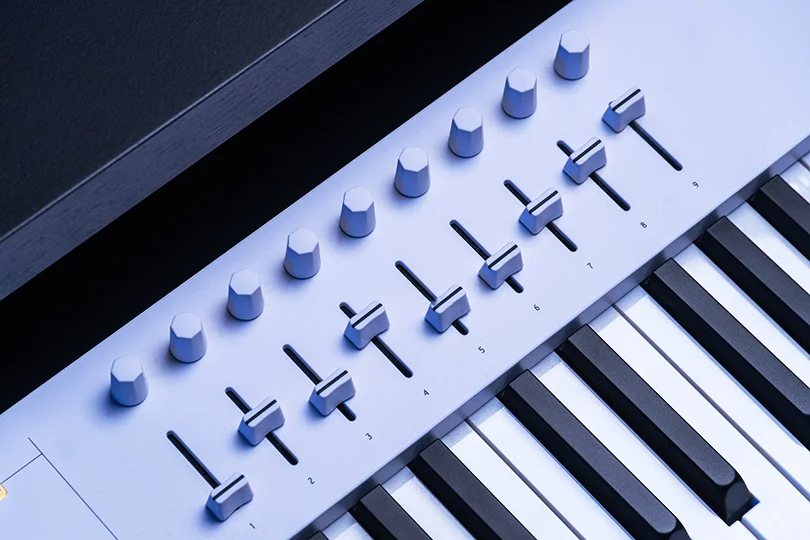
It’s hard to imagine a modern music studio without one. Whether it’s a massive setup with racks of gear or just a laptop in a bedroom, the MIDI Keyboard is usually the centerpiece.
But if you are new to production, it can be confusing. It looks like a piano, but it makes no sound on its own. It has knobs and pads that look like a spaceship control panel.
So, what exactly is it? And more importantly, why is it better than just clicking notes in with your mouse? Let's break it down.
Contents
What Even Is MIDI?
Before we talk about the keyboard, we need to understand the language it speaks. MIDI stands for Musical Instrument Digital Interface.
Here is the most important thing to remember: MIDI is not audio. It does not transmit sound waves. Think of MIDI as digital sheet music. When you press a key, you aren't sending a sound; you are sending a set of instructions to your computer:
- Note On: "They pressed the C3 key."
- Velocity: "They hit it very hard (loud)."
- Duration: "They held it for 2 seconds."
- Note Off: "They let go."
Your computer (or synthesizer) receives these instructions and plays the corresponding sound — whether that’s a grand piano, a drum kit, or a laser effect.
What Is a MIDI Keyboard?
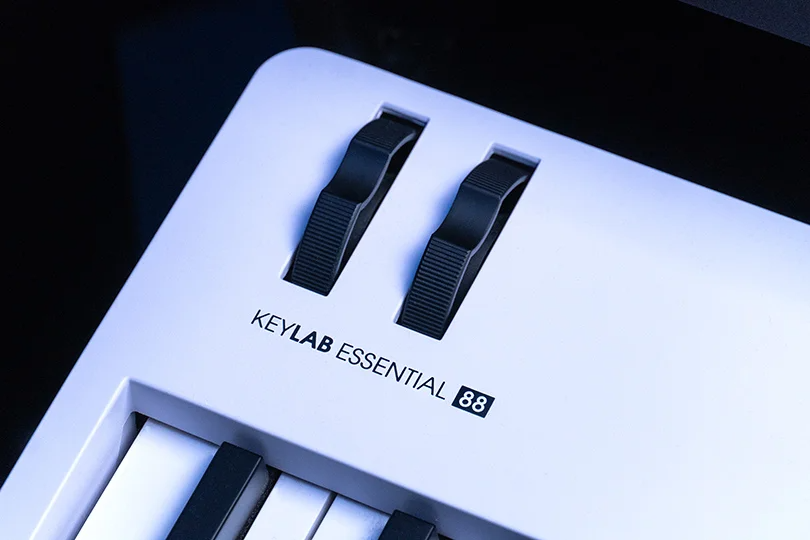
A MIDI Keyboard is simply a remote control for your music software. It sends those "digital sheet music" instructions to your laptop.
It was designed to look like a piano because, for centuries, that layout has been the best way for humans to compose harmony and melody. But unlike a traditional piano, a modern MIDI controller is packed with extra superpowers:
- Keys: For playing melodies and chords.
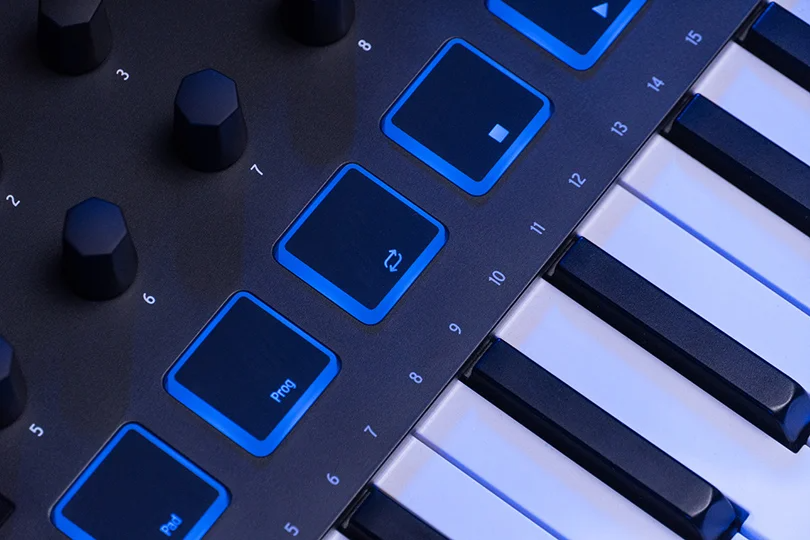
- Pads: Large rubber buttons for tapping out drum beats.
- Faders & Knobs: For controlling volume, filters, and effects in your software.
Keyboard vs. Controller: What’s the Difference?
You’ll hear these terms used interchangeably, but there is a nuance.
- MIDI Controller: This is the broad category. Any device that sends MIDI data is a controller. This includes pad controllers (like for DJs/beatmakers) that have no piano keys at all.
- MIDI Keyboard: This is a specific type of controller that features piano keys. So, all MIDI keyboards are controllers, but not all controllers are keyboards.
Crucial Distinction: Most MIDI keyboards produce no sound on their own. They need to be plugged into a computer or a synth module to work.
Exception: Some synthesizers (like the Arturia KeyLab Essential bundled with Analog Lab software) act as hybrids — they are controllers designed so perfectly for specific software that they feel like a standalone instrument.
Why Do You Need One?
"Can't I just draw the notes in my software with a mouse?" Yes, you can. But it will sound like a robot.
1. The Human Touch (Velocity)
When you play a real drum or piano, no two hits are exactly the same volume. MIDI keyboards capture this "Velocity." Play softly, and the sound is gentle. Play hard, and it cracks. This dynamic range brings your music to life.
2. Speed of Creation
Finding a melody by clicking a mouse is like typing with one finger. Using a keyboard lets you play chords, experiment with harmonies, and find "happy accidents" instantly.
3. Total Control
Imagine trying to do a smooth volume fade or a filter sweep by dragging a tiny line on your screen with a mouse. It’s jerky and awkward. With a MIDI keyboard, you grab a physical knob or fader and twist it. It feels musical, organic, and fun.
Connections: How to Hook It Up
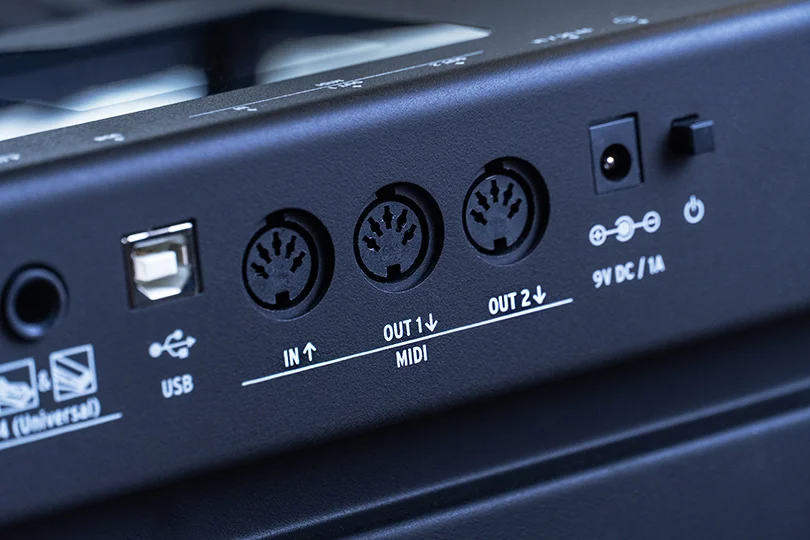
The days of complicated wiring are mostly over: it's all really simple now.
The Modern Way: USB
99% of modern keyboards connect via a single USB cable.
- Plug the USB into your laptop.
- Your computer provides power to the keyboard and receives the data.
- Open your DAW (Logic, Ableton, FL Studio, etc.), and it usually recognizes the device automatically.
The Old School Way: 5-Pin MIDI
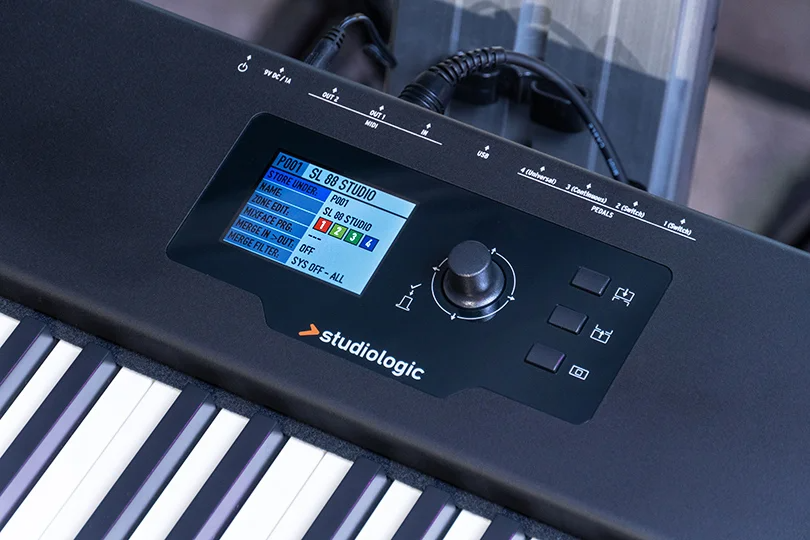
If you have vintage hardware synths from the '80s or '90s, you might need a traditional 5-pin MIDI cable. You connect the "MIDI OUT" of your keyboard to the "MIDI IN" of your audio interface or synth. But for most beginners, USB is all you need.
The Verdict
A MIDI keyboard is the tool that turns a "computer operator" into a "musician." It bridges the gap between your creative brain and the digital software.
Whether you need a tiny backpack-sized controller for making beats in a coffee shop or a full 88-key piano-action beast for your studio, we have them all.
Come visit the Dr.Head showroom in Dubai. We have workstations set up where you can plug in, play, and feel the difference between clicking a mouse and playing an instrument.
Brand: Native Instruments
Number of keys: 49
Connectors: USB-B, 6.35mm jack

Brand: Arturia
Number of keys: 61
Connectors: MIDI, 6.35mm jack, USB-B

Brand: Arturia
Number of keys: 25
Connectors: USB-C, MIDI, 6.35mm jack
Brand: Arturia
Number of keys: 88
Connectors: 6.35mm jack, USB-C
Brand: Native Instruments
Number of keys: 25
Connectors: USB-B, 6.35mm jack
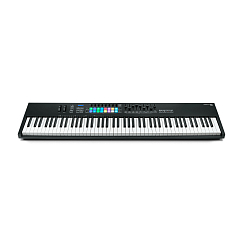
Brand: Novation
Number of keys: 88
Connectors: USB-B, midi, 6.35mm jack


Brand: Arturia
Number of keys: 49
Connectors: MIDI, USB-C, 6.35mm jack
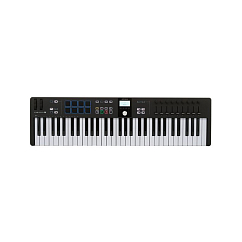
Brand: Arturia
Number of keys: 61
Connectors: MIDI, USB-C, 6.35mm jack
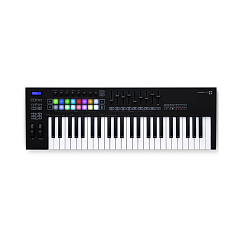
Brand: Novation
Number of keys: 49
Connectors: MIDI, USB-B, 6.35mm jack
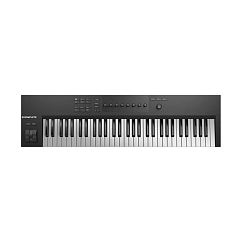
Brand: Native Instruments
Number of keys: 61
Connectors: USB-B, 6.35mm jack
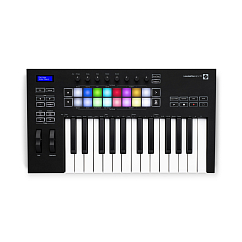
Brand: Novation
Number of keys: 25
Connectors: MIDI, 6.35mm jack, USB-B