(Don’t) Mix It Up: The Ultimate Guide to Audio Mixers
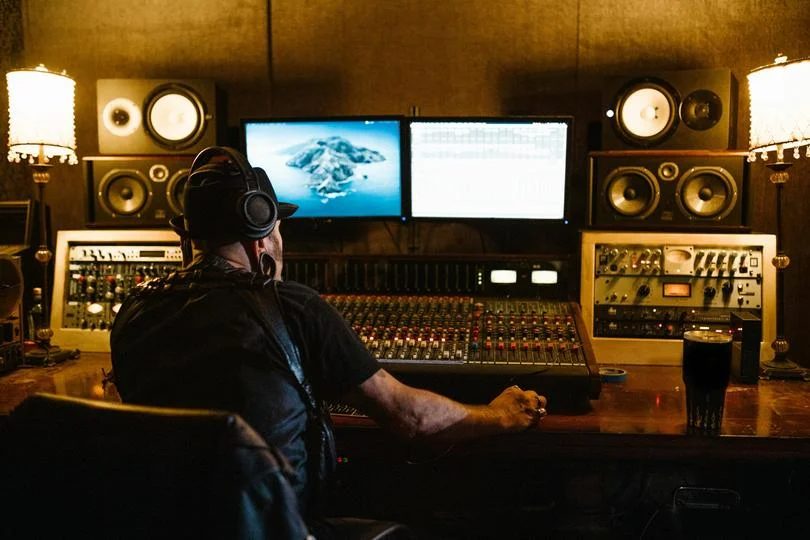
Walk into any recording studio or concert venue, and your eye is immediately drawn to it: the massive desk covered in hundreds of knobs, buttons, and sliders. It looks like the cockpit of a spaceship, and frankly, it kind of is.
It’s the Mixing Console, aka the mixer. Whether it’s a giant analog beast from the 70s or a compact digital box for a podcaster, the job remains the same: it is the central nervous system of your audio setup.
But do you need one? And if so, how do you stop yourself from buying a spaceship when all you need is a bicycle? Let’s demystify the mixer.
Contents
What Does a Mixer Actually Do?
At its core, a mixer is a traffic controller. It takes audio from different places (microphones, guitars, synths, laptops), combines them, polishes them, and sends them to a destination (speakers, headphones, or a recording device).
It performs four main tasks:
- Combine: It merges multiple sources into one cohesive stereo track.
- Balance: It lets you decide that the vocals need to be louder than the guitar, but quieter than the drums.
- Shape (EQ): It lets you sculpt the tone, adding bass to a thin voice or removing harshness from a cymbal.
- Route: It sends sound exactly where it needs to go — for instance, the singer hears only the music in their headphones, while the engineer hears everything.
The 3 Main Types: Which Tribe Are You In?
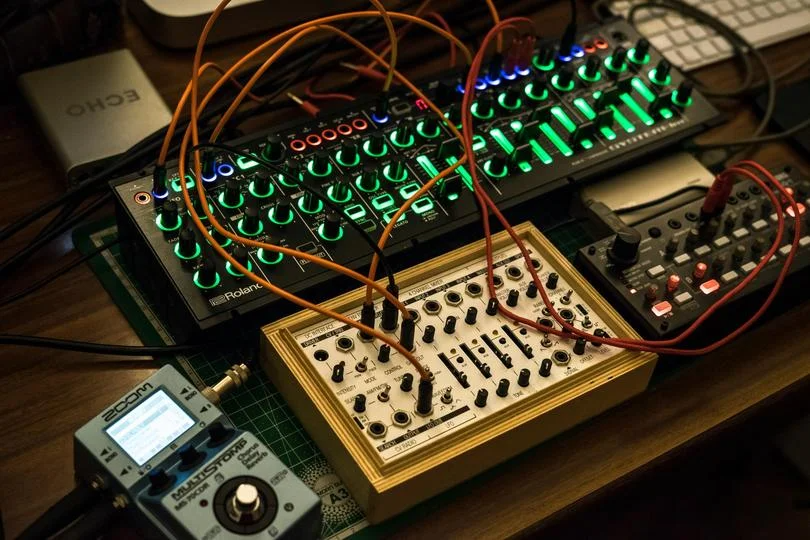
Mixers aren't "one size fits all." They are built for specific missions. So to understand what you’re chasing, you first need to pinpoint why you’re chasing it.
1. Studio Mixers
These are designed for perfection. They focus on pristine sound quality, precise EQ, and routing flexibility for recording.
- Best for:Recording bands, producing albums.
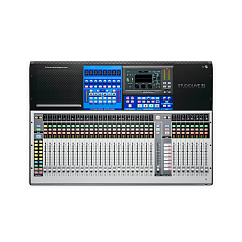
2. Live Sound Mixers
Built for the stage. These are rugged, reliable, and designed to handle dozens of inputs simultaneously in real-time.
- Best for: Concerts, events, venues.
3. Compact Mixers
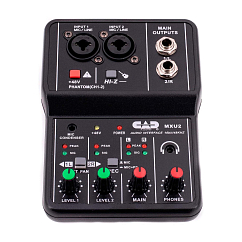
The modern standard for content creators and such. These are small, desktop-friendly units often equipped with USB interfaces to plug directly into a laptop.
- Best for: Podcasters, streamers, home musicians.
The Great Debate: Analog vs. Digital
This is the second major choice you'll have to make. Again, whether you need to go analog or digital depends on what you want from the machine.
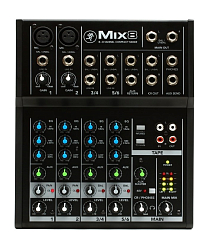
Analog Mixers
These are the "classic" choice.
- The Vibe: What you see is what you get. One knob does one thing. They are praised for their "warm" sound and instant, hands-on control.
- The Downside: Bulky; rely on external gear for effects.
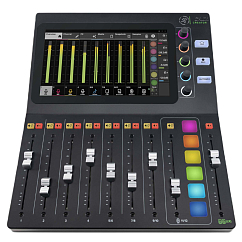
Digital Mixers
If we’re being honest, these are just computers in a disguise.
- The Vibe: Insanely powerful. One digital mixer can control ten different things depending on the "layer" you are on. They have built-in effects (reverb, compression, etc.) and save your settings as "scenes" so you can recall an entire concert setup with one button press.
- The Downside: Much steeper learning curve.
Anatomy of a Channel Strip: How It Works
Let’s now take a step back and learn a little about mixers, shall we? It will become relevant a tiny bit later, once we get to choosing one, trust.
But where do you even start? It’s not that hard — take channel strips, for example. A mixer as a whole sure looks scary, but here is a secret: if you learn one channel, you know them all. A 96-channel console is just the same strip repeated 96 times.
Let’s follow the signal path from top to bottom:
- Gain (The Preamp): This is the faucet. It controls how much signal enters the mixer. Your goal is to get a healthy, strong signal (green/yellow lights) without hitting the red (distortion).
- EQ (The Sculptor): This is where you adjust the Bass, Mids, and Treble. It’s how you make a muddy guitar sound crisp.
- Aux Sends (The Side Roads): This splits the signal. You use this to create a separate mix for the musician's headphones (Monitor Mix) or to send the sound to an effects unit.
- Pan (The Space): Moves the sound Left or Right in the stereo field.
- The Fader (The Volume): The final slider that determines how loud this channel is in the main mix.
Pro Tip:Pre-Fadermeans the volume stays constant even if you move the main slider (great for monitors). Post-Fader means it changes with the slider (great for effects).
The Output Section: Where Does It Go?
Once you’ve mixed your channels, they go to the Master Section.
- Main Mix (Master Fader): This is what the audience hears — or what gets recorded, if that’s what you’re doing.
- Control Room / Phones: This is a "secret" output for the engineer. It’s where you can solo a specific channel to check for problems without affecting what the public gets.
How to Choose (Without Regrets)

Of course, you don't just buy the one with the most lights. To choose the mixer that’ll be just right for the job, ask yourself these questions:
- How many inputs do I really need? Count your microphones and instruments, then add two. Say, if you have a podcast with two people, don't just buy a 2-channel mixer. You will eventually want a guest or a phone input. A 4–6 channel mixer is the safe starting point.
- Do I need a USB? If you are recording to a computer (streaming, podcasting, home studio), a mixer with a built-in USB Audio Interface is essential. It saves you from buying a separate sound card — great, right?
- Do I need Phantom Power (+48V)? If you plan to use condenser microphones (which are the studio standard, by the way), your mixer must have a button labeled "+48V". Without it, your mic won't work.
Common Rookie Mistakes
After all we’ve just discussed, there are only three things left that we need to highlight to make sure you jump right over the "rookie" category and get straight to "confident mixer fixer."
- Buying for looks: Don't buy a mixer because it looks cool. Buy it because it has clean preamps. In general, this goes for all audio equipment, but you know how they say — better safe than sorry.
- Ignoring "Headroom": Buying a mixer with exactly the number of channels you need today guarantees you'll need to buy a new one tomorrow. Your needs will grow; keep that in mind.
- Confusing inputs: Read the fine print! Say, a "12-channel" mixer often counts stereo inputs as two channels. No one’s going to bring you the truth on a silver platter… except the Dr.Head experts, that is.
The Final Word: Don’t Mix It Up!
A mixer is the glue that holds your audio setup together. It turns a collection of noises into a professional, polished performance.
Whether you need a tiny analog desk for your Twitch stream or a digital powerhouse for your band, we have the lineup to match your ambition. Come visit the Dr.Head showroom in Dubai, put your hands on the faders, and feel the difference for yourself.

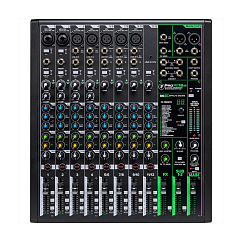
Brand: Mackie
Connection interface: usb, bluetooth
DAC bit depth, bits: 24
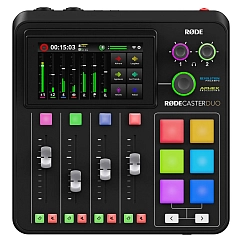
Brand: RODE
Connection interface: usb
DAC bit depth, bits: 24
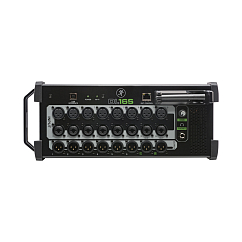
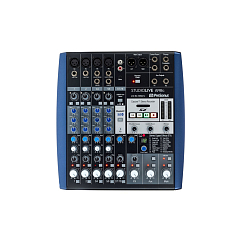
Brand: PreSonus
Connection interface: usb
DAC bit depth, bits: 24
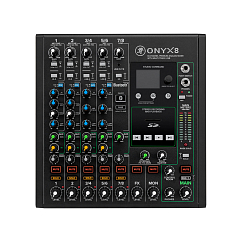
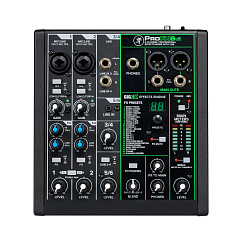
Brand: Mackie
Compatible software: Waveform, Pro Tools
Connection interface: usb