Dolby Atmos for Headphones: Your Secret Weapon for 3D Sound
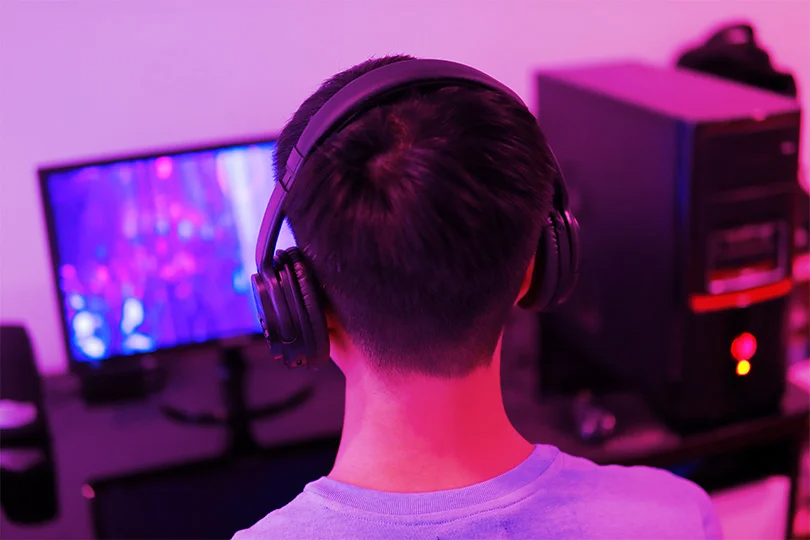
Imagine watching a movie, and a helicopter doesn't just fly left-to-right, but directly overhead. Or playing a shooter and knowing exactly where those footsteps are coming from — above you, behind you, down the hall. That's the magic of Dolby Atmos, and the best part? You can experience it right now, using the headphones you already own.
Let's dive into how this incredible technology turns your ordinary headphones into a personal 3D sound bubble.
Contents
What Exactly is Dolby Atmos for Headphones?
Forget basic stereo that just gives you left and right. Dolby Atmos creates a sphere of sound around you. It adds a sense of height and depth, making audio feel like it's coming from all directions — just like in real life.
The secret sauce is object-based audio. Instead of mixing sound into fixed channels (like 5.1 or 7.1), Atmos treats individual sounds (footsteps, dialogue, a buzzing fly) as "objects" with precise coordinates in 3D space. The Dolby Atmos software then uses incredibly sophisticated processing (including Head-Related Transfer Functions or HRTFs that mimic how your brain perceives sound direction) to render these objects accurately through your headphones.
The Key Takeaway: This isn't a hardware gimmick. Dolby Atmos for Headphones is a software technology that works its magic with any pair of stereo headphones, from simple earbuds to high-end cans.
Why Bother? The Atmos Advantage
.png)
Okay, it sounds cool, but what does it actually do for you?
- Movies: This is where Atmos truly shines. Explosions rumble with more depth, ambient sounds surround you, and dialogue stays clear even in chaotic scenes. That helicopter flying overhead? You'll feel it.
- Gaming: Atmos gives you a serious competitive edge. Pinpoint enemy locations with uncanny accuracy — above, below, behind. It adds a whole new layer of immersion to atmospheric single-player games, too.
- Music: A growing number of tracks on services like Apple Music and Tidal are being mixed specifically for Dolby Atmos. It can make music feel more spacious, separate instruments more clearly, and place you right in the middle of the performance.
How to Get Dolby Atmos on Your PC
Getting Atmos up and running is surprisingly simple:
- Get the App: Search for "Dolby Access" in the Microsoft Store on your Windows 10 or 11 PC and install it (it's free to download).
- Start the Trial: Launch Dolby Access. It will guide you through setting up Dolby Atmos for Headphones. You'll get a free 7-day trial to experience it fully.
- Activate: If you love it —and you probably will — you'll need to purchase a one-time license through the Dolby Access app (usually around $15–20). This license is tied to your Microsoft account.
Turning It On (It's Easy!)
Once Dolby Access is set up:
- Right-click the speaker icon in your Windows taskbar.
- Hover over "Spatial sound."
- Select "Dolby Atmos for Headphones." That's it! Windows will now process audio through Dolby Atmos whenever you're wearing headphones.
Quick EQ Tips for Atmos
Dolby Access includes its own equalizer with presets (Game, Movie, Music, Voice) and custom options. While Atmos aims for accuracy, you might want to tweak things slightly:
- Clearer Dialogue: Try a small boost in the "Voice" preset or manually nudge the sliders around 1–3 kHz.
- Tighter Game Sounds: The "Game" preset often slightly boosts mids/highs for footsteps. You can customize this further if needed.
- Balanced Music: Start with the "Music (Balanced)" preset and adjust gently to taste. Don't make drastic changes — let Atmos do the heavy lifting.
What About the Alternatives?
While Dolby Atmos is the big name, it's worth knowing about the other options:
- Windows Sonic: Built into Windows/Xbox, completely free. Offers a good basic spatial effect, especially for gaming, but lacks the precision and features of Atmos. A great starting point if you don't want to pay.
- DTS Headphone:X: Dolby's main competitor. Requires a separate license purchase (via the DTS Sound Unbound app). Some users prefer its specific sound signature, particularly for certain games or movies.
Troubleshooting Common Atmos Issues
- No Sound? Check that headphones are the default device. Disable/re-enable Atmos in sound settings. Restart audio drivers/PC.
- App Won't Launch? Reset the Dolby Access app via Windows settings. Check for Windows updates.
- Weird Sound Effects? Ensure the game/movie supports Atmos (look for the logo). Check in-game audio settings (choose Surround/Atmos, not Stereo/Headphones). Disable other EQ/sound software.
The Final Word
Dolby Atmos for Headphones is a genuinely game-changing technology that adds incredible immersion to movies, games, and even music. Since you can try it for free and it works with the gear you already have, there's absolutely no reason not to give it a shot. Prepare to hear your favorite content in a whole new dimension.
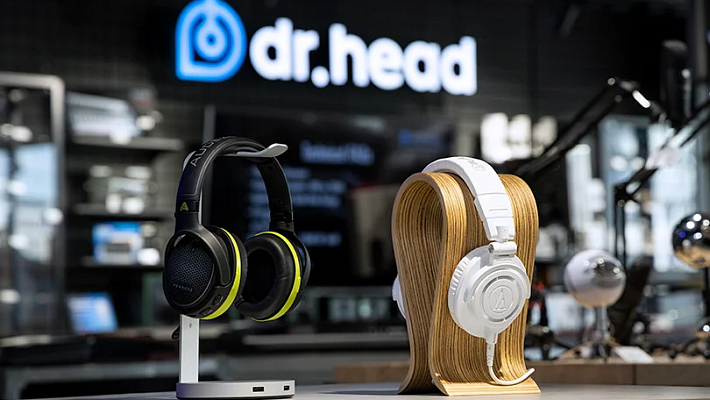
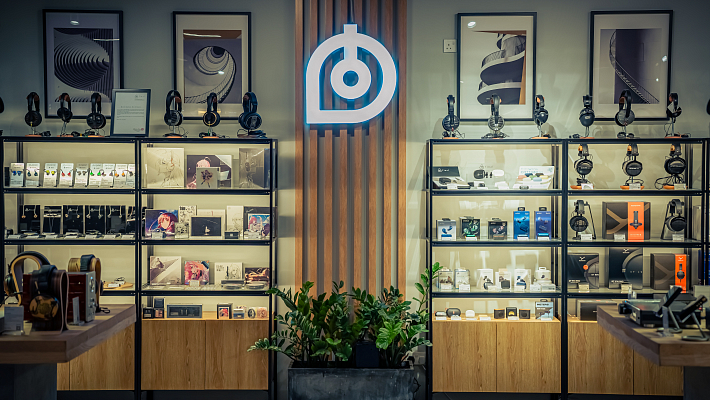
And, while this should go without saying, you can always test how different headphones sound with Dolby Atmos on in our Dubai showroom.
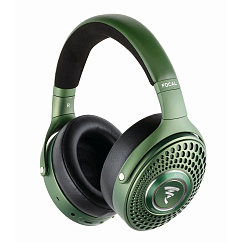
Multipoint: yes
Brand: Focal
Headphone type: wireless
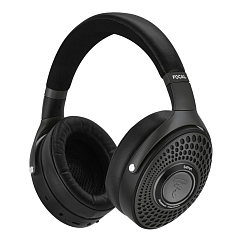

Multipoint: yes
Brand: Sennheiser
Headphone type: wireless, wired
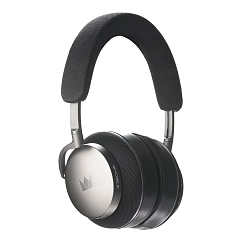
Detachable microphone: yes
Multipoint: yes
Headset type: stereo

Brand: Focal
Headphone type: wireless
The lowest frequency, Hz: 15
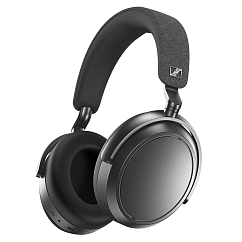
Brand: Sennheiser
Headphone type: wireless
The lowest frequency, Hz: 6
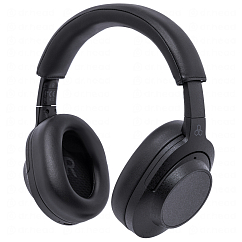
Brand: Final Audio
Headphone type: wireless
The lowest frequency, Hz: 20

Brand: Sony
Headphone type: wireless
The lowest frequency, Hz: 4