






















Why Won't My Headphones Connect? A Troubleshooting Guide
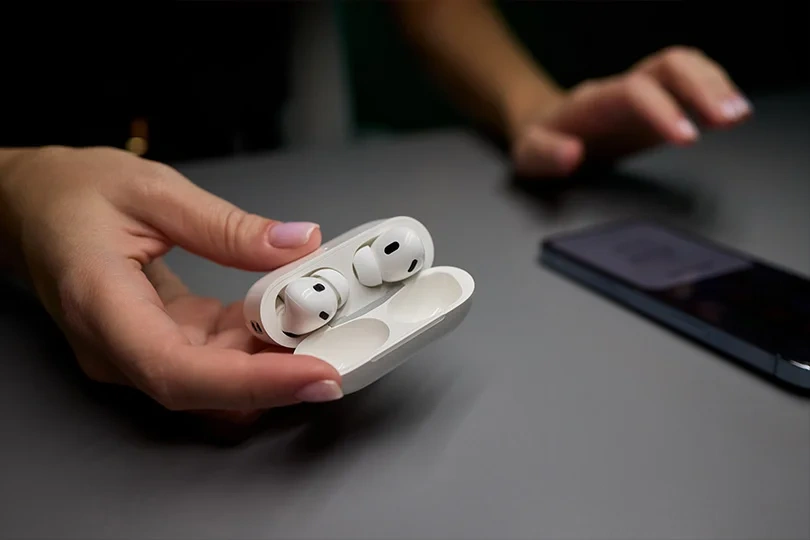
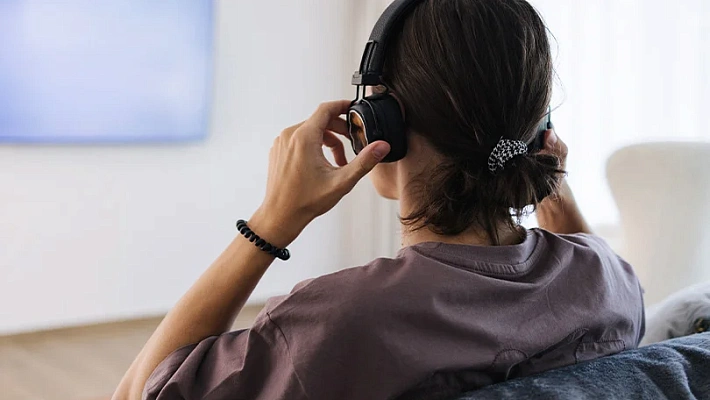
You hit play, expecting your favorite track to start, but all you get is silence. We have all been there. Whether it’s a software glitch, a dead battery, or a pocket full of lint, headphone connection issues are frustrating. But before you panic and buy a new pair, let's walk through a diagnostic process. In 90% of cases, you can fix the issue in under two minutes.
Contents
First Step: Wired or Wireless?
Before we dive into the fixes, let’s identify the patient.
- Wireless (Bluetooth): Problems here are usually invisible — radio interference, battery levels, or software conflicts.
- Wired (3.5mm/USB-C): Problems here are physical — dirt in the port, broken cables, or faulty adapters (dongles).
Troubleshooting Bluetooth (Wireless)
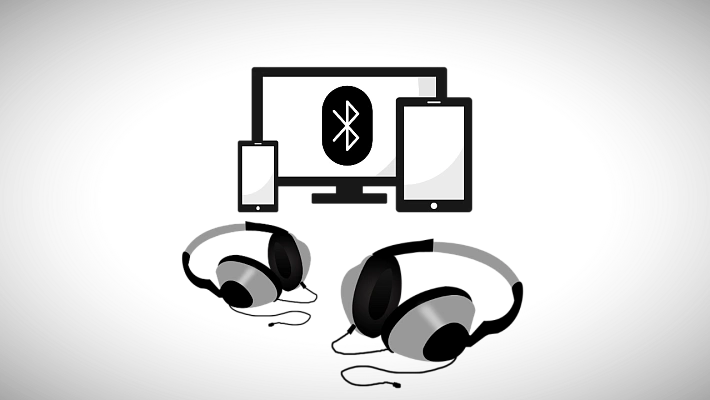
Wireless headphones are convenient, but they depend on a digital "handshake" that can easily break. Here are the three most common culprits.
The Bluetooth Glitch
Sometimes the radio module in your phone just "hangs."
The Fix: Go to your phone settings, toggle Bluetooth OFF, wait 10 seconds, and turn it ON again. If that fails, restart your phone entirely. It sounds cliché, but a reboot clears temporary cache files that might be blocking the connection.
Pairing Errors
Are you sure the headphones are actually in pairing mode?
The Fix: Most headphones don't enter pairing mode just by turning them on. You usually need to hold the power button for 5–7 seconds until the light flashes blue/red or pulses rapidly. Check your manual.
If the headphones still refuse to pair, perform a "Hard Reset" on the headphones (usually by holding Volume Up + Power for 10 seconds) to reset them completely. Then try again — it should work.
The "Low Battery" Trap
Some headphones turn on but refuse to maintain a stable connection if the battery is below 10–15%.
The Fix: Charge them for 20 minutes. If you are using TWS earbuds, ensure the case also has power, not just the buds.
Troubleshooting Jacks and Dongles (Wired)
Wired headphones are plug-and-play, but physical wear and tear is their main enemy.
The "Lint Monster" (Dirty Port)
This is the #1 reason wired headphones fail. Lint from your pocket gets packed into the charging or audio port, preventing the plug from clicking in all the way.
The Fix: Use a can of compressed air or a wooden toothpick (gently!) to fish out the debris. Do not use metal needles, as they can short-circuit the contacts.
The Cable Fracture
Cables often break internally right near the jack connector due to constant bending.
The Fix: Plug them in and play music. Gently wiggle the wire near the jack. If the sound crackles or cuts in and out, the cable is damaged.
The Dongle Dilemma
Modern phones of most brands lack headphone jacks, requiring USB-C or Lightning adapters.
The Fix: These adapters are fragile. If your headphones work on a laptop but not your phone, the adapter is likely dead. Always use original or high-quality certified adapters to ensure compatibility.
Software Glitches: The "Silent Connected" Issue
What if the phone says "Connected," but there is no sound? This is usually a settings profile error.
On Android
- Go to Bluetooth Settings.
- Tap the gear icon next to your headphones.
- Ensure the toggles for "Media Audio" and "Phone Calls" are both turned ON.
On iPhone
- Check if the "Headphone Safety" feature is turning the volume down too low.
- Go to Bluetooth, tap the "i" icon next to the device, and select "Forget This Device." Then, pair them again from scratch.
The Final Test
If you have tried everything above and it still doesn't work, perform the Cross-Test: connect your headphones to a different device — for instance, use a friend's phone or a laptop.
- If they work there: The problem is your phone — namely, either software or hardware port.
- If they still don't work: The headphones might be dead. You’ll need to bring them to a professional to know for sure, but at this point, it’s not looking good.
What If Nothing Helped?
If your headphones have officially given up the ghost, it might be time for an upgrade. Visit the Dr.Head showroom in Dubai. We can test your current pair to be sure, and if they are truly broken, help you find a worthy successor from our collection of top-tier audio brands.

Brand: MoonDrop
Headphone type: wired
The lowest frequency, Hz: 15

Multipoint: yes
Brand: Sennheiser
Headphone type: wireless, wired
Headset type: stereo
Brand: Apple
Type of wireless headphones: True Wireless
Headset type: stereo
Brand: Apple
Type of wireless headphones: True Wireless

Brand: MoonDrop
Headphone type: wired
The lowest frequency, Hz: 10
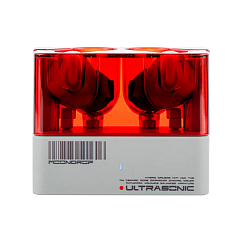
Brand: MoonDrop
Type of wireless headphones: True Wireless
Bluetooth version: 5.3
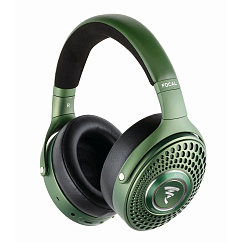
Multipoint: yes
Brand: Focal
Headphone type: wireless
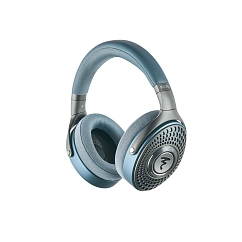

Brand: MoonDrop
Headphone type: wired
The lowest frequency, Hz: 15
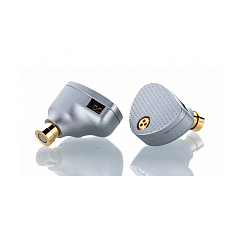
Brand: MoonDrop
Headphone type: wired
The lowest frequency, Hz: 16

Headset type: stereo
Brand: Apple
Type of wireless headphones: True Wireless
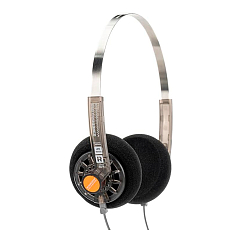
Brand: MoonDrop
Headphone type: wired
The lowest frequency, Hz: 20