What Is Hi-Res Audio and What Should You Use to Listen to It?
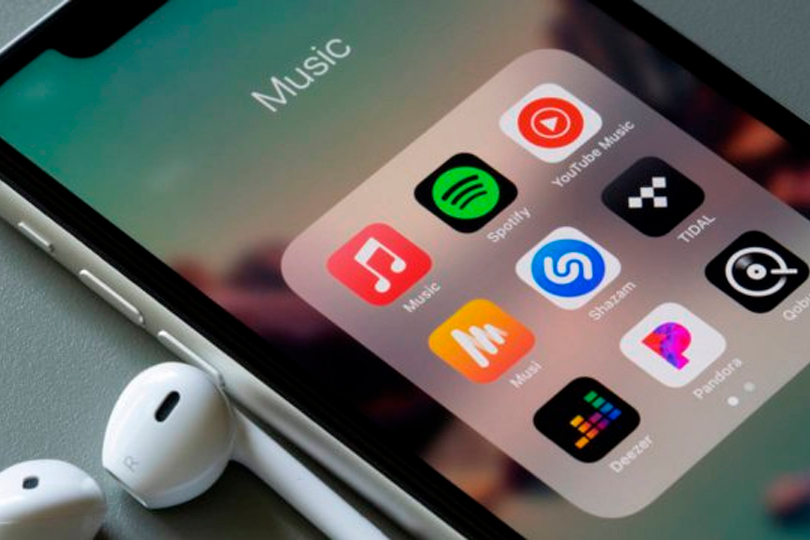
Today, most people listen to music through streaming services—a method that's arguably never been more convenient. But this convenience (aside from monthly fees or ads) comes with compromises in quality. The vast majority of streaming music is delivered in a compressed, lossy format. This reduces file size while maintaining decent audio quality, but it doesn’t fully capture the original recording.
More and more services now offer lossless audio in CD quality—Apple Music recently introduced it, and Spotify is expected to follow suit this year. (You can read more about lossless vs. lossy compression in our dedicated article.) But even CD quality isn't the limit. If you're looking for the highest and most authentic audio quality available, you're venturing into the world of high-resolution audio, or Hi-Res Audio. Let’s explore what that means.
Contents
What Is Hi-Res Audio?
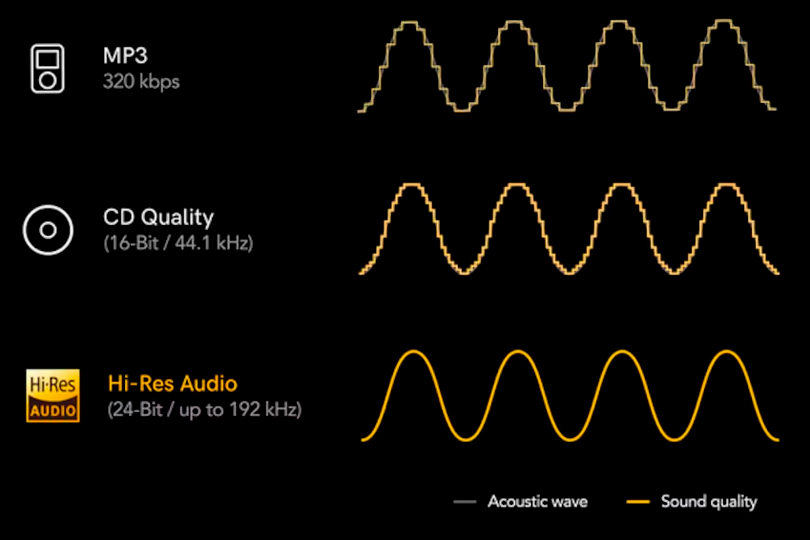
Unlike HD video, there’s no single, rigid technical standard defining Hi-Res Audio. However, according to the Recording Industry Association of America (RIAA), along with the Consumer Technology Association, the Digital Entertainment Group, and the Producers and Engineers Wing of the Recording Academy, Hi-Res Audio is:
“Lossless audio capable of reproducing the full range of sound from recordings that have been mastered from better-than-CD quality sources (i.e., higher than 16-bit/44.1kHz), and which reflects what the artists, producers, and engineers originally intended.”
In other words, Hi-Res Audio brings you closer to what the creators heard in the recording studio. But simply having Hi-Res files isn’t enough—you won’t experience their benefits without the proper playback gear and environment. If you play a Hi-Res file through your laptop speakers or basic earbuds, you likely won’t hear any difference. Even a decent audio setup doesn’t always guarantee the full impact of Hi-Res quality.
You may also recognize the familiar black-and-yellow Hi-Res Audio logo on audio gear packaging. This label indicates that the product has passed certification by the Japan Electronics and Information Technology Industries Association (JEITA). The standard and logo were introduced in 2014, developed by Sony and later adopted across the industry.
Hi-Res Audio standards are split into two categories:
- In the digital domain, Hi-Res refers to audio with a resolution of at least 96kHz/24-bit.
- For analog devices (like microphones, amplifiers, headphones, and speakers), the requirement is an extended frequency response of 40kHz and above.
The Challenge: Availability of Hi-Res Music
Besides hardware, there’s another issue—availability of music in Hi-Res formats. As mentioned earlier, most major streaming platforms still don’t support Hi-Res Audio. And where it is available, Hi-Res albums make up only a small portion of the service's catalog.
Aside from streaming, there are specialized online stores offering Hi-Res music for purchase and download, but even their libraries pale in comparison to the vast selection of music available in standard formats. In short, your favorite album might not even exist in Hi-Res.
Still, despite these limitations, we definitely encourage you to try Hi-Res Audio for yourself — it can be a revelation. The key is knowing how to unlock its full potential. Below, we’ll focus on the “hardware side” of the equation: the sources and audio equipment best suited for Hi-Res playback.
What Do You Need to Listen to Hi-Res Audio?
Let’s clarify one thing: support for Hi-Res Audio and the ability to fully reveal its advantages are not the same. Many budget Android smartphones technically support Hi-Res file playback, but don’t expect miracles—they typically lack a proper DAC (digital-to-analog converter).
And if you’ve gone wireless with Bluetooth headphones or speakers, forget about Hi-Res Audio—Bluetooth still can’t handle even CD-quality lossless audio, let alone Hi-Res. Some exceptions exist with new codecs like LDAC, but they still involve compression and are far from perfect.
Wi-Fi-enabled speakers can potentially manage Hi-Res playback, but only under ideal conditions—and only as a home solution. Portable Hi-Res playback will always be wired.
Portable Options:
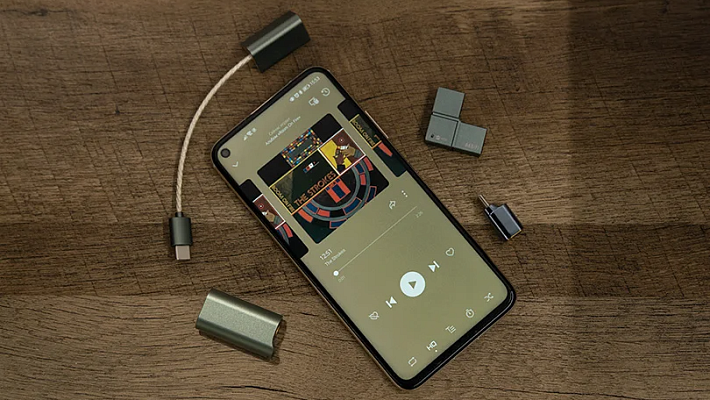
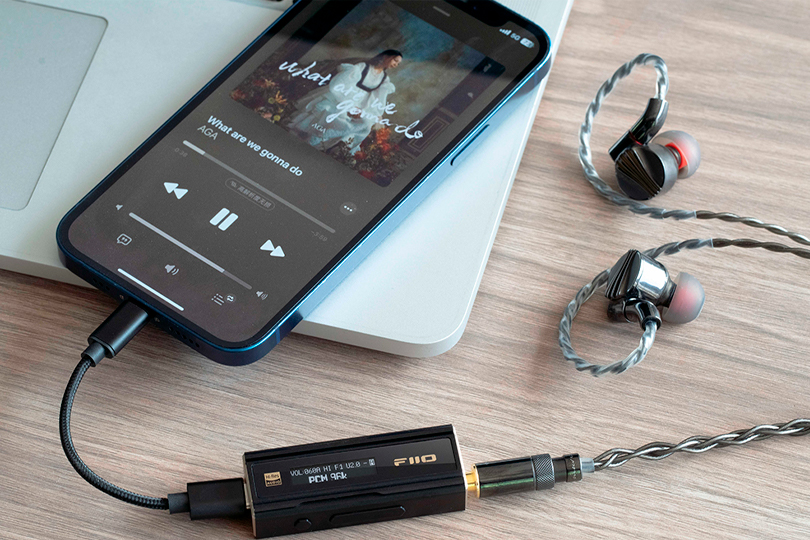
You can pair a smartphone with an external DAC and headphone amplifier, and of course, use high-quality wired headphones. Alternatively, invest in a dedicated Hi-Res audio player. These players have built-in DACs and amplifiers that typically outperform smartphone outputs, and headphones can be connected directly. Most also support USB-DAC mode, allowing them to act as external DACs for a computer or laptop.
(For more on the benefits of modern Hi-Res players, see our article: Why Buy a Music Player in 2020?)
Home Audio Setups:
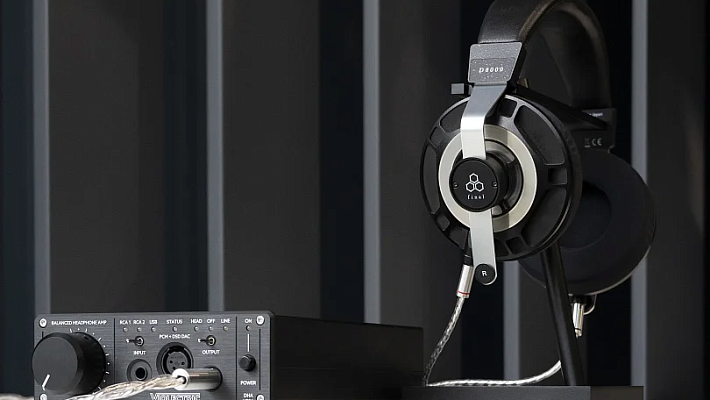
At home, your options open up. Your Hi-Res source could be a computer, media server, streamer, or disc player (SACD/Blu-ray). The key is ensuring the signal reaches a high-quality DAC/amplifier and then to a suitable pair of speakers or headphones.
Every component in the chain matters—including the listening room itself. Room acoustics and speaker placement can influence sound quality more than switching to Hi-Res formats. If you're aiming for a studio-like experience, you need to make your space more like a studio.
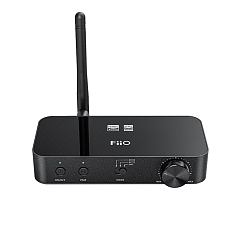
DAC: The Heart of the Hi-Res Setup
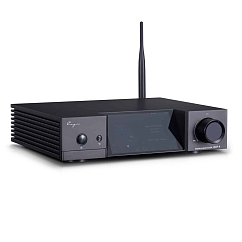
A DAC (digital-to-analog converter) is the bridge between digital audio files and the analog signal your ears can perceive via headphones or speakers. It can be a standalone device or built into a streamer, amplifier, or player. Many portable Hi-Res players have a DAC inside that functions in USB-DAC mode for computer use.
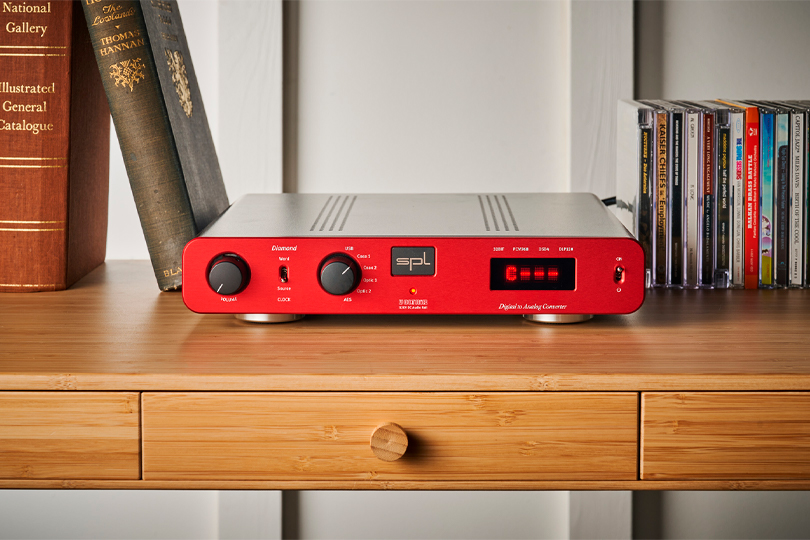
Keep in mind: specs alone don’t reflect real-world sound quality. Choose a DAC that fits your budget and meets your needs in terms of supported formats and connectivity. Generally, external dedicated DACs sound better than those built into phones or laptops—even flagship models. Entry-level upgrades might include USB DACs or portable Hi-Res players, while advanced setups can use standalone DACs or integrated models within receivers, streamers, or amplifiers.
DAC

Circuit design: discrete
Form factor: stationary
Impedance, Ohms: 4, 8
Circuit design: discrete
Form factor: stationary
Impedance, Ohms: 4, 8


Streamers: Music-Optimized Network Players
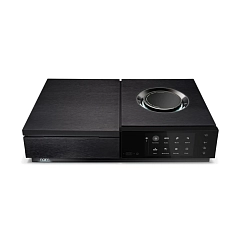
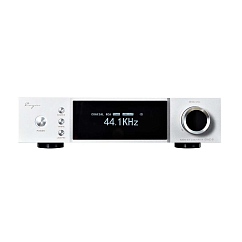
A streamer, or network audio player, plays music from external devices (like computers and servers) as well as streaming services that support Hi-Res Audio. It connects to your network and serves as a music-focused alternative to general-purpose devices like phones or PCs.
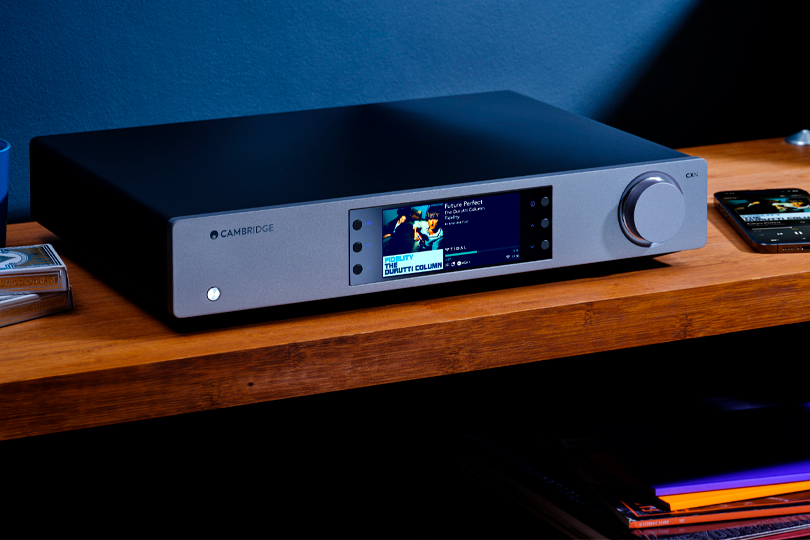
Streamers are essentially the modern successor to disc players in traditional Hi-Fi systems—optimized specifically for high-quality audio playback.
Streamers


AirPlay support: yes
Connection method: rca, rj45, hdmi, bluetooth, wifi, toslink
HDMI: 2.0
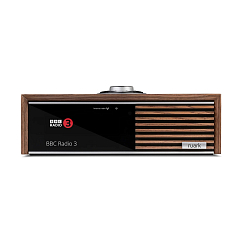
AirPlay support: yes
Connection method: rca, rj45, hdmi, bluetooth, wifi, toslink
HDMI: 2.0
The Analog Chain: Amplifiers, Speakers, and Headphones
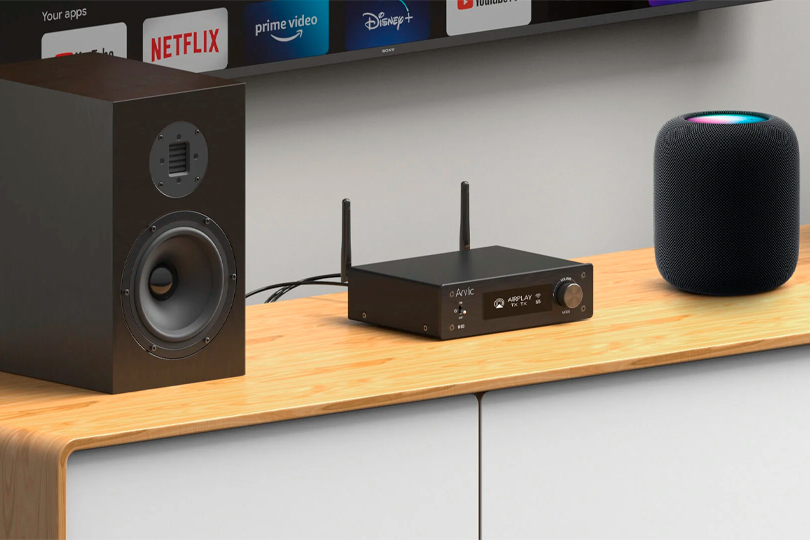
When it comes to selecting your analog gear, some products may have the Hi-Res Audio logo, but not all quality gear carries this certification. And a logo won’t tell you how the system truly sounds. In this article, we won’t break down every component, but the key point is this: the components in your audio chain must match each other in quality and capability.
We’ll leave you with links to other articles that offer more guidance on choosing speakers, headphones, amplifiers, and other Hi-Fi gear.
If you still have questions, don’t hesitate to reach out to our experts—we’re always happy to help you choose the perfect setup. Or better yet, visit Dr. Head stores, where you can try everything yourself and find the sound that speaks to you.