Cable Confusion? A 4-Step Guide to Choosing the Right Wire
No part of the audio world causes more arguments than cables. Some say they're the most critical link; others call them snake oil. The truth? A bad cable can be a "bottleneck" that strangles your sound, but choosing the right one doesn't have to be a dark art.
We're here to cut through the noise and make it simple. Just follow this 4-step guide, and you'll find the perfect cable for your setup every time.
Contents
Step 1. Define Your Mission — Cable Type
First, what are you trying to connect? All cables can be broken down into four main families:
- Speaker Cables: These are the heavy-lifters. They run from your amplifier to your passive speakers (like bookshelf or floorstanding speakers) and carry a powerful, amplified signal.
- Interconnects (Analog & Digital): These are the "links in the chain" that connect your components.
- Analog: Carry a simple audio signal — say, from your turntable to your amp, or from your DAC to your amp. The classic RCA cable is the king here.
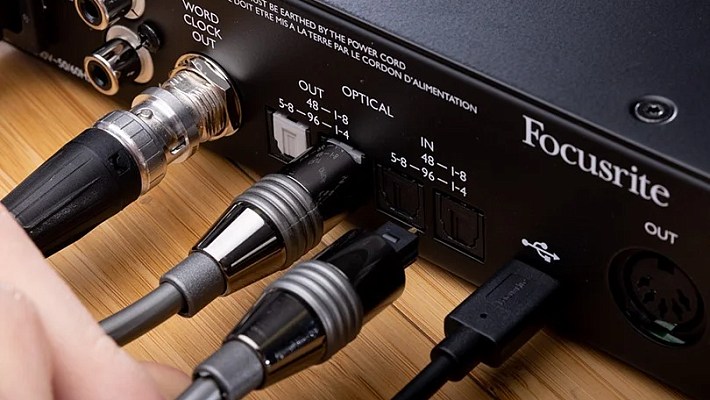
- Digital: Carry digital data (1s and 0s), like from your laptop to your DAC, or your TV to your soundbar. Common types are USB, Optical, or Coaxial.
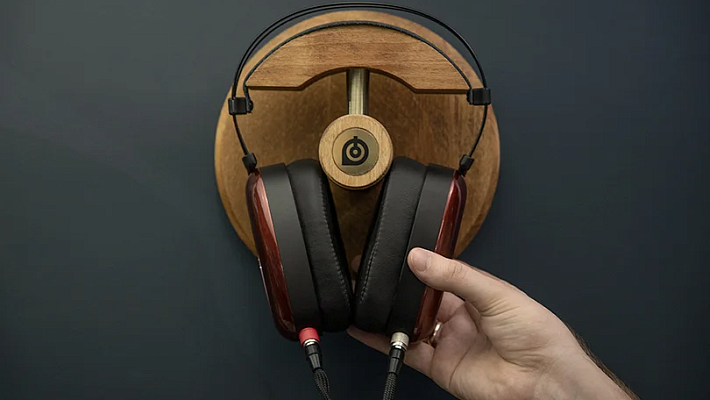
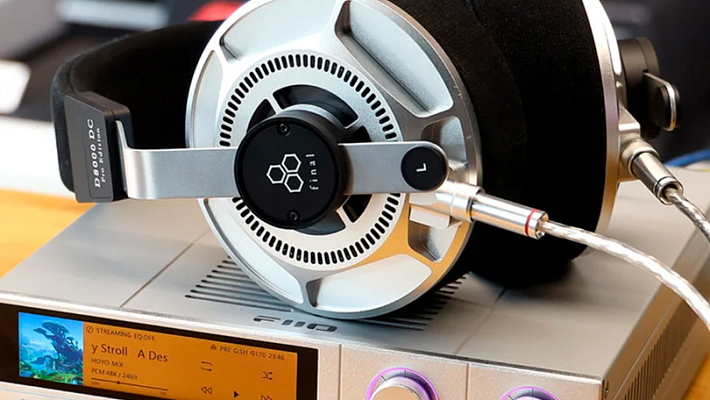
- Headphone Cables: This one’s obvious! You might need a replacement for a broken cable, a longer one for home use, or an "upgrade" cable to change the sound signature or just get a cooler look.
- Power Cables: These deliver the electricity from your wall socket to your components — amp, DAC, turntable, etc.
Step 2. Match the Plugs — Connectors
This is the most important step. A cable is useless if it doesn't plug in. Just look at the ports on the two devices you're trying to connect.
- For Speakers: The most common connectors are Bananas (simple, secure push-in plugs) or Spades (U-shaped connectors that slot under a binding post). Some people prefer just bare wire (inline).
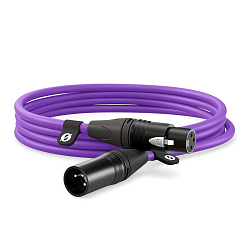
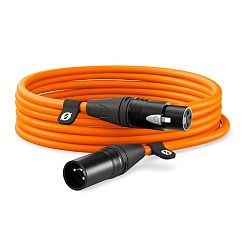
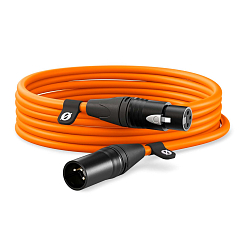
- For Interconnects: You'll almost always see RCA (the red and white plugs, for analog) or XLR (large, 3-pin round connectors for pro-level balanced audio). For digital, it’s usually USB (Type-A, B, or C), Optical (Toslink), or Coaxial (Digital RCA).
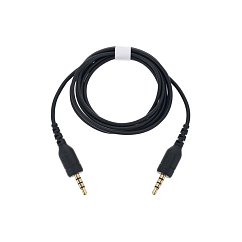
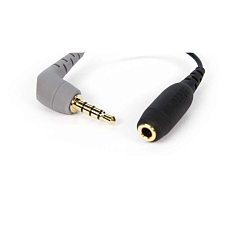
- For Headphones: The "standard" plug is the 3.5mm (mini-jack) or its big brother, the 6.35mm (quarter-inch jack). For balanced connections, which can offer more power and less noise, you'll see 4.4mm Pentaconn, 2.5mm, or XLR.
Step 3. Get the Right Length (Not Too Long!)
This is the Goldilocks rule: not too long, not too short. Measure the distance between your components and add a little extra slack so the cable isn't pulled tight, which can damage the ports.
Why does length matter? The longer an analog cable is, the more susceptible it is to picking up interference — that annoying hum or buzz from nearby electronics.
This is exactly why balanced cables (like XLR and 4.4mm) were invented. They use a clever wiring trick with three wires instead of two to cancel out interference over long distances. If you need to run a cable several meters, a balanced connection is always the superior and more reliable choice.
Step 4. Pick Your Material — Conductor
This is where the debates get heated, but the basics are simple.
- Copper: The industry standard. It's a fantastic conductor. Most high-quality cables use Oxygen-Free Copper (OFC) of varying purity. You can't go wrong with good copper.
- Silver/Silver-Plated Copper: Silver is an even better conductor than copper. In the audiophile world, silver cables are widely known to produce a "brighter," "faster," or more "detailed" sound, with a greater emphasis on high frequencies.
- Optical (for Digital): These cables transmit data using light. Cheaper ones use polymer (plastic) fibers, while high-end ones use glass, which can transmit the signal with less distortion over longer distances.
The Bottom Line
Choosing a cable isn't magic; it's about matching. Match the type to your mission, the connectors to your gear, the length to your setup, and the material to your budget and taste. Following these four steps will help you find the perfect cable, minus the headache.
Whatever cable you need, you’ll find it in our Dubai showroom, and our experts will be happy to help you pick the best option for your setup.