A Field Guide to Audio Formats: From MP3 to DSD
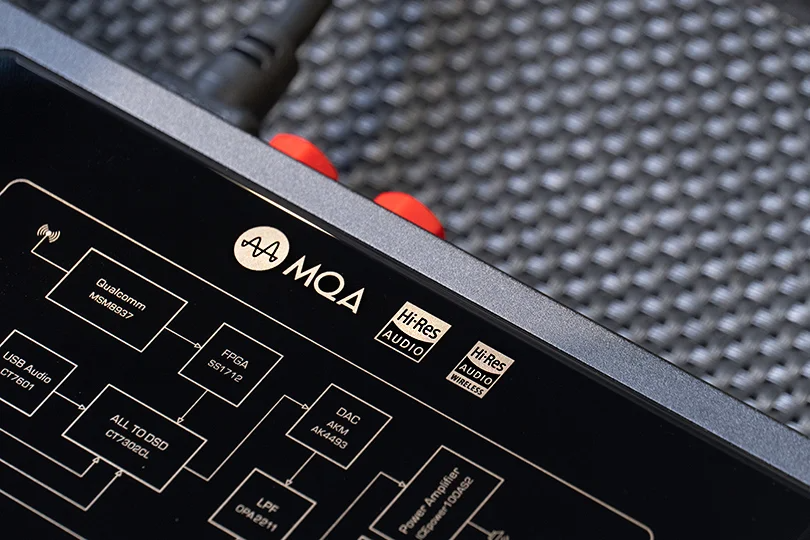
You see them everywhere: MP3, AAC, FLAC, WAV... quite a confusing alphabet soup of file extensions. They're the building blocks of your digital music library, from streaming services to the files on your phone. But what’s the real difference, and which format should you opt for?
Think of this as your no-nonsense guide. We'll break down how digital audio works, decode the most important formats, and help you choose the perfect one for every situation.
Contents
The Building Blocks of Digital Sound
Before we get to the formats, let's quickly demystify the three specs that define audio quality.
Sampling Rate (kHz)
Think of a sound wave like a smooth, flowing curve. To capture it digitally, we take thousands of snapshots of that curve every second. The sampling rate is how many snapshots we take. A 44.1 kHz rate (CD quality) means we take 44,100 snapshots per second. A 96 kHz rate means 96,000. The more snapshots we take, the more accurate and smoother the picture of the original sound we get.
Bit Depth (bit)
If the sampling rate is the number of snapshots, bit depth is the amount of detail in each one. It measures how many possible levels of loudness (dynamic range) we can capture. 16-bit audio (CD quality) gives us over 65,000 volume levels. 24-bit audio blows that away with over 16.7 million levels. More levels means more nuance, more detail, and a greater distance between the quietest whisper and the loudest crash.
Bitrate (kbps)
This is the bottom line — the total amount of data being processed per second to create the sound you hear. A higher bitrate generally means more data, which translates to higher potential quality. A 320 kbps MP3 file contains far less information than a 1,411 kbps CD-quality file.
The Great Divide: Lossy vs. Lossless
This is the most important distinction in the world of audio formats.
Lossy (Compressed)
These formats (like MP3 and AAC) use clever psychological tricks called "psychoacoustics" to shrink file sizes. They permanently throw away audio data that the human ear is least likely to miss — for example, a very quiet sound playing during a very loud one. It’s a compromise: you get a small, convenient file, but you lose some of the original musical information forever.
Lossless
These formats are like a perfect ZIP file for your music. They compress the file for more efficient storage, but when you "unzip" it for playback, every single bit of the original studio recording is perfectly reconstructed. You lose absolutely nothing — except for some storage space, as a trade-off.
Meet the Formats: Your Audio Toolkit
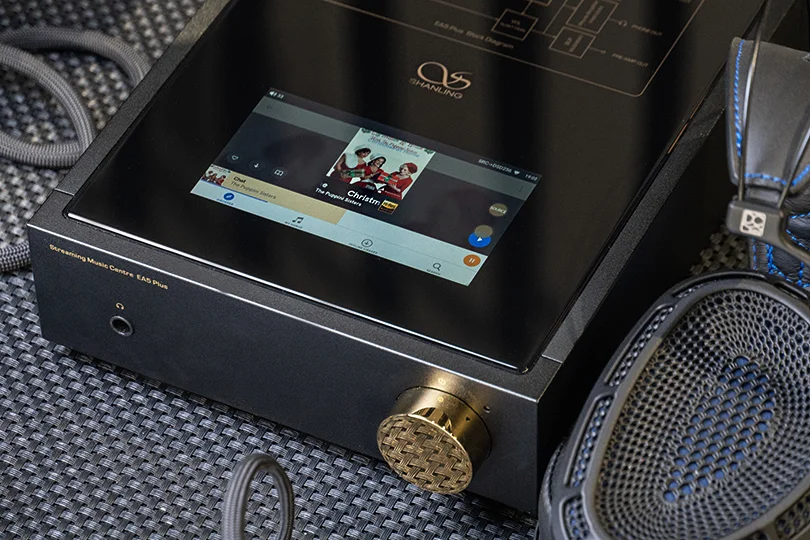
The Lossy Crew — For Convenience
MP3: The OG, the survivor. Developed in the early '90s, MP3 made digital music portable and shareable. It's still the king of podcasts and audiobooks, but for serious music listening, its quality limitations are obvious.
AAC: Think of this as MP3's smarter, more efficient younger brother. It's the standard for Apple Music, YouTube, and the entire Apple ecosystem. At the same bitrate, AAC generally sounds better than MP3.
OGG (Vorbis/Opus): This is the open-source hero. OGG is the "container," and Vorbis and Opus are the compression methods inside. It offers fantastic quality for its file size and is famously used by Spotify for its streaming service.
The Lossless Crew — For Ultimate Quality
WAV: The big, uncompressed beast. This is often the format used in the recording studio — a perfect, bit-for-bit copy of the original master recording. The quality is flawless, but the file sizes are enormous, making it impractical for streaming or portable players.
FLAC: The undisputed champion of the lossless world. FLAC delivers the exact same quality as WAV but at about half the file size, thanks to its brilliant "zip" compression. It’s the format of choice for audiophiles, for archiving a CD collection, and for high-resolution streaming services like Tidal and Qobuz.
ALAC: This is Apple’s answer to FLAC. It offers the same perfect, bit-for-bit quality and is the native lossless format for the Apple ecosystem. If you're an iTunes/Apple Music user, this is your go-to lossless format.
The "Other" Guy — DSD
There's another high-end format that works on a completely different philosophy: DSD. Instead of taking detailed "snapshots" of the sound wave like the formats above (which are all based on PCM), DSD uses a super-high-speed stream of single-bit measurements — millions of them per second, believe it or not.
Born from the Super Audio CD (SACD), DSD is beloved by many audiophiles for its incredibly detailed, nuanced, and almost "analog-like" sound. It's a more niche format, but for those chasing the ultimate in digital audio purity, it's an exciting path to explore.
So, What Should You Use?
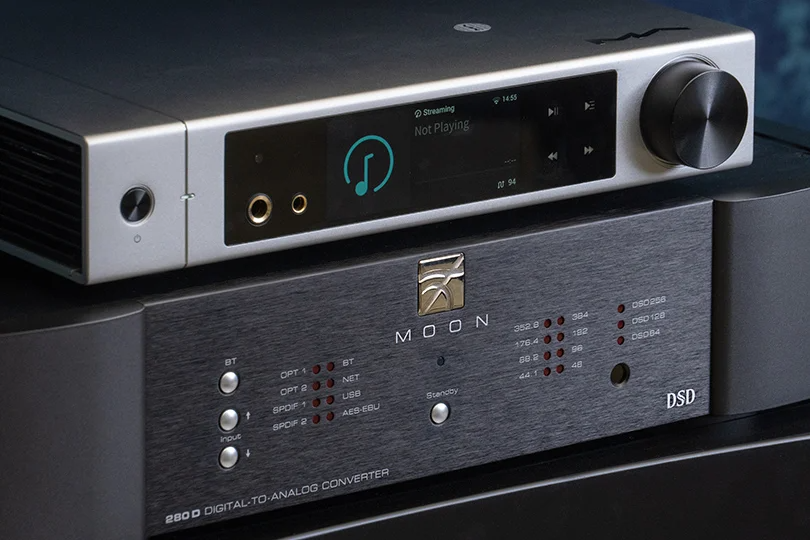
The "best" format depends entirely on your needs.
- For casual, on-the-go listening (e.g., Spotify, Apple Music): You're likely listening to OGG or AAC. And that's perfectly fine — they offer great quality in a convenient package.
- For building a high-quality digital library at home:FLAC (or ALAC for Apple users) is the undisputed king. You get perfect, archival quality without the massive file sizes of WAV.
- For the ultimate audiophile experience: Exploring DSD is your next frontier.
Even the humble MP3 still has its place for podcasts and audiobooks, where file size is more important than sonic nuance. The key is to use the right tool for the job.
Want to hear the difference for yourself? Come visit us at the Dr. Head showroom in Dubai. We can demo files in different formats on high-end gear and help you find the setup that brings your favorite music to life, no matter the acronym.