























What’s an Audio Interface and Does Your Setup Need One?
We live in a golden age of content creation. Not long ago, if you wanted to record a song, you had to book expensive time at a professional studio. You probably imagine a dark room filled with massive analog consoles and endless racks of gear.
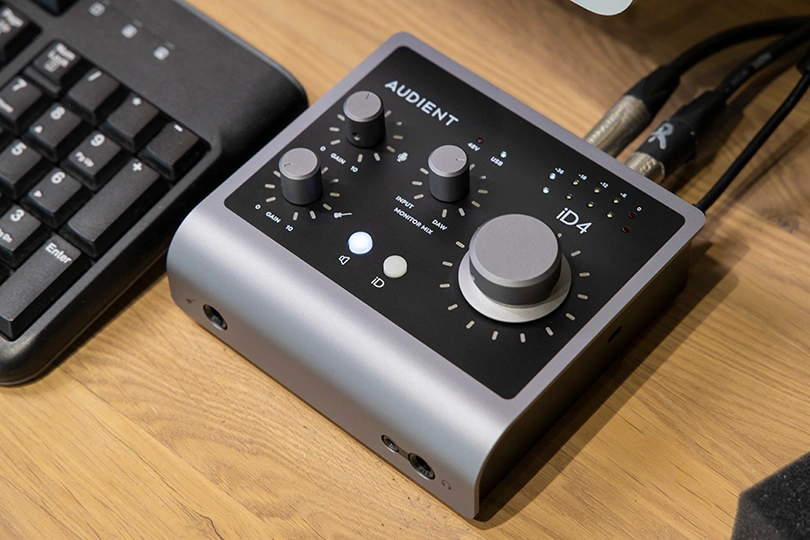
But times have changed. Today, you can produce broadcast-quality podcasts, record hits, and stream to thousands of people right from your bedroom. And the massive console? It’s been replaced by a small, magical box on your desk: the Audio Interface.
Let's break down what this device actually does, why your laptop’s built-in jack isn't enough, and how to choose the right one.
Contents
Why Can’t I Just Use My Laptop?
Let’s say you want to record vocals and guitar. You find a DAW (Digital Audio Workstation) software, you grab a microphone, and you try to plug it into your laptop.
Problem #1: The plug doesn't fit. Your laptop likely has a 3.5mm jack or just USB-C ports, while professional mics use XLR connectors — and guitars use 6.3mm jacks, which, again, you don’t have.
Problem #2: Even if you use an adapter, the sound is... disappointing. It’s noisy, flat, and full of static.
Why? Because your computer's built-in sound card is designed for Zoom calls and watching YouTube, not for high-fidelity recording. It lacks the power and shielding to handle professional audio signals.
This is where the Audio Interface comes in. It is the bridge between the analog world (your voice, your guitar) and the digital world (your computer).
What Exactly Does an Audio Interface Do?
Think of the interface as the Command Center of your studio. It performs three critical jobs:
- The Preamp (Boosting the Signal): Microphones output a very weak electrical signal. An interface has built-in Preamps that boost this weak signal up to a healthy "Line Level" without adding noise. This makes your voice sound loud, clear, and alive.
- The Translator (ADC/DAC): Your guitar creates analog waves; your computer speaks in binary (1s and 0s). The interface contains an ADC (Analog-to-Digital Converter) to capture your performance into the computer. Conversely, when you play back the track, the DAC (Digital-to-Analog Converter) turns those 0s and 1s back into sound for your headphones or speakers.
- The Power Supply (+48V): Condenser mics are sensitive and detailed, but they need electricity to work. Audio interfaces have a switch labeled "+48V" (aka Phantom Power) to send electricity down the cable to power these mics. Your laptop jack can't do that.
Key Features: What to Look For
Before you buy, here are the terms you need to know.
- XLR / Combo Inputs: These are the ports for your gear. A "Combo" jack is clever — it allows you to plug in an XLR cable (for mics) or a 6.3mm jack (for guitars/synths) into the same hole.
- High-Z (Instrument Input): A special mode for electric guitars and basses. It ensures the signal impedance matches your pickups, so your guitar sounds bright and punchy, not muddy.
- Direct Monitoring: In digital recording, there is always a tiny delay known as latency between singing a note and hearing it back from the computer. Direct Monitoring lets you hear your voice directly from the interface before it goes to the PC — meaning, zero latency. No weird echo throwing you off beat.
- Headphone Amp: Studio headphones often have high impedance — and an audio interface has a dedicated amp powerful enough to drive them properly.
Real-World Examples: Two Different Philosophies
To see how this works in practice, let’s look at how two major brands approach their entry-level interfaces. It usually comes down to a choice between "clean precision" and "vintage character."
Focusrite: The Global Standard
You’ve likely seen Focusrite's bright red boxes on the desks of your favorite YouTubers and producers. The Scarlett series is the best-selling interface line in the world for a reason: it’s the definition of reliability.
- The Sound: While the standard sound is incredibly clean, Focusrite has a secret weapon called "Air" mode. When activated, it tweaks the preamp to mimic the legendary Focusrite ISA studio consoles. It adds a high-frequency lift — a "shimmer" — that makes vocals and acoustic guitars sound open, expensive, and "ready for the mix" instantly.
- User-Friendly Design: They are famous for their "Gain Halos" — light rings around the volume knobs. They glow green when your volume is perfect and turn red if you are too loud. It makes setting up your microphone foolproof, even if you are a total beginner.
Universal Audio: The Vibe Master
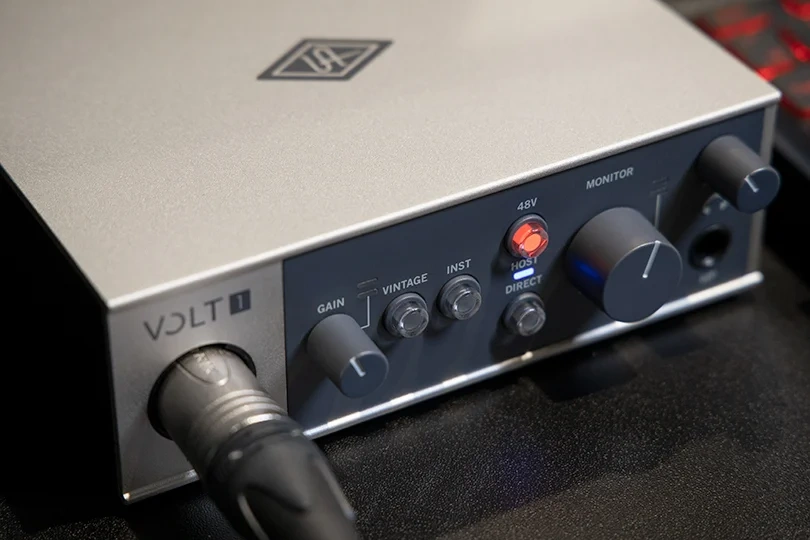
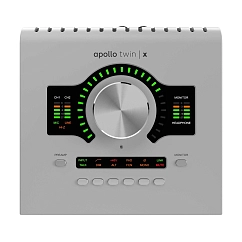
Universal Audio is legendary for vintage studio gear. Their goal with the Volt series is to bring that heritage to the home user.
- The Sound: They feature a "Vintage" mode. When pressed, it engages a circuit that emulates classic tube preamps. It adds warmth and saturation to your voice instantly — perfect for podcasters who want that "radio voice" sound right out of the box.
- Connectivity: They often include MIDI ports on the back, which is a huge plus if you have old-school synthesizers or drum machines you want to connect to your setup.
The Verdict
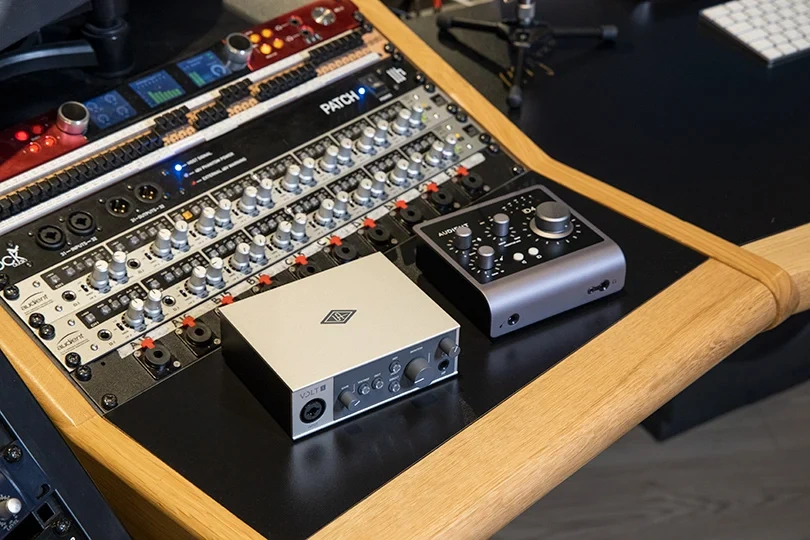
Do you need an interface? If you are recording a podcast, streaming games, or making music, and want professional quality — yes. While USB microphones are getting better, an interface gives you the ability to upgrade your mic later, connect guitars, and drive professional headphones. It’s the foundation that allows your studio to grow.
To find the perfect audio interface, come visit the Dr.Head showroom in Dubai. Bring your headphones (or try ours), plug into these interfaces, and hear the difference for yourself. Let’s build your studio today — together.

ASIO support: yes
USB version: 2.0
Brand: Universal Audio
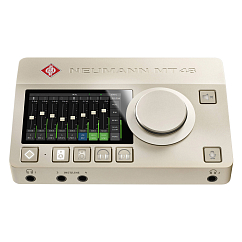

ASIO support: yes
Brand: Universal Audio
: 43


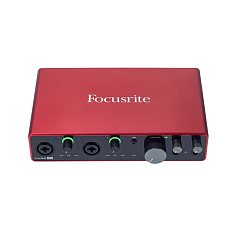

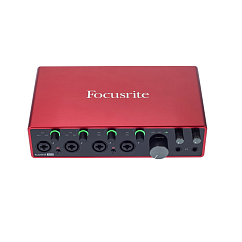
Brand: Focusrite
Connection interface: usb
DAC bit depth, bits: 24
ASIO support: yes
USB version: 2.0
Brand: Universal Audio