The Best DAWs of 2025: Which Software Should You Choose to Make Music?

Choosing a Digital Audio Workstation (DAW) is a lot like choosing a car: it determines your workflow, your tools, and ultimately, how comfortable you feel while creating.
For beginners, the choice is terrifying. There are dozens of options, and every forum screams that their choice is the best. But the truth is, every DAW has unique strengths and weaknesses tailored to different types of creators.
In this guide, we will break down what a DAW actually does, how to choose one based on your goals, and review the top 5 heavyweights of the industry in 2025. Let’s get into it.
Contents
What Is a DAW?
A DAW is the software platform where you compose, record, edit, mix, and master your audio. It is the central hub of your studio.
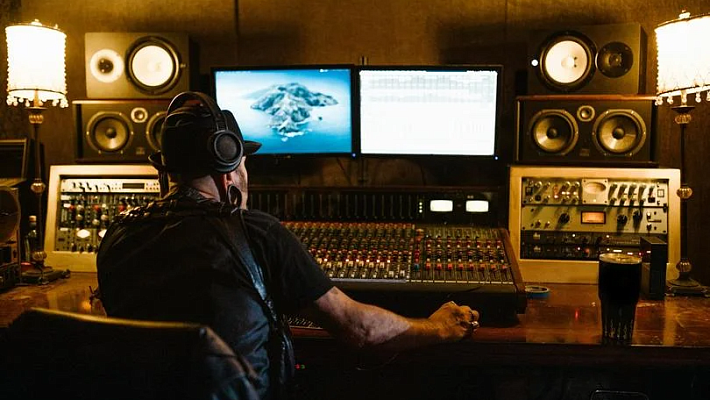
Think of it as a complete recording studio inside your computer. It replaces the massive mixing consoles, tape machines, and racks of effects from the 1980s. Whether you are recording a podcast, producing a hip-hop beat, or scoring a film, the DAW is where the magic happens.
Common Features You’ll Find:
- Multitrack Recording: Record a vocal on one track and a guitar on another, then play them back together.
- The Mixer: A virtual console with faders to balance volume, pan sounds left/right, and add effects.
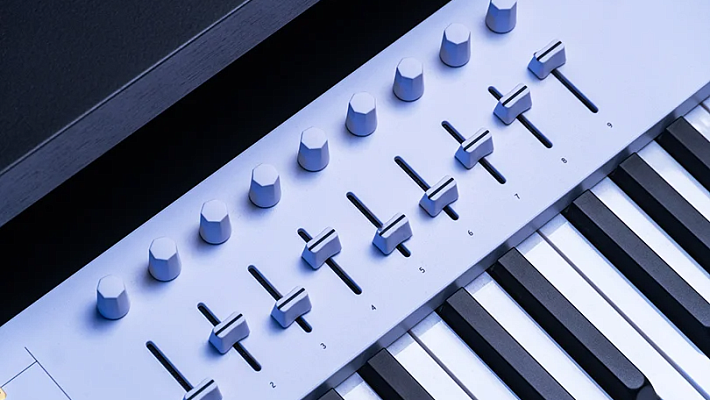
- MIDI Support: The ability to use a keyboard to play virtual instruments (synthesizers, drums, pianos) inside the software.
- Plugins (VST/AU): Virtual effects like EQ, Reverb, and Compression, and instruments that you can add to your library.
Key Factors: How to Choose?
Before you spend money, you need to answer three questions.
1. Compatibility (Mac vs. PC)
- Mac Only: Logic Pro, GarageBand.
- PC Only: Cakewalk (mostly).
- Both: Ableton Live, Cubase, FL Studio, Pro Tools, Reaper, Studio One.
2. Your Budget
- Entry Level: Free or cheap (GarageBand, FL Studio Fruity Edition). Great for learning the ropes.
- Pro Level: Higher price tags (Ableton Suite, Cubase Pro, Pro Tools). These offer unlimited tracks and advanced editing tools.
3. Your Musical Goal
- Beatmaking & EDM: You need a DAW based on loops and patterns (Look at FL Studio or Ableton).
- Recording Bands: You need a traditional linear workflow with powerful editing tools (Look at Cubase, Logic, or Reaper).
- Live Performance: You need stability and a non-linear interface (Look at Ableton Live).
Top 5 Popular DAWs in 2025
Here is the breakdown of the industry leaders to help you decide.
1. Cubase Pro: The Composer’s Choice
Legendary film composers like Hans Zimmer use Cubase. Why? Because it handles MIDI better than almost anything else. If you are writing complex arrangements for video games or films, this is a powerhouse.
Pros:
- Perfect multitrack recording and editing.
- Incredible MIDI editing capabilities — you can edit multiple parts at once.
- Universal mixer with built-in dynamic processing.
- Huge library of virtual sounds included.
Cons:
- Steep learning curve — it has more features than you will ever need.
- The interface can feel cluttered.
- Dropped support for older VST2 plugins.
Best For: Composers, Film Scoring, Complex Arrangements.
2. Reaper: The DIY Hero
Reaper is the rebel of the group. It is incredibly lightweight, starts in seconds, crashes rarely, and is fully customizable. It has a cult following because it offers pro-level features for a fraction of the price of competitors.
Pros:
- Insane customization — you can change the entire look with "skins".
- Very affordable pricing model.
- Fast launch and rock-solid stability.
- Huge, helpful community.
Cons:
- No built-in virtual instruments — you must download your own VSTs.
- The menus can feel overwhelming for beginners.
Best For: Engineers who want a custom workflow, users with older computers.
3. FL Studio: The Beatmaker’s King
Formerly known as Fruity Loops, this software changed the world of hip-hop and EDM. Its unique "Pattern" workflow and Step Sequencer make building beats incredibly fast and fun.
Pros:
- Huge selection of stock synthesizers and effects.
- Intuitive "Step Sequencer" for drums and melodies.
- Free lifetime updates — buy it once, own it forever.
- Designed for electronic music from day one.
Cons:
- Recording live vocals/instruments is less intuitive than in other DAWs.
- The interface is very different from traditional studio consoles.
Best For: Hip-Hop Producers, EDM, Beatmakers.
4. Ableton Live: The Stage & Studio Hybrid
Ableton is unique because it has two views: "Arrangement" (linear, like other DAWs) and "Session" (loops and clips). This makes it the standard for live electronic performances. You can improvise a song on stage in real-time.
Pros:
- Excellent "Clip Launching" mechanism for live performance.
- Great hardware integration (Push controllers).
- Fast, creative workflow for sound design.
- Powerful MIDI sequencing tools.
Cons:
- Complex interface that looks different from other DAWs.
- Can be expensive (specifically, the Suite version).
Best For: Electronic Producers, DJs, Live Performers.
5. Logic Pro: The Apple Standard
If you have a Mac, this is arguably the best value for money. Made by Apple, it is essentially a "Pro" version of GarageBand on steroids. It is beautiful, stable, and comes with a massive library of sounds.
Pros:
- "Plug and play" experience right out of the box.
- Incredible library of stock sounds, loops, and drummers.
- Elegant, understandable interface.
- Advanced features like Flex Time (pitch/time correction).
Cons:
- Mac only — not available on Windows.
Best For: Singer-Songwriters, Mac Users, All-round production.
The Verdict: Which DAW Should You Choose?
There is no "best" DAW, only the best one for you.
- Want to make beats fast? Try FL Studio.
- Want to record a rock band? Try Reaper or Logic.
- Want to perform live? Ableton is the way.
- Want to score a movie? Cubase.
The most important advice: Pick one and stick to it. Learn it inside out. Great music comes from your skills, not the software.
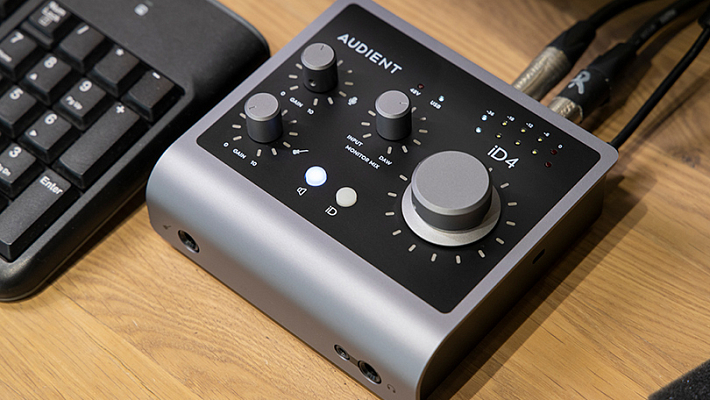
At Dr.Head, we can help you build the perfect studio around your DAW of choice. Come to our Dubai showroom to test our Audio Interfaces, MIDI Keyboards, and Studio Monitors to complete your setup. Let’s set you up for success — now.