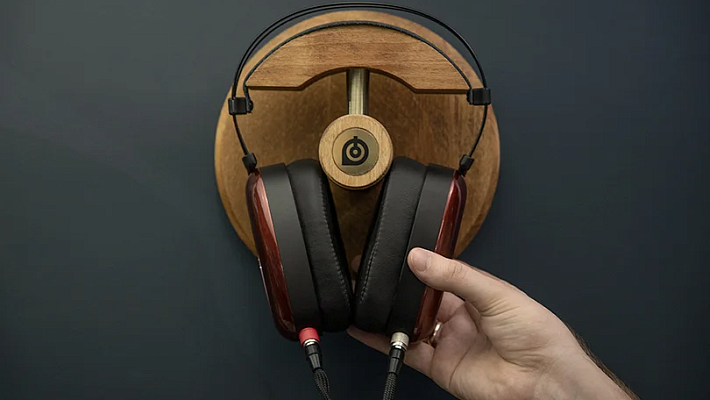
That Annoying Buzzing Sound: A Guide to Fixing Headphone Noise
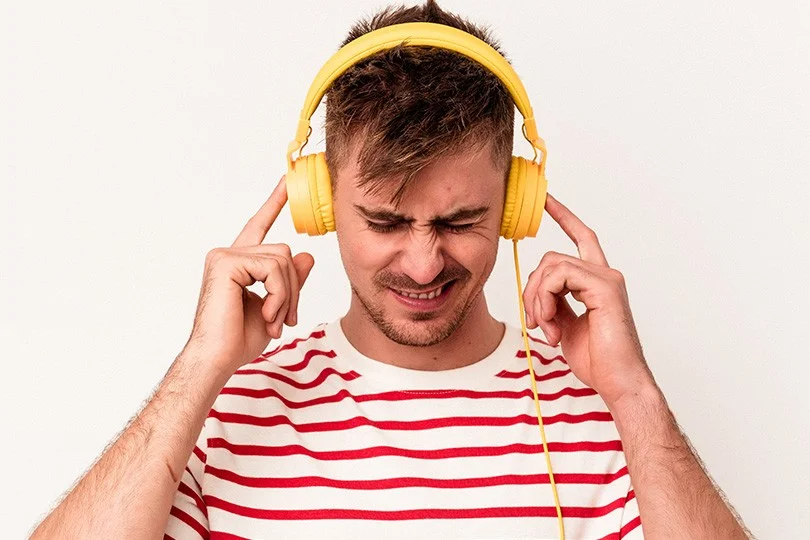
We’ve all been there. You press play, the quiet intro to your favorite song begins, and then you hear it… a faint hiss, a subtle crackle, or a high-pitched whine. It’s the unwelcome guest at your listening party: headphone noise.
This phantom noise is most noticeable in the quiet moments, and it can be incredibly distracting, turning a relaxing music session into an irritating chore. But before you throw your headphones against the wall, the good news is that most of these issues are fixable. Let’s hunt down that noise and kill it.
Contents
Know Your Enemy: Types of Headphone Noise
First, let's identify the culprit. Headphone noise usually comes in a few flavors:
- Background Hiss: A quiet but constant static, like an old TV that’s been left on.
- Crackles and Pops: Sharp, sudden sounds that come and go.
- High-Pitched Whine: A thin, piercing sound that’s especially annoying in the quiet.
To figure out how to get rid of the noise, we first need to find out where it's coming from.
Finding the Culprit: Why Your Headphones Are Noisy
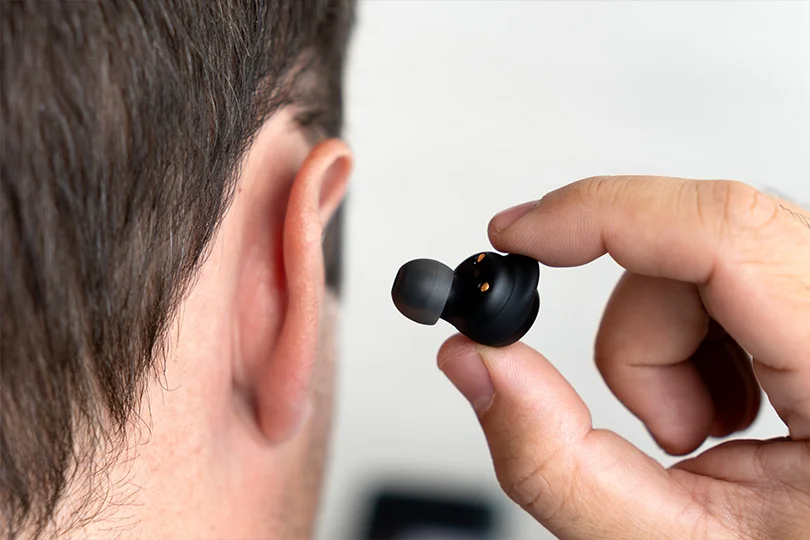
The root of the problem is the first step to a solution. The causes are different for wireless and wired headphones.
For Wireless Headphones: War in the Airwaves
The main problem is radio interference. Your wireless headphones operate on the busy 2.4 GHz frequency. So do your Wi-Fi router, microwave, smartphone, and countless other devices. When these channels get overcrowded, interference happens. This is especially true in apartment buildings where dozens of Wi-Fi networks are fighting for the same airspace.
For Wired Headphones: It's Probably the Cable
Here, the noise is almost always due to a physical issue:
- Cable Damage: The thin wires inside the cable can fray or break from constant bending.
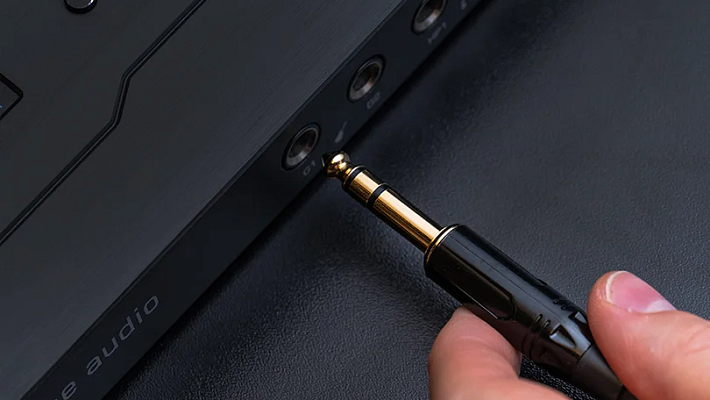
- Worn-Out Jack: The 3.5mm plug can become loose over time, leading to a bad connection.
- Dirty Connector: Dust and lint in the jack can interfere with the signal.
Problems for Everyone (Hardware & Software)
Regardless of connection type, any pair of headphones can suffer from:
- Worn-Out Drivers: Over time, the speaker diaphragms can lose their elasticity and start to sound distorted.
- Corrosion: Moisture can get inside and oxidize the metal contacts.
- Outdated Drivers: Your computer's or phone's software isn't processing the audio signal correctly.
- OS Glitches or USB Port Issues: Sometimes, the problem isn't the headphones at all, but the device they're connected to.
The Fix-It Guide: How to Get Rid of the Noise
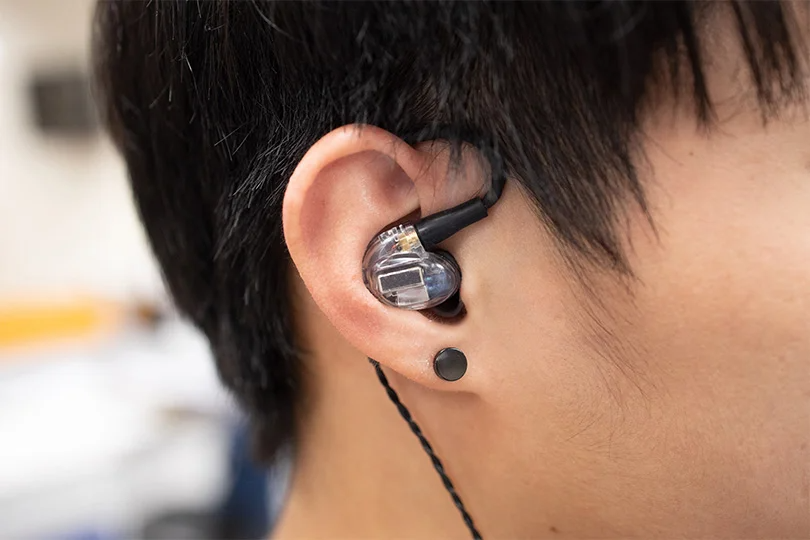
Let's get practical. We’ll start with the simple fixes — they often solve the majority of problems.
Solutions for Wireless Headphones
- The Classic Reboot: The simplest trick is often the best. Go into your device's Bluetooth settings, disconnect your headphones, and then reconnect them. Your device will automatically search for a less congested channel.
- Change Your Location: Move 2–3 meters away from your Wi-Fi router, microwave, or other wireless devices. The less competition, the cleaner the signal.
- Update the Firmware: Open the headphone manufacturer's official app and check for a firmware update. Newer versions often include fixes for connection and sound issues.
Solutions for Wired Headphones
- Check the Physical Connection:
- Clean the jack. Use a dry cotton swab to gently clean out any dust or lint from the 3.5mm port.
- Isolate the problem. Plug the headphones into a different device (another phone, a laptop). If the noise is gone, the problem is your original source device. If the noise is still there, the problem is the headphones.
- The Wiggle Test. Gently wiggle the cable near the plug and near the earcup. If you hear crackling, you have an internal wire break.
- DIY Repair (For the Brave): If the wire is broken near the plug, you can try to repair it with a soldering iron and some heat-shrink tubing. But a word of warning: unless you’re confident with a soldering iron, you risk turning a somewhat broken headphone into a very dead one. When in doubt, call a pro — we’ll get to that in a few.
- For USB Headphones: Try a different USB port. Some ports on a computer provide more stable power than others. Remember to always plug directly into the computer, not through a USB hub or extender.
Universal Software Fixes (For Computers)
- Update Your Audio Drivers: On Windows, go to "Device Manager," find your sound card, right-click, and select "Update driver." Better yet, go to the manufacturer's website and download the latest version directly.
- The Full Reset: If updating doesn't work, try a system refresh. In "Device Manager," uninstall your sound device and then restart your computer. The system will reinstall the drivers from scratch, which can clear out accumulated errors.
- Check Your Volume Levels: Set your system volume to around 70–80% and adjust the final loudness in your app or on your headphones. Maxing out the system volume can often introduce distortion.
- Pro Tip for macOS Users: You can reset your audio system by opening the Terminal and typing
sudo killall coreaudiod.
Time to Call a Pro? When to Seek Repairs
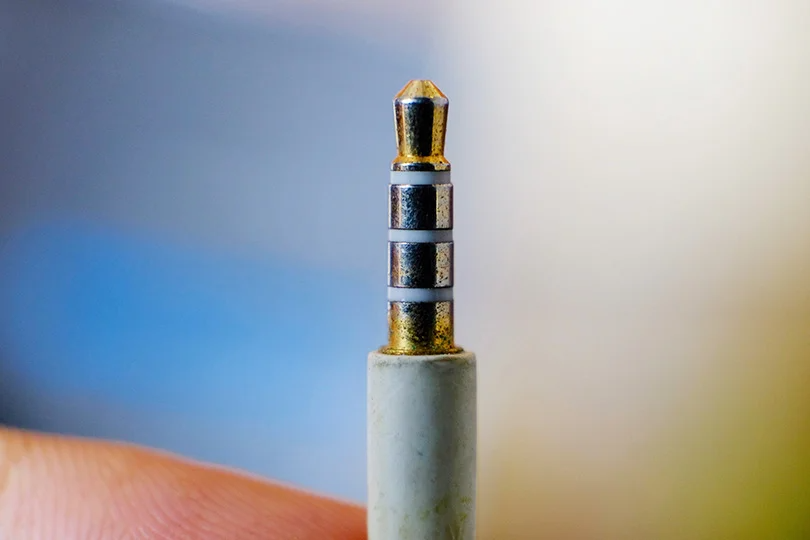
If you've tried everything and the noise is still there, the problem is likely a hardware defect.
Signs It's Time for a Repair:
- The noise is present on multiple devices and doesn't go away.
- Sound only works in one ear, while the other is silent or just hisses.
- The crackling gets worse when you move your head or touch the earcup.
You can try simple things yourself, like cleaning the contacts or replacing the earpads. But for anything that involves opening the housing, it's best to trust a professional, especially with an expensive pair of headphones.
Do Not Despair
Headphone noise is annoying, but in most cases, it's a solvable problem. Start with the simple steps: check your connections, reboot your devices, and update your software. For wireless, it's all about fighting interference; for wired, it's about checking the physical cable.
If you're still stuck, don't hesitate to bring your gear to us at Dr.Head’s Dubai showroom. Our experts can help diagnose the problem and, if a repair isn't worth it, help you find a new pair that will give you nothing but clean, beautiful sound.