One Earbud Not Working? Here is How to Fix It (Before You Buy New Ones)
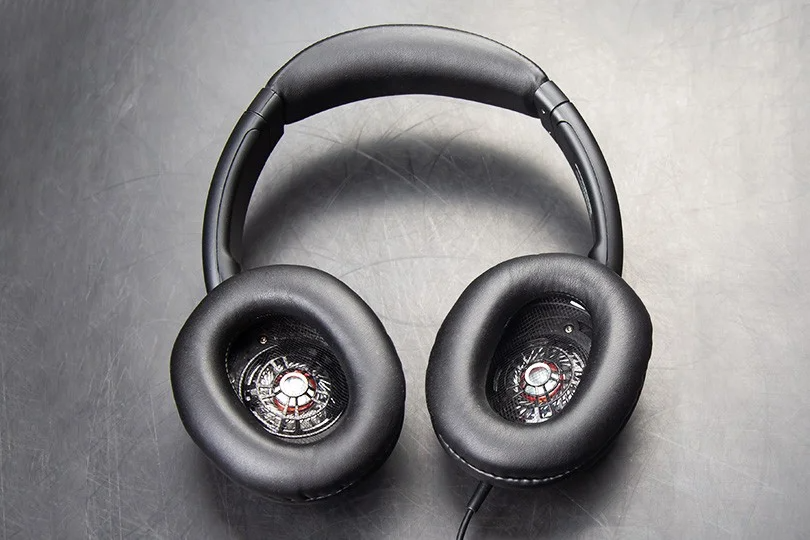
You press play on your favorite track, expecting immersion, but get disappointment instead. One side is silent. Whether you are rocking vintage wired headphones or the latest True Wireless (TWS) buds, "mono sound" is incredibly frustrating.
But don't panic and throw them in the trash yet. In 80% of cases, the issue isn't a broken speaker — it’s a connection glitch, a software setting, or... well, earwax.
Here is your step-by-step guide to troubleshooting the silence and bringing the stereo back.
Contents
1. The "Is It Just Me?" Check (Start Here)
Before you start dissecting your gear, spend 2 minutes on the obvious suspects.
- Re-plug It: If they are wired, unplug them and push the jack back in firmly until you hear a click. A loose connection is the #1 culprit.
- Rule Out Eco Mode: Wireless headphones often turn off one side to save power when the battery is critically low. Charge them for 30 minutes and try again.
- Check the File: Are you sure the video/song isn't mono? Try a different app (like Spotify or YouTube) to rule out a bad source file.
2. Wired Headphones: The Wiggle Test

With wired cans, the weak point is almost always the cable or the connector.
The Diagnosis: Play music and gently bend and wiggle the cable at three key points:
- Right next to the jack plug.
- Where the cable splits into a "Y" shape.
- Where the cable enters the ear cup.
If the sound crackles or pops back in for a second, you have a cable fracture.
The Fix: If the cable is detachable (AUX/MMCX), just buy a replacement. If it’s fixed, you’ll need a soldering repair (or new headphones).
Another alternative is a dirty jack: lint from your pocket can get stuck inside your phone's headphone port, preventing the plug from clicking in fully.
The Fix: Use a can of compressed air or a wooden toothpick (gently!) to fish out the fluff.
Pro-Tip on Jacks: Check your plug. A TRS plug (2 rings) is for audio only. A TRRS plug (3 rings) has a microphone. Sometimes, using an adapter or plugging a headset into an old device causes channel mismatch.
3. Wireless (TWS): Sync and Charging Issues

If your AirPods or Galaxy Buds are playing from only one side, they have likely lost "sync" with each other. The left bud thinks it's solo, and the right bud thinks it's solo.
Solution A: The "Forget" Method
- Go to Bluetooth settings on your phone.
- Tap "Forget This Device" or "Unpair."
- Put both buds back in the case and close the lid for 10 seconds.
- Open and reconnect.
Solution B: The Factory Reset
If that fails, force a hard reset.
- Put both buds in the case.
- Find the small button on the case (or hold the touch sensors on both buds — check your manual).
- Hold for 10–15 seconds until the LED flashes (usually red or white).
- Re-pair them as a new device.
Solution C: The Invisible Film
Sometimes a bud isn't broken; it’s just dead because it stopped charging. Look at the gold metal contacts on the earbud and inside the case. Is there dirt or oil covering them?
The Fix: Clean the contacts with a Q-tip dipped in a little rubbing alcohol.
4. The Silent Killer: Earwax and Dirt

It’s gross, but we have to talk about it. In-ear monitors (IEMs) have a tiny mesh grille that protects the driver. Over months, earwax can clog this mesh completely, blocking sound waves.
The Symptoms:
- One side is significantly quieter than the other.
- The sound is muffled or lacks treble.
The Fix:
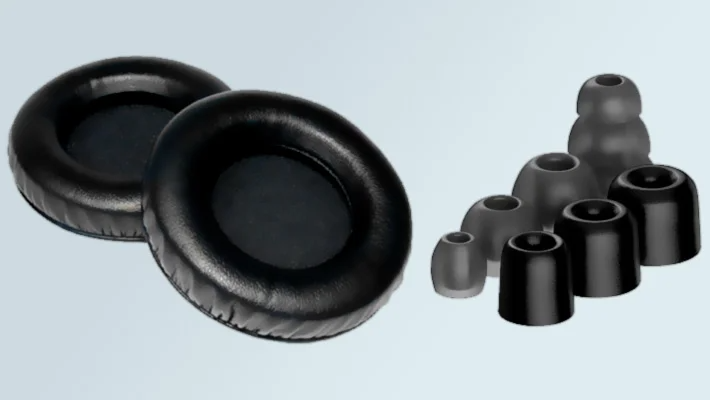
- Remove the silicone ear tip.
- Use a soft brush (a clean toothbrush works) to gently sweep the mesh.
- Do not use a needle to poke holes in the mesh—you might pierce the driver!
- Do not use water.
5. Software Glitches: Check Your Balance
Sometimes your headphones are fine, but your phone settings are trolling you.
Check Audio Balance:
- iOS: Settings > Accessibility > Audio/Visual > Balance. Make sure the slider is in the center.
- Android: Settings > Accessibility > Hearing Enhancements > Left/Right Sound Balance.
- Windows: Sound Settings > Device Properties > Levels > Balance.
We have seen many customers ready to throw away expensive headphones, only to realize their kid messed with the balance slider!
6. When to Call It Quits?

If you have cleaned the mesh, reset the Bluetooth, wiggled the cable, and checked the balance — and it’s still silent — you likely have a hardware failure (blown driver or dead internal battery).
- Warranty: If they are under 1-2 years old, this is usually a valid warranty claim.
- Service: At Dr.Head Dubai, we have a service center that can diagnose premium headphones.
- Upgrade: Sometimes, it’s a sign. If your budget buds died, maybe it’s time to step up to a model with replaceable cables and better build quality.
Remember: when in doubt, come visit our showroom. We can test your current pair, and if they are truly gone, help you find a worthy successor.