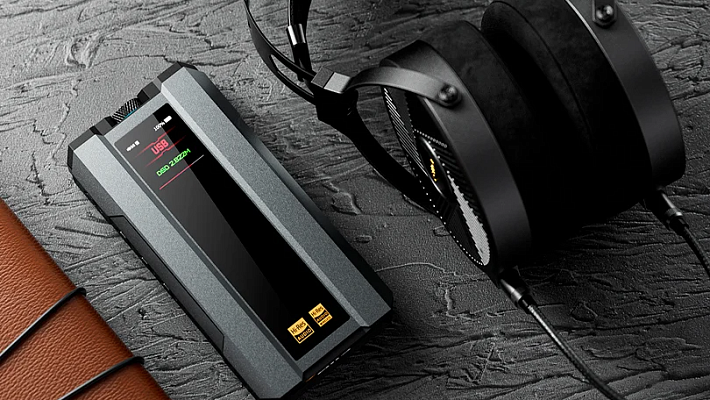
Hi-Res Audio Explained: What It Is and How to Actually Hear It
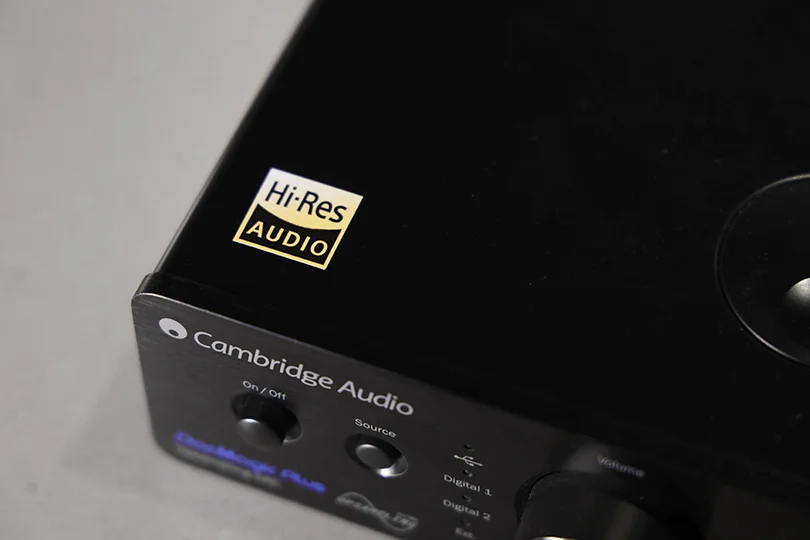
You see that little black-and-yellow "Hi-Res Audio" sticker everywhere: on headphones, players, and streaming apps. But what does it actually mean? Is it just a marketing gimmick, or is it a truly superior way to listen to music?
The truth is, Hi-Res Audio (HRA) is the real deal, but it's also widely misunderstood. It can provide sound that's dramatically better than a CD, bringing you closer to what the artists heard in the recording studio. But here's the catch: a HRA file alone won't do anything. You need a complete, unbroken chain of Hi-Res-capable gear to hear the difference.
Let's break down what Hi-Res Audio is, what it isn't, and what you actually need to play it.
Contents
What is Hi-Res Audio? Simply Put
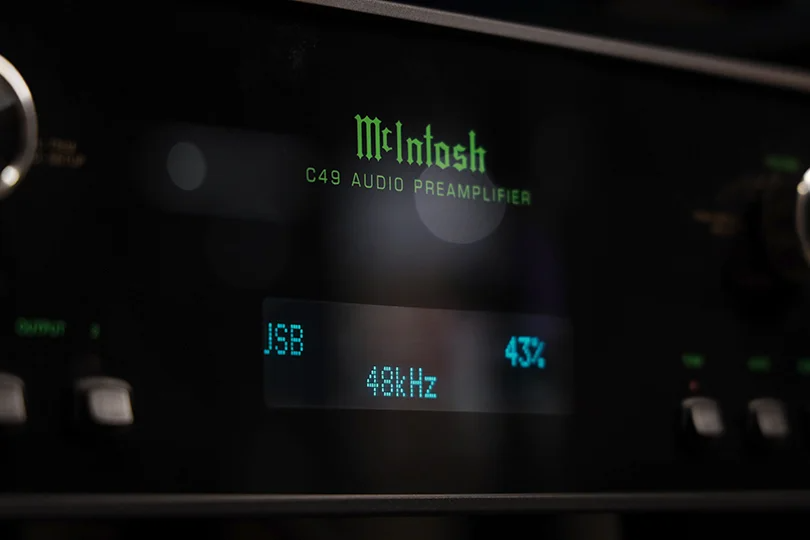
For decades, the Compact Disc (CD) was our standard for "perfect" digital sound. Its technical spec is 16-bit / 44.1kHz.
In the simplest terms, Hi-Res Audio is any digital format that is better than CD quality.
The most common Hi-Res formats you'll see are 24-bit / 96kHz or 24-bit / 192kHz, packaged in files like FLAC, WAV, MQA, or DSD.
What do those bigger numbers mean?
- Higher Bit Depth (e.g., 24-bit vs. 16-bit): This measures the dynamic range, or the difference between the quietest and loudest possible sounds. 24-bit audio has a vastly lower noise floor, meaning you can hear more subtle details, textures, and tiny echoes in a recording that are simply lost in a 16-bit file.
- Higher Sample Rate (e.g., 96kHz vs. 44.1kHz): This measures how many "snapshots" of the sound wave are taken per second. A higher sample rate can capture frequencies far beyond the range of human hearing, which many engineers and audiophiles believe adds a sense of "air," realism, and more accurate timing to the sound.
The "Hi-Res Audio" Logo: What Does It Really Mean?
That little sticker is an official certification from the Japan Audio Society (JEITA). To earn it, a device must meet two standards:
- Digital: It must be able to decode and play digital files of at least 24-bit / 96kHz.
- Analog (Headphones/Amps/Speakers): It must be able to physically reproduce frequencies up to 40kHz (even though humans can only hear up to about 20kHz). The theory is that these ultrasonic frequencies add realism and harmonics that we feel rather than hear.
The Catch: Does Your Music Even Exist in Hi-Res?
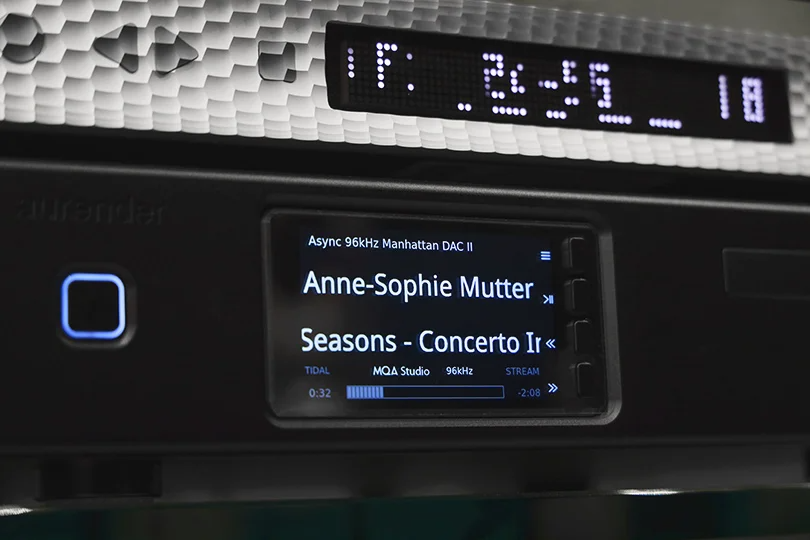
Before you spend money upgrading, you need to face one reality: availability. Most music streaming (like the standard Spotify tier) is "lossy" — meaning, compressed. On the contrary, Apple Music and Tidal have "Lossless" tiers, which are fantastic, CD-quality audio.
But true Hi-Res Audio is a smaller, more exclusive club. Services like Tidal (HiFi Plus tier), Qobuz, and specialist download stores are the primary sources. The problem? Their libraries are smaller than mainstream ones. Your favorite '90s punk band or underground electronic artist might not have a Hi-Res master available.
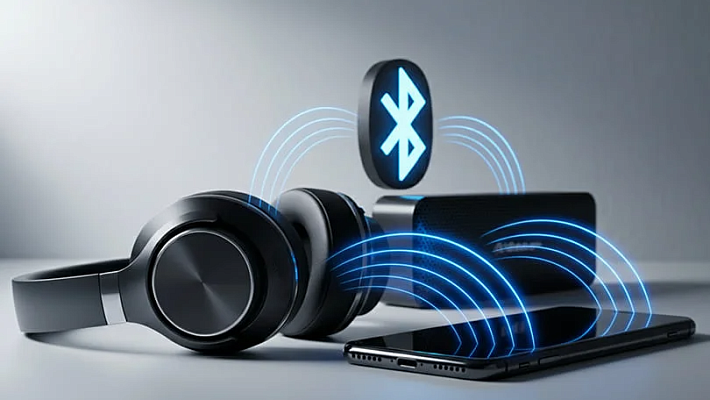
The Elephant in the Room: What About Bluetooth?
Let's be clear: Bluetooth, as you know it, cannot transmit true Hi-Res Audio.
Bluetooth was designed for convenience, not quality. It compresses the signal to send it wirelessly.
- Standard Bluetooth (SBC, AAC, aptX): Compresses the audio, losing data.
- High-Quality Bluetooth (LDAC, aptX HD): These are much better! They are near Hi-Res, but they are still "lossy" compression.
- The Newest Tech (aptX Lossless): This new codec is the first to promise CD-quality (16-bit/44.1kHz) losslessly over Bluetooth, which is a huge achievement.
But even the absolute best Bluetooth codec today is only just now touching CD-quality. It is not capable of transmitting a full 24-bit/96kHz Hi-Res stream. If you want to listen to true Hi-Res Audio, you need a wire.
The Hi-Res Chain: What You Actually Need to Hear It
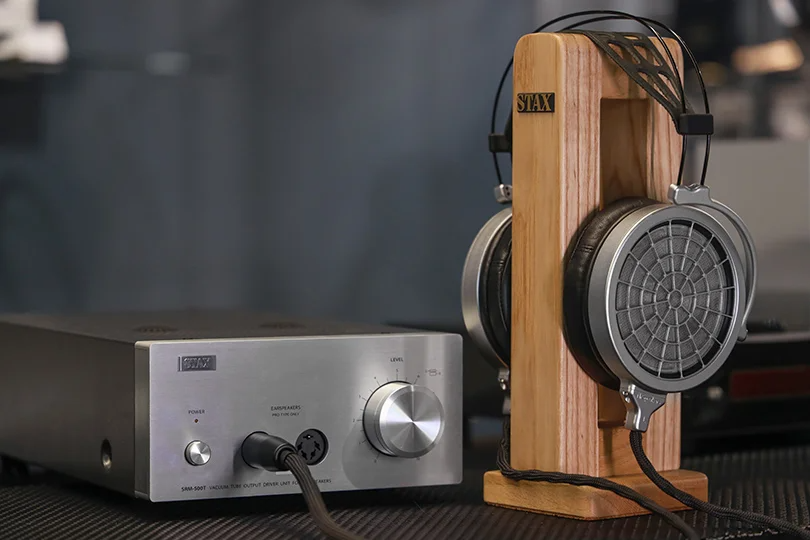
To hear a Hi-Res file, you need an unbroken chain where every single component is Hi-Res capable. If any one link in the chain is broken, the entire file is "downsampled" to a lower quality.
Here is the chain:
- The File: You need a true Hi-Res track (e.g., a 24-bit/96kHz FLAC file) from a service like Qobuz or Tidal.
- The Player: You need a device that can read the file. This can be your laptop, a dedicated Digital Audio Player, or a Network Streamer. A standard smartphone might not support the codecs or software needed.
- The DAC: This is the heart of the system. The Digital-to-Analog Converter reads the Hi-Res digital file and converts it into the analog signal your amp can use. The built-in DAC in your laptop or phone is not good enough, period. You need a dedicated Hi-Res DAC, whether it's a portable USB DAC for your phone or a standalone home unit.
- The Amp & Speakers/Headphones: This is where that "40kHz" logo comes in. Your amplifier and speakers/headphones need to be high-quality enough to resolve the tiny details and extended frequencies that the Hi-Res file provides.
The Final Pro-Tip: Don't Forget Your Room!
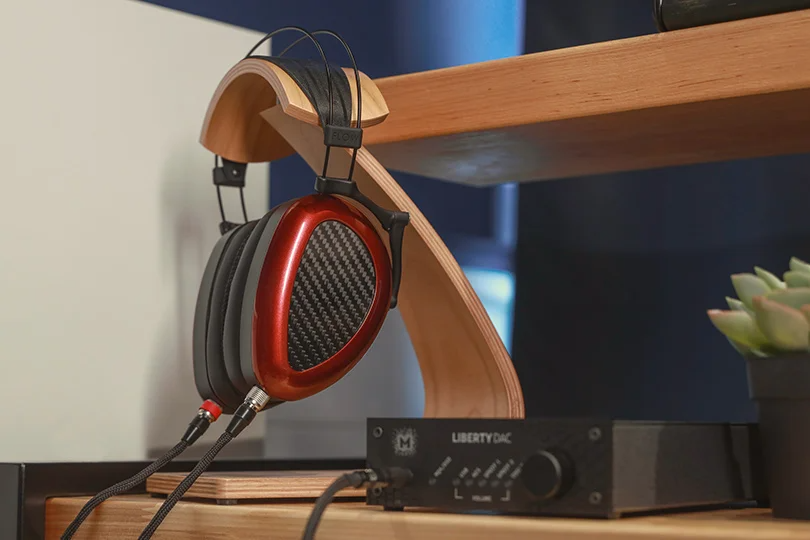
Want to know a secret? Your room's acoustics have a bigger impact on your sound than the jump from CD-quality to Hi-Res. A Hi-Res file played in a room with bare walls and bad echoes will sound worse than a CD-quality file in a well-treated room.
Hi-Res Audio is that final 10% — the icing on the cake. It's for audiophiles who have already optimized their system (great DAC, great amp, great headphones, and a good listening environment) and want to squeeze out that last drop of realism.
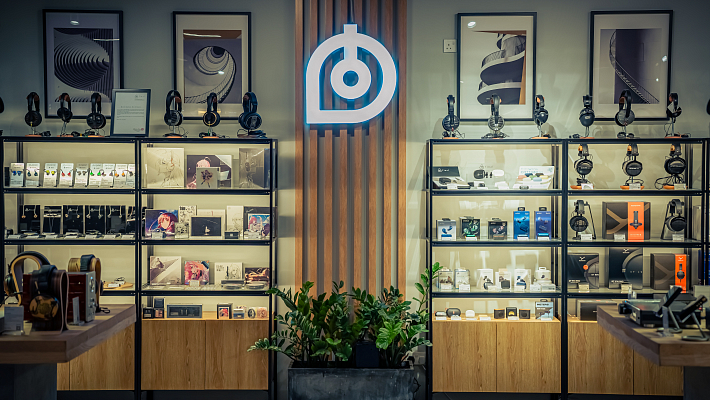
In the Dr.Head showroom in Dubai, we have a professional studio that’s perfect for hearing all the nuances of Hi-Res Audio. Stop by, and our experts will be happy to help you dive into the wonderful world of music — the way you’ve never listened to it before.