HDMI Explained: The One Cable to Rule Them All
It’s likely the most common cable in your house, save for the almighty USB Type-C. You plug it into your TV, your PlayStation, your laptop, and your soundbar. But did you know that not all HDMI cables are created equal?
Using the wrong HDMI cable is like putting cheap tires on a Ferrari. You might have a powerful 4K TV and a PS5, but if the cable can’t handle the data, you’re missing out on the performance you paid for.
Let’s cut through the technical jargon and the confusing version numbers to help you find exactly the right cable for your setup.
Contents
What Is HDMI Anyway?
HDMI stands for High-Definition Multimedia Interface. Before HDMI, we had to mess around with three different colored cables (Red/White for sound, Yellow for video) or bulky SCART/DVI connectors. HDMI changed the game by sending high-resolution video and surround sound down a single digital wire.
It has become the global standard because it just works. But as TVs got better, the amount of data the cable needs to carry has skyrocketed. This is why we have different "versions."
The 3 Connector Shapes
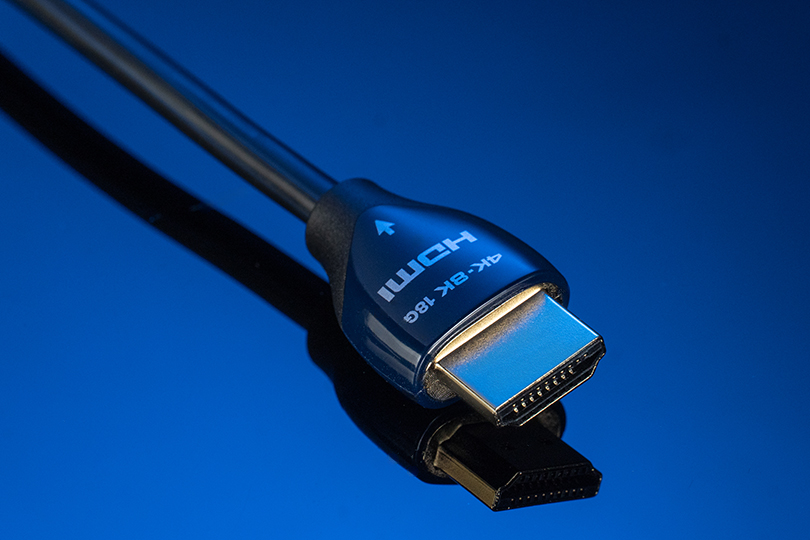
First, let’s make sure it fits. While the technology inside changes, the physical plugs have mostly stayed the same.
- Type A (Standard): This is the one you know. The standard size found on TVs, Xbox, PS5, Apple TV, and laptops. 99% of the time, this is what you need.
- Type C (Mini HDMI): Looks like a smaller version of the standard plug. Often found on DSLR cameras and some older tablets.
- Type D (Micro HDMI): The smallest of the bunch — about the size of micro-USB. It’s used for action cameras like GoPros and some super-thin laptops.
Versions vs. Cables: What Do You Actually Need?
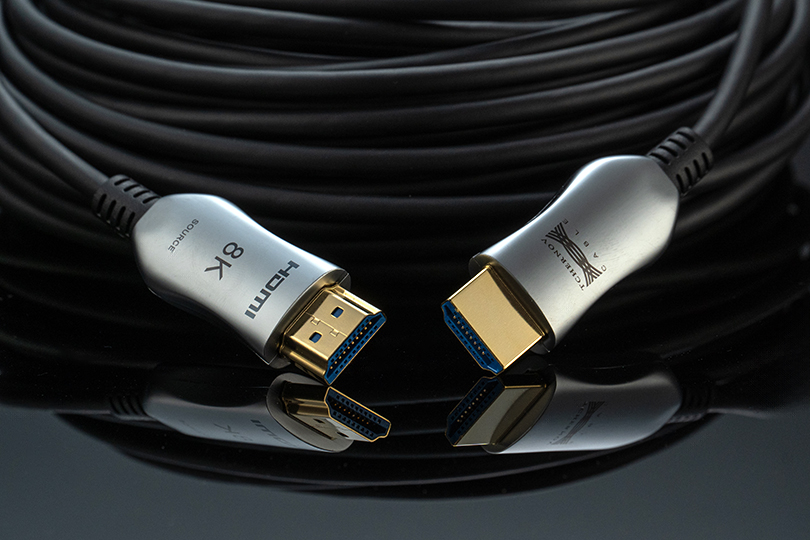
Here is where people get confused, as there are just way too many of these versions. But let’s be honest: you don't need to know about HDMI 1.0. You only need to know about the two standards that matter today.
The "Standard" Choice: HDMI 2.0 (Premium High Speed)
If you have a standard 4K TV and watch Netflix or movies, this is your workhorse.
- Resolution: Up to 4K at 60Hz.
- Speed: 18 Gbps.
- Best For: Apple TV, Roku, 4K Blu-Ray players, standard TV watching.
The "Gamer" Choice: HDMI 2.1 (Ultra High Speed)
If you own a PS5, Xbox Series X, or a high-end PC, you need this cable.
- Resolution: Up to 4K at 120Hz (super smooth gaming) or even 8K at 60Hz.
- Speed: 48 Gbps (that’s nearly 3x the speed of the older cable!).
- Best For: Next-gen gaming consoles, high-end PC gaming, 8K TVs.
Pro-Tip: Don't look for the version number on the box, as manufacturers can be tricky. Look for the Marketing Name.
- Buying for movies? Look for "Premium High Speed."
- Buying for PS5/Xbox? Look for "Ultra High Speed."
Key Features: Why Upgrade?
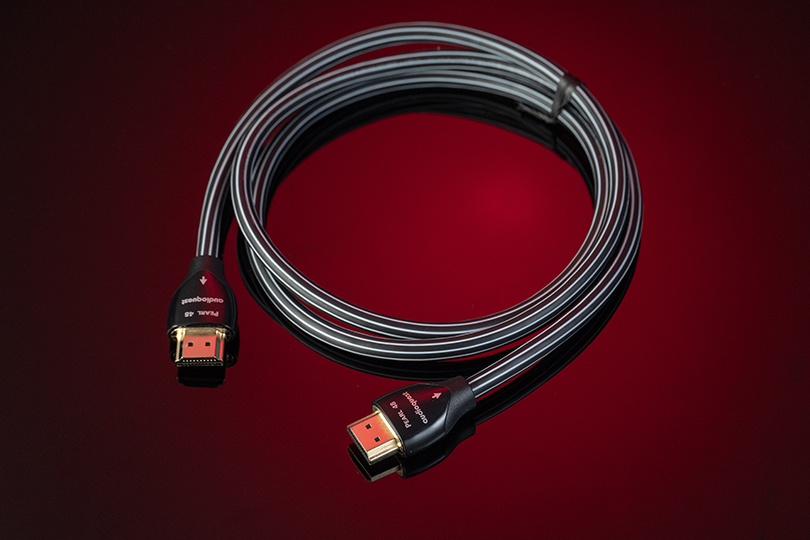
You might have your trusty old cable at home — we all do, really — and wonder: what’s the point of getting a newer version? The thing is that newer HDMI cables don't just give you more pixels; they give you smarter features. Which features, you ponder? We’re glad you asked.
eARC (Enhanced Audio Return Channel)
In the past, you needed an optical cable to get sound from your TV to your soundbar. Then came ARC (Audio Return Channel), which did it over HDMI. Now, we have eARC, and it’s even better. It has huge bandwidth, allowing you to send uncompressed, cinema-quality surround sound like Dolby Atmos and DTS:X from your TV apps straight to your receiver or soundbar.
Gaming Superpowers (VRR & ALLM)
The newest HDMI cables aren’t just about resolution; they are about speed.
- VRR (Variable Refresh Rate): Stops "screen tearing" and stuttering in games.
- ALLM (Auto Low Latency Mode): Automatically switches your TV to "Game Mode" when you launch a game to minimize lag.
Today, gaming without these features is suboptimal, to say the least.
The Length Limit: When to Go Active
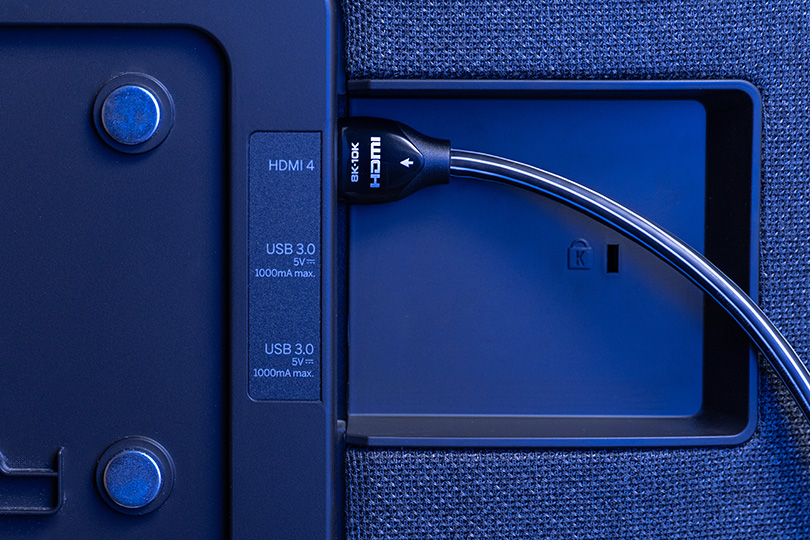
Here is a law of physics: electric signals degrade over distance. With older HD signals, you could run a cheap cable for 15 meters easily. But with the massive data of 4K and 8K, copper wires tend to struggle.
- Up to 3–5 meters: With this distance, a standard passive copper HDMI cable works perfectly.
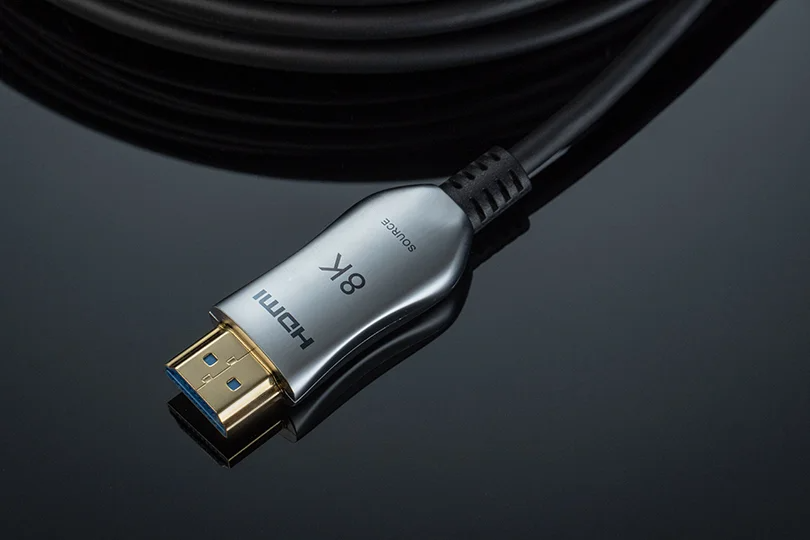
- Over 5 meters: If you are running a cable through a ceiling to a projector or across a large room, you need an Active Optical Cable (AOC). These cables use fiber optics inside to transmit the signal as light. They are thinner, lighter, and can carry perfect 8K signals over huge distances — 20m, 50m, or more — without losing a single pixel.
The Verdict
The key takeaway here is as follows: don't let a $10 cable be the bottleneck for your $2000 TV.
- Watching 4K movies? Get a Premium High Speed cable.
- Gaming on PS5/Xbox? Get an Ultra High Speed cable.
- Long distance? Get an Active Optical cable.
At Dr.Head Dubai, we have pretty much every cable type you could wish for. Whether you need a 1-meter cable for your console or a 20-meter run for your home cinema projector, we’ve got you covered — stop by, and let’s make sure you’re getting the most out of your setup.