HDMI ARC vs. eARC: How to Unlock Your TV’s Audio Potential
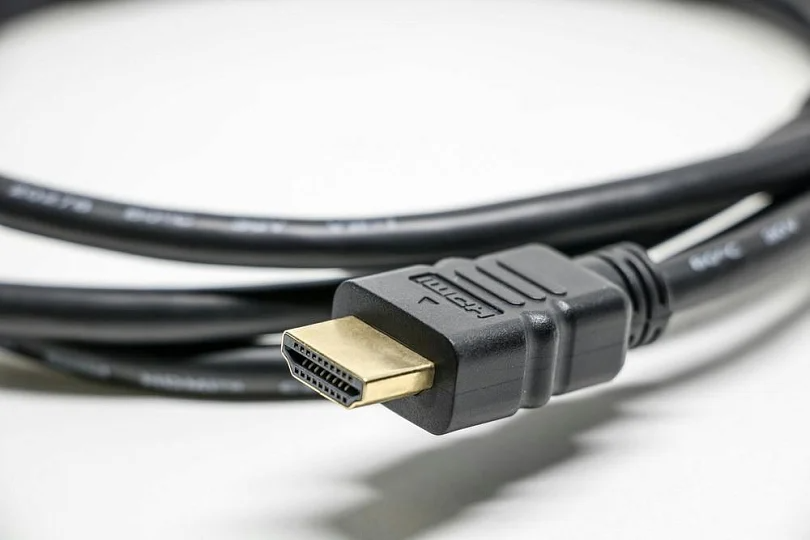
A standard HDMI cable is like a one-way street: it sends video from your console or player to the TV. But what if you want to send audio back from the TV to a soundbar or receiver? Back in the day, you needed a messy optical cable — but today, we have ARC and eARC.
These technologies add a "reverse lane" for sound, simplifying your setup and (spoiler), in the case of eARC, unlocking studio-quality audio.
Let’s break down the differences and why you need eARC for your home cinema.
Contents
What is HDMI ARC?
ARC stands for Audio Return Channel, and it was designed to kill the clutter behind your TV stand. Before ARC, if you used smart TV apps like Netflix or YouTube, you needed a separate optical cable to get sound to your external speakers. Now — you guessed it! — you don’t.
Here’s how it works: ARC allows the HDMI cable to send audio upstream from the TV to the soundbar, while simultaneously receiving video downstream.
One cable does it all. Plus, thanks to a feature called CEC, you can control your soundbar’s volume using your standard TV remote.
However, while ARC was great for the DVD era, it has a speed limit. Its bandwidth is low. It compresses audio to fit through the pipe. It cannot handle the high-bitrate, uncompressed audio found on 4K Blu-rays or modern gaming consoles.
Obviously, it had to evolve.
Enter HDMI eARC
eARC stands for Enhanced Audio Return Channel. If ARC is a country road, eARC is a massive 10-lane highway. Introduced with HDMI 2.1, it solves the bandwidth bottleneck entirely.
It surpasses its predecessor in everything:
- Massive Speed: It supports speeds up to 37 Mbps (compared to ARC's <1 Mbps).
- Uncompressed Sound: It can carry full-resolution audio formats like Dolby TrueHD and DTS-HD Master Audio without shrinking them down.
- True 3D Audio: While standard ARC can only pass a compressed version of Dolby Atmos, only eARC can deliver Dolby Atmos and DTS:X in their full, uncompressed glory.
- Lip Sync: eARC includes a mandatory feature to automatically correct delays between video and audio, ensuring voices match the actors' lips perfectly.
What Gear Do You Need?
To make this magic work, you need three things to align:
- The TV: Must have an HDMI port labeled eARC (usually HDMI 2 or 3).
- The Sound System: Your soundbar or AV receiver must also support eARC.
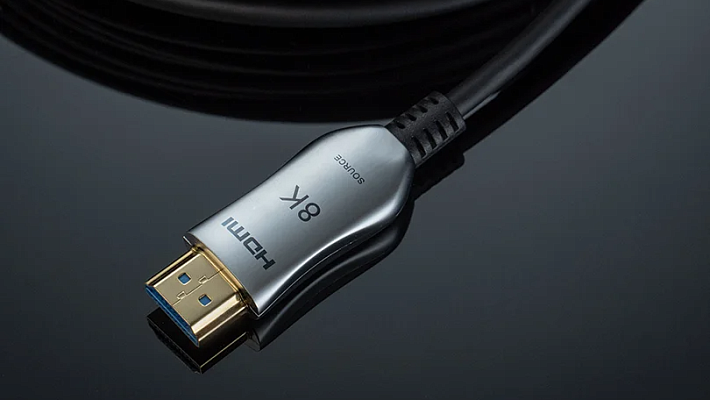
- The Cable: This is where many people fail. You need a cable with Ethernet support. Look for "Ultra High Speed" HDMI cables (certified for HDMI 2.1) to guarantee stability. Old cables might cause dropouts, and you don’t want those.
Which One Should You Choose?
While yes, eARC is superior in every way, there’s still a chance you might do just fine with the older cable. Here’s a breakdown of when you’d need either option.
Stick with ARC if:
- You use a basic soundbar or stereo setup.
- You mostly watch broadcast TV or standard streaming services, where audio is already compressed.
Upgrade to eARC if:
- You are building a serious home theater.
- You own a PS5 or Xbox Series X and want uncompressed surround sound while gaming.
- You watch 4K Blu-rays or use premium streaming tiers that offer high-bitrate audio.
- You want the best possible experience from Dolby Atmos.
How to Connect eARC
- Find the Ports: Look at the back of your TV and Soundbar. Find the HDMI port specifically labeled eARC.
- Connect: Plug your high-speed HDMI cable into these specific ports on both devices.
- Activate: Go to your TV’s Sound Settings.
- Change Audio Output to "HDMI ARC" or "Audio System".
- Enable HDMI-CEC (often called Anynet+, Bravia Sync, or Simplink).
- Ensure eARC Mode is set to "Auto" or "On".
The Verdict
eARC is not just marketing hype; it is the bridge to the future of home audio. It removes the compromise between convenience and quality.
If you are planning to upgrade your home cinema, ensure your next TV and sound system are eARC compatible — otherwise, you’ll be missing out on those great sound design features of modern movies.
But don’t take our word for it: visit the Dr.Head showroom in Dubai to hear the difference yourself. We’re sure you won’t want to return to the good old ARC after learning what the new cable generation can do for you.