Bluetooth Deep Dive: Do Versions and Codecs Actually Matter for Sound Quality?
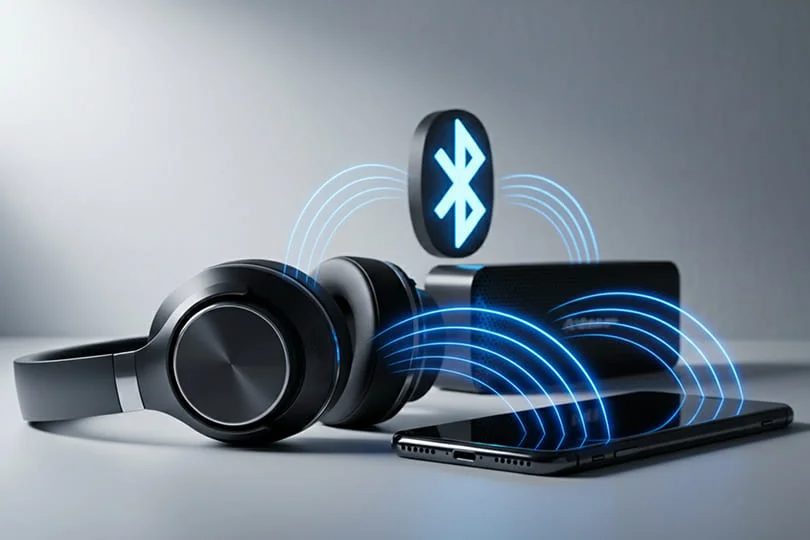
You’re shopping for new wireless headphones. You see a dizzying list of specs: Bluetooth 5.4, aptX Adaptive, AAC, LDAC… It’s enough to make your head spin. With the new Bluetooth 6.1 standard now appearing in devices, does that mean your old gear is obsolete? And does any of this actually affect how your music sounds?
Let's cut through the noise and get straight to what matters.
Contents
The Golden Rule: Hardware First, Tech Second
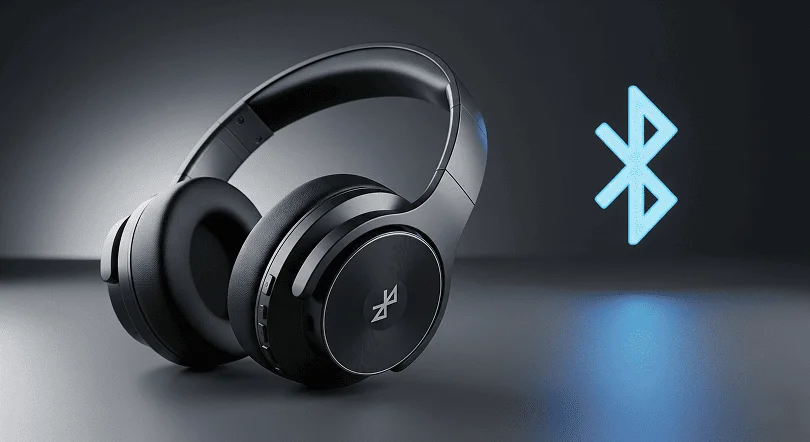
Let's be real: the quality of the headphones or speakers themselves — the drivers, the tuning, the acoustic design — has a far bigger impact on sound than the version of Bluetooth they're running. A great pair of headphones with older Bluetooth will always sound better than a mediocre pair with all the latest acronyms.
So, while the tech is important, don't base your entire decision on it. Think of it as a supporting feature, not the main event.
Bluetooth Versions: 6.1 is Here
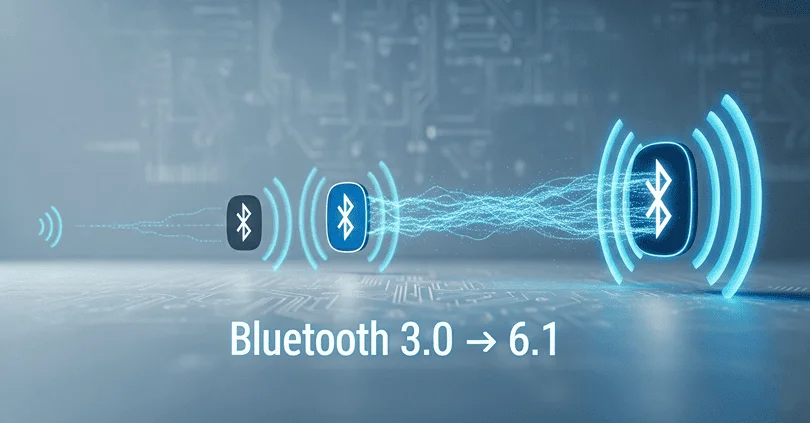
The latest official standard, Bluetooth 6.1, has been introduced, bringing key improvements for stability and new features. While you might not hear a dramatic difference in audio quality from the version number alone, the new standard lays the groundwork for a better overall experience. Its main user-facing benefits are:
- Ultra-Precise Location: Thanks to a new feature called Channel Sounding, Bluetooth 6.1 can pinpoint the distance between devices with incredible accuracy. This is a game-changer for "Find My" apps, helping you locate a lost earbud down to the centimeter.
- Zero Video Lag: The new standard is much better at managing data, which significantly reduces latency. For you, that means an end to annoying lip-sync issues when watching movies or gaming with wireless headphones.
The Key Point on Compatibility: For any feature to work, both your phone (the source) and your headphones (the receiver) need to support the same standard. If your phone has Bluetooth 6.1 but your headphones only have 5.2, your connection will run on the older 5.2 standard.
Audio Codecs: The Language of Wireless Sound
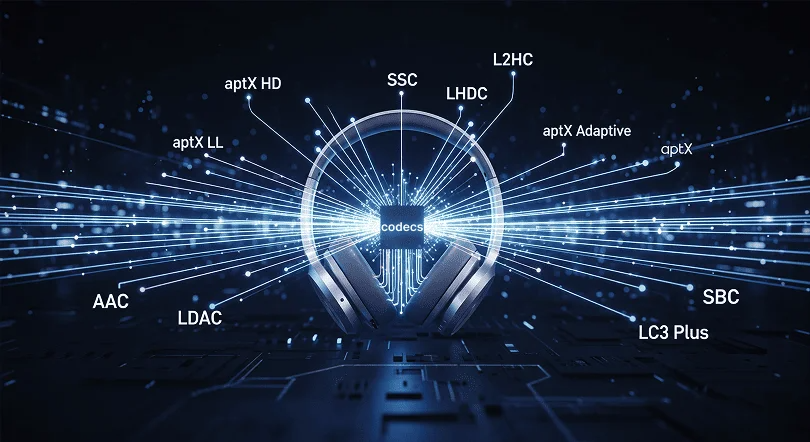
If Bluetooth is the wireless "pipe," the audio codec is the language spoken through it. To transmit music wirelessly, the audio data has to be compressed (encoded) by your phone and then decompressed (decoded) by your headphones. The codec is the algorithm that handles this process.
Better codecs can pack more audio data into the wireless signal, resulting in better sound quality. But just like with Bluetooth versions, both your phone and headphones must speak the same "language" (support the same codec) to take advantage of it.
Here are the main codecs you need to know, broken down into simple tiers:
Tier 1: The Baseline
- SBC: This is the mandatory, universal codec that all Bluetooth audio devices support. It gets the job done, but its quality can be inconsistent. Think of it as the default setting — it works, but you can usually do better.
- AAC: This is the go-to codec for Apple users. It’s optimized for iPhones, iPads, and Macs, offering better sound quality than SBC. If you live in the Apple ecosystem, having AAC support in your headphones is a big plus.
Tier 2: The Android Upgrade
- aptX: Developed by Qualcomm, this is the mainstay codec for many Android devices. It provides a stable, reliable connection with better-than-SBC sound quality.
- aptX Adaptive: The smartest of the bunch. This codec automatically adjusts its performance in real-time, balancing audio quality, connection stability, and latency. This makes it fantastic for everything from listening to music to watching videos and gaming.
Tier 3: The Hi-Res Champions
- LDAC: Sony’s high-resolution codec is the king of quality for serious listeners. It can transmit a massive amount of data (up to 990 kbps), getting you as close as possible to wired, lossless audio. To get the most out of it, you'll need a compatible source (many Android phones now support it) and high-resolution music files.
- LHDC: Consider this a direct competitor to LDAC, primarily supported by brands like Huawei. It also offers high-bitrate streaming for top-tier audio quality.
The Niche-ish Codecs
Beyond the big names, there are a few other specialist codecs you might encounter in the wild. Some, like aptX Low Latency (LL), were designed for one specific job: eliminating lag for gaming and movies. While super-effective, it has become less common as the more versatile aptX Adaptive now handles low latency just as well.
You'll also see proprietary codecs that are locked to a specific brand's ecosystem. Samsung's SSC (Samsung Scalable Codec) and Huawei's L2HC are great examples — they offer fantastic performance and seamless integration, but only when you're using a Samsung phone with Samsung buds, or a Huawei phone with Huawei headphones.
Finally, keep an eye on LC3. It's the new, highly efficient codec that's part of the next-generation LE Audio standard. It's designed to deliver better sound quality than SBC at a much lower data rate, which means a big boost for battery life. Consider it the future baseline for all Bluetooth audio.
The Bottom Line: A Simple Cheat Sheet
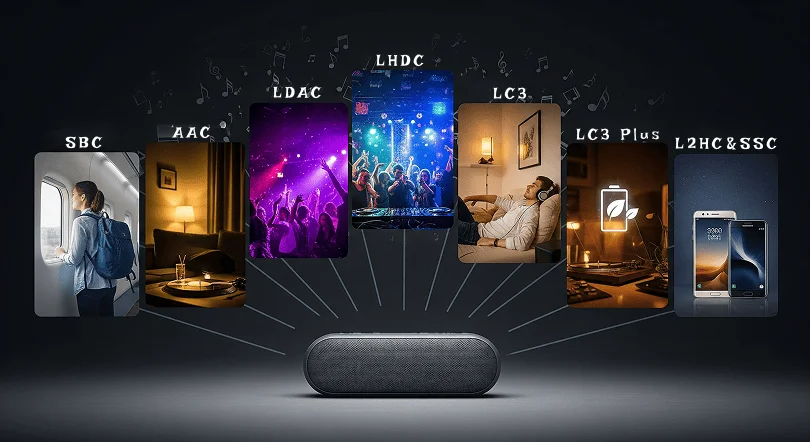
Feeling overwhelmed? Don't be. Here’s all you really need to remember:
- Trust Your Ears, Not the Specs: A great-sounding device is always the #1 priority.
- Look for Bluetooth 6.1 for future-proofing, but don't dismiss great gear with Bluetooth 5.X outright — it’s still firmly holding its own.
- Apple user? Make sure your headphones support AAC.
- Android user? Look for the aptX logo (especially aptX Adaptive).
- Hi-Res audio purist? Your target is LDAC.
Now that you're armed with this knowledge, you can make a truly informed choice. At the Dr. Head showroom in Dubai, we can help you test devices with different codecs and hear the difference for yourself. Come find the perfect wireless sound for you!