Smart TV 101: Why Your Next TV Needs a Brain
In the old days, a TV was just a screen. You plugged in an antenna or a cable box, and you watched whatever was on. Simple, right? But also... kind of boring.
Today, the "dumb" screen is dead. Enter the Smart TV: a device that is part television, part computer, and part entertainment hub. It has changed how we consume content forever.
But what exactly makes a TV "smart"? Do you really need one if you already have a laptop? And how do you pick the right one? Let’s dive in.
Contents
What Is a Smart TV?
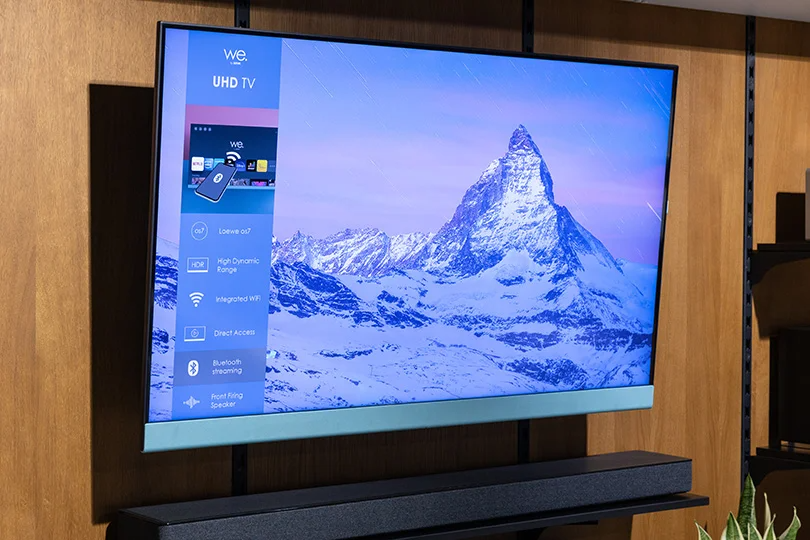
Think of a Smart TV as a giant smartphone that hangs on your wall. Like your phone, it has an operating system (OS), connects to the internet via Wi-Fi or Ethernet, and runs apps. This means you don't need a separate box to watch Netflix, YouTube, or browse the web. Everything is built right into the screen.
Instead of flipping through channels, you navigate a visual dashboard. You can switch from live sports to a 4K movie on Amazon Prime in seconds. Modern models use powerful processors to make this experience smooth, fast, and intuitive — no more laggy menus.
Smart TV vs. Regular TV: The Breakdown
Is there really such a huge difference? Long story short, yes. Let's compare the good old Just TV with the daring younger Smart TV.
1. Interface & OS
- Regular TV: Boring, static menus. You can only change basic settings like brightness or volume.
- Smart TV: A dynamic, visual OS (like Android TV, webOS, or Tizen). It’s interactive, customizable, and receives updates to get faster over time.
2. Content Access
- Regular TV: You are stuck with what's plugged into the HDMI ports — your cable box, DVD player, etc.
- Smart TV: You have an infinite library. Streaming services, music apps, social media, and games are all native to the device.
3. Connectivity
- Regular TV: Just a display. That's it.
- Smart TV: The heart of a Smart Home. It connects to your phone, your smart lights, and even your voice assistants.
What Can You Actually Do With It?
It’s not just about Netflix: a modern Smart TV is a multitasking beast.
- Streaming: Direct access to Netflix, Disney+, Prime Video, YouTube, and any other streaming services without needing an Apple TV or Fire Stick or whatever else.
- Gaming: Many new TVs support cloud gaming (like Xbox Game Pass) straight from the cloud. No console required — just connect a controller via Bluetooth!
- Mirroring: Want to show vacation photos? Tap one button on your phone (AirPlay or Chromecast), and boom — it’s on the big screen.
- Smart Home Hub: Use your voice remote to dim the lights, check the security camera feed, or ask Google Assistant/Alexa about the weather.
Buying Guide: Do You Need One?
Here is a simple checklist to help you decide.
Buy a Smart TV if:
- You are buying a new TV in 2025. Honestly, it’s hard not to buy one. Almost all decent 4K and 8K panels come with smart features built in.
- You want a clean setup with fewer cables and boxes cluttering your TV stand.
Stick with your old TV if:
- You have a perfectly good non-smart screen and just want streaming. In this case, buy a high-quality external streamer (like an Apple TV 4K or Nvidia Shield). It’s cheaper than a new TV.
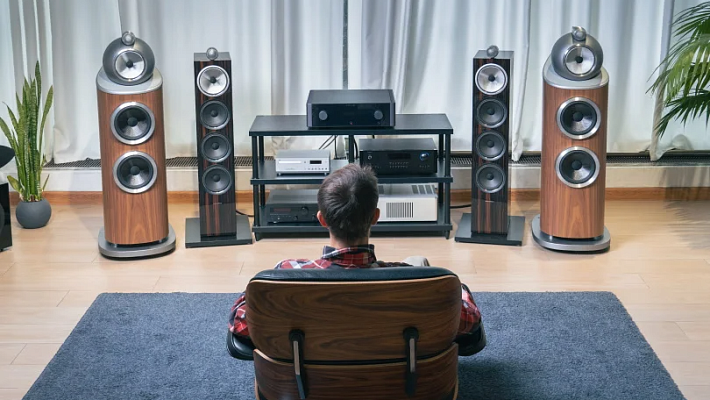
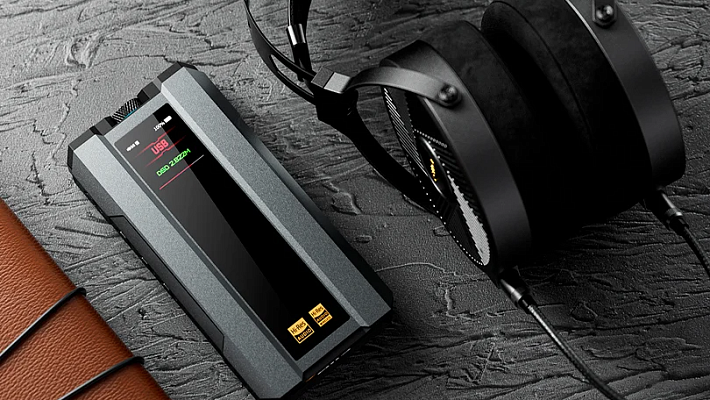
- You are an audiophile building a serious home cinema. You might prefer using a dedicated AV Receiver and external players for the absolute highest bitrate audio/video quality, treating the TV purely as a monitor.
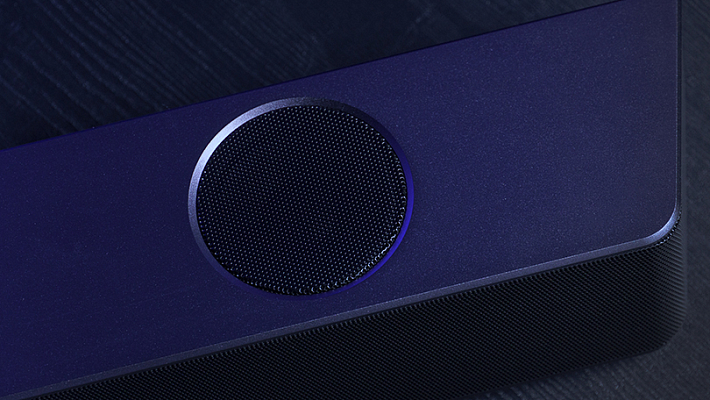
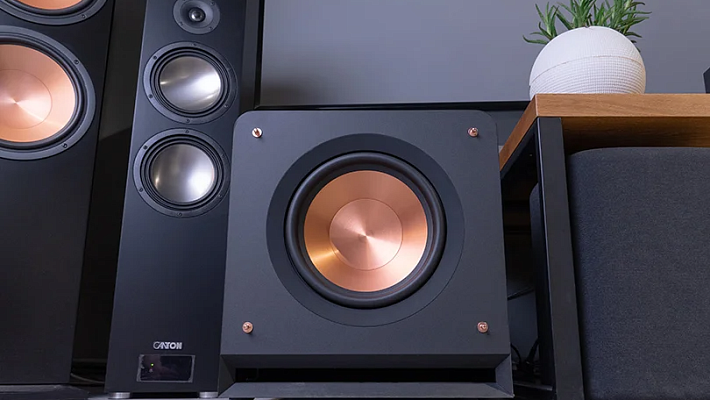
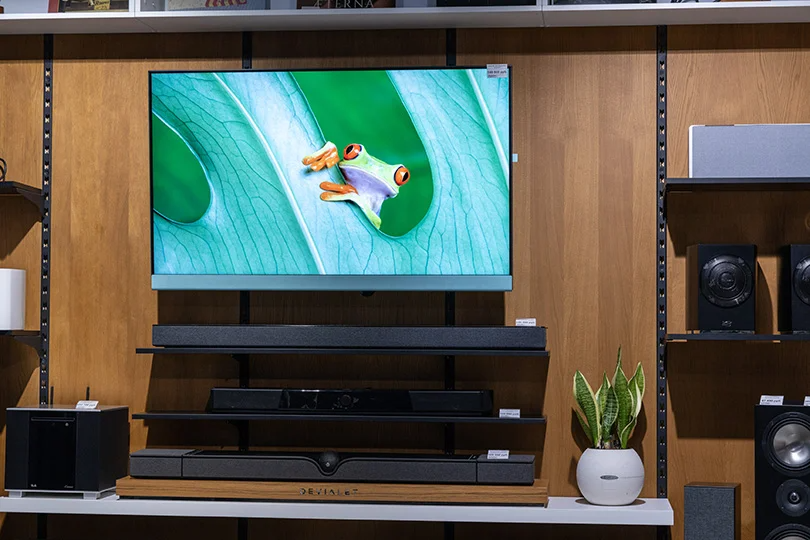
Important Note on Audio: While Smart TVs have amazing screens, their built-in speakers are usually... thin. For the best experience, we always recommend pairing your Smart TV with a soundbar or a dedicated stereo system.
FAQ: Quick Answers
Do I need the internet? Yes. To use the "smart" features like apps, streaming, voice control, etc., you need Wi-Fi or Ethernet. Without it, it’s just a regular TV.
Can I install any app? Mostly, yes. TVs with Android TV or Google TV have huge app stores similar to your phone. Proprietary systems like Samsung or LG have their own curated stores with all the major apps.
How do I connect my phone? For iPhones, most modern Smart TVs support Apple AirPlay 2, so you can mirror your screen wirelessly in seconds. For Android, look for Chromecast built-in.
The Verdict
A Smart TV isn't a luxury anymore; it's the standard. It simplifies your life by putting all your entertainment in one place. Once you see and hear a premium Smart TV or — better yet — spend a good weekend back home with one, you’ll never want to go back to the trusty but outdated Just TV. Trust us, seeing 4K OLED in person changes everything.